
Continuous research-to-creation flow
Start with collected notes, links, screenshots, or other source material, then keep building from the same workspace instead of restarting from scratch.

YouMind turns notes, sources, and prompts into finished content for writing, slides, webpages, images, audio, and video in one workspace.
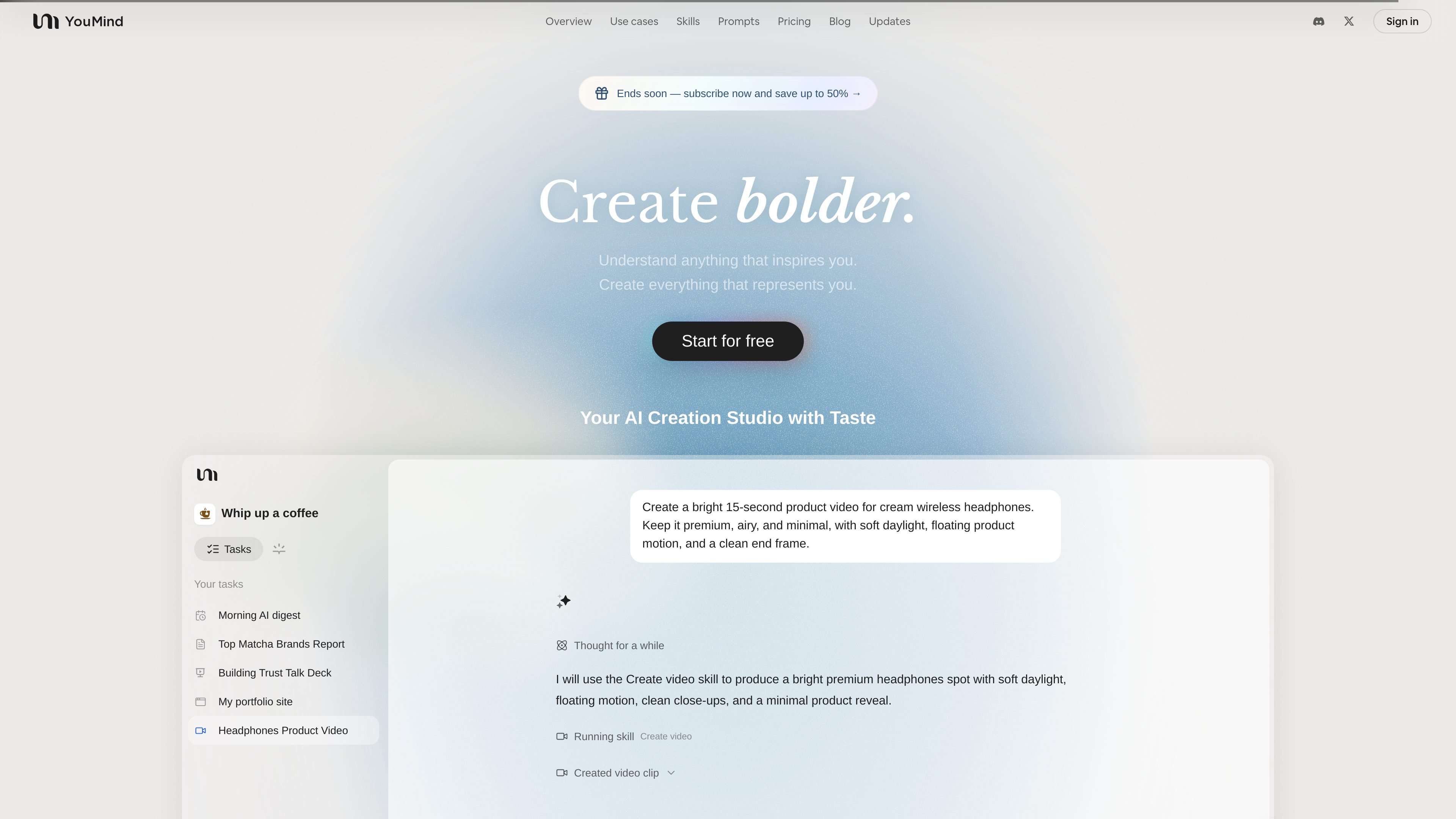
YouMind is an AI creation studio and creation agent that helps people turn scattered materials into finished work. Across its site, it is presented as a place to capture articles, videos, notes, screenshots, and prompts, then shape them into outputs such as articles, slides, webpages, images, audio, and video.
The product’s core promise is a continuous workflow from curiosity to creation. It supports research, drafting, and refinement in one workspace, with reusable skills, browsing, file parsing, and memory features that help users keep building on what they have already collected.
Start with collected notes, links, screenshots, or other source material, then keep building from the same workspace instead of restarting from scratch.
Use reusable AI Skills for learning, writing, social content, slides, and other tasks. The skills page positions Skills as a way to run focused workflows without coding.
Move from a single prompt to a fuller output, such as a report, slide deck, webpage, video, or image. The homepage demo shows the product turning a prompt into a finished 15-second product video.
Use the browser and file-based workflows mentioned on the pricing page, including unlimited file upload and parsing on Pro, plus browser use and MCP support.
Expand drafts with a larger context window and memory so the system can carry more of your materials and prior decisions through the creation process.
Upgrade from draft generation to more complete delivery by removing the YouMind badge and watermark on Pro and by getting faster, higher-quality generation on Max.
A user starts with a topic, a question, or a rough idea and uses a new board to gather sources, extract key points, and organize a report before writing the final draft.
A creator collects notes, highlights, and fragments over time, then asks YouMind to surface patterns and turn those materials into a coherent article, slide deck, or page.
A teacher, marketer, or creator uses skills and prompts to produce a lesson, caption set, poster, or video from a single brief and then refines the output inside the workspace.
A product manager, founder, or indie developer keeps research, feedback, and launch observations in one place so the system can help connect similar products, user discussion, and decisions.
A user with repetitive workflows uses reusable skills to standardize how they research, write, and package outputs across recurring projects.
YouMind is positioned as an AI creation studio and creation agent. The site presents it as a workspace for turning collected materials, notes, and prompts into drafts, slides, videos, webpages, and other finished outputs.
The pricing page shows a free plan and two paid annual plans. Free includes limited AI credits, limited model access, up to 100 files, limited AI features, and limited memory/context; Pro and Max add higher credit allowances and broader capabilities.
The source pages show workflows centered on starting a board, gathering materials, and then generating or refining outputs with skills, prompts, browser use, and file parsing. The exact setup steps vary by use case, but the product is designed to work as a continuous research-to-creation flow.
The pricing page lists Pro features such as AI writing, image, slides, webpage, audio and video creation, MCPs, browser use, skills marketplace, expanded memory and context, and unlimited file upload and parsing. That indicates YouMind can support more than one output format from the same workspace.
The source does not provide a detailed public limit chart for every plan boundary, and some product capabilities are only described at a high level. For exact pricing, credit usage, and feature availability, the pricing page or in-product plan details are the safest references.