
Multiple AI models in one place
Access a range of fast and advanced models in one workspace, including GPT-5 Mini, GPT-5, Claude, Gemini, DeepSeek, Grok, Perplexity, Mistral, and others listed on the pricing page.

Inner AI is an AI workspace for organizing ideas, creating content, and speeding up research and task work. It combines multiple models, prompt libraries, document interaction, and multimodal generation in one web and mobile product.
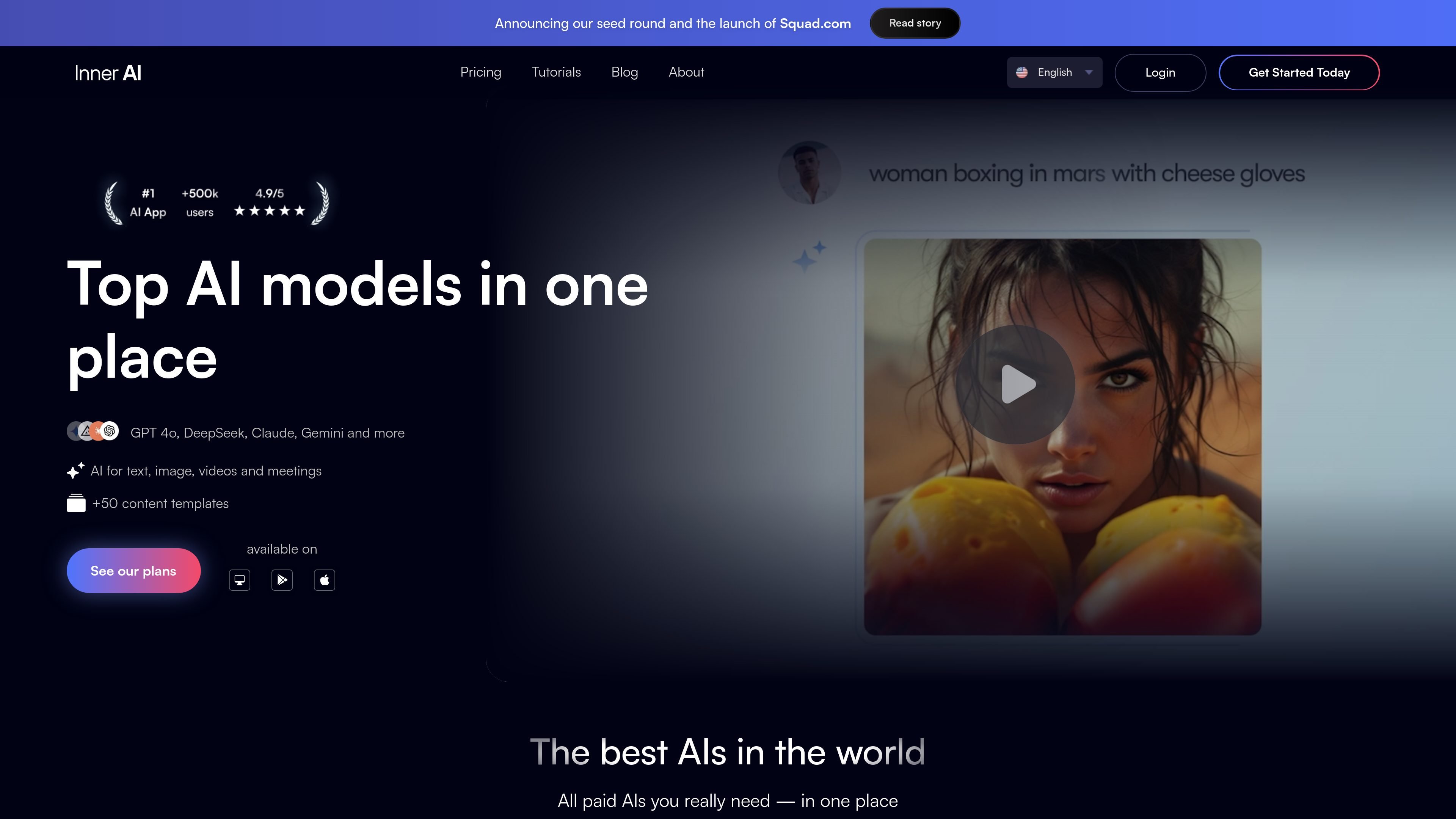
Inner AI is an AI workspace that brings multiple models, templates, and content tools into one platform. The home page positions it as a place to organize thoughts, be more creative, and complete tasks faster, while the pricing page shows plans for individual and team-style use across web and mobile.
The product combines chat-based assistance with document interaction, web search, prompt help, and generation tools for text, images, audio, and slides. It also supports custom assistants and shared libraries, which makes it useful for repeatable workflows rather than one-off prompting alone.
Pricing is organized into Lite and Pro plans, with paid access to fast and advanced models, a fair use policy, and a 7-day money-back guarantee. The site also highlights enterprise security measures, including encryption at rest and a statement that user data is not used to train models.
Access a range of fast and advanced models in one workspace, including GPT-5 Mini, GPT-5, Claude, Gemini, DeepSeek, Grok, Perplexity, Mistral, and others listed on the pricing page.
Use the platform for text, image, audio, slides, videos, and meetings, with specific generation tools called out for images, voice, presentations, and meeting-related features.
Work from prompts and assistants libraries, with more than 50 content templates shown on the home page and category-based prompt libraries on the pricing page.
Create and manage custom assistants to fit recurring workflows; the Pro plan includes unlimited custom assistant creation while Lite includes one.
Upload files and interact with documents and PDFs, including summary, search, and translation workflows, with chat attachments supported on paid plans.
Search the web from inside the product to support research, trend tracking, and competitor lookups without switching tools.
Turn drafts, source material, or internal notes into structured outputs using the platform’s templates, prompt library, and assistant tools.
Use the web search, prompt enhancer, and model selection tools to gather context, refine queries, and compare responses while researching a topic.
Build recurring assistants for tasks that repeat across a team, such as handling customer requests, creating marketing assets, or supporting internal operations.
Generate images, audio, or slides when a task needs more than text output, with credit-based usage for those features.
Use the app across desktop and mobile devices while keeping chat history, prompt libraries, and assistants synchronized.
Inner AI is designed as a web-based platform with mobile access, so users can work from computer, tablet, iOS, or Android. The site presents prompt and assistant libraries, chat attachments, web search, and model selection as part of the workflow rather than a separate setup-heavy product.
The pricing page shows team-oriented features such as custom assistants, attachments in chat, and access on web and mobile. The home page also highlights use cases for teams and departments like training and HR, marketing, and customer operations.
Inner AI combines fast and advanced model access with content-focused tools such as image generation, audio, slides, prompt enhancement, document interaction, and web search. The site frames it as a way to organize thoughts, create faster, and streamline research and content work.
The source does not show a free plan or a setup process on the pages provided. It does show paid Lite and Pro plans, a 7-day money-back guarantee, and a fair use policy for model access.
The site says data is encrypted at rest, sensitive data gets field-level encryption, and customer-managed keys are available for enterprises. It also states that imported files and interactions are not used to train AI models.