
Batch image translation and API access
Translate product images in bulk through the web interface or by calling the API, which suits catalog work and other repeated publishing tasks.

象寄图片翻译 is a web-based image and video translation tool for cross-border content workflows, with batch image translation, Chrome extension, refinement editing, and API access.
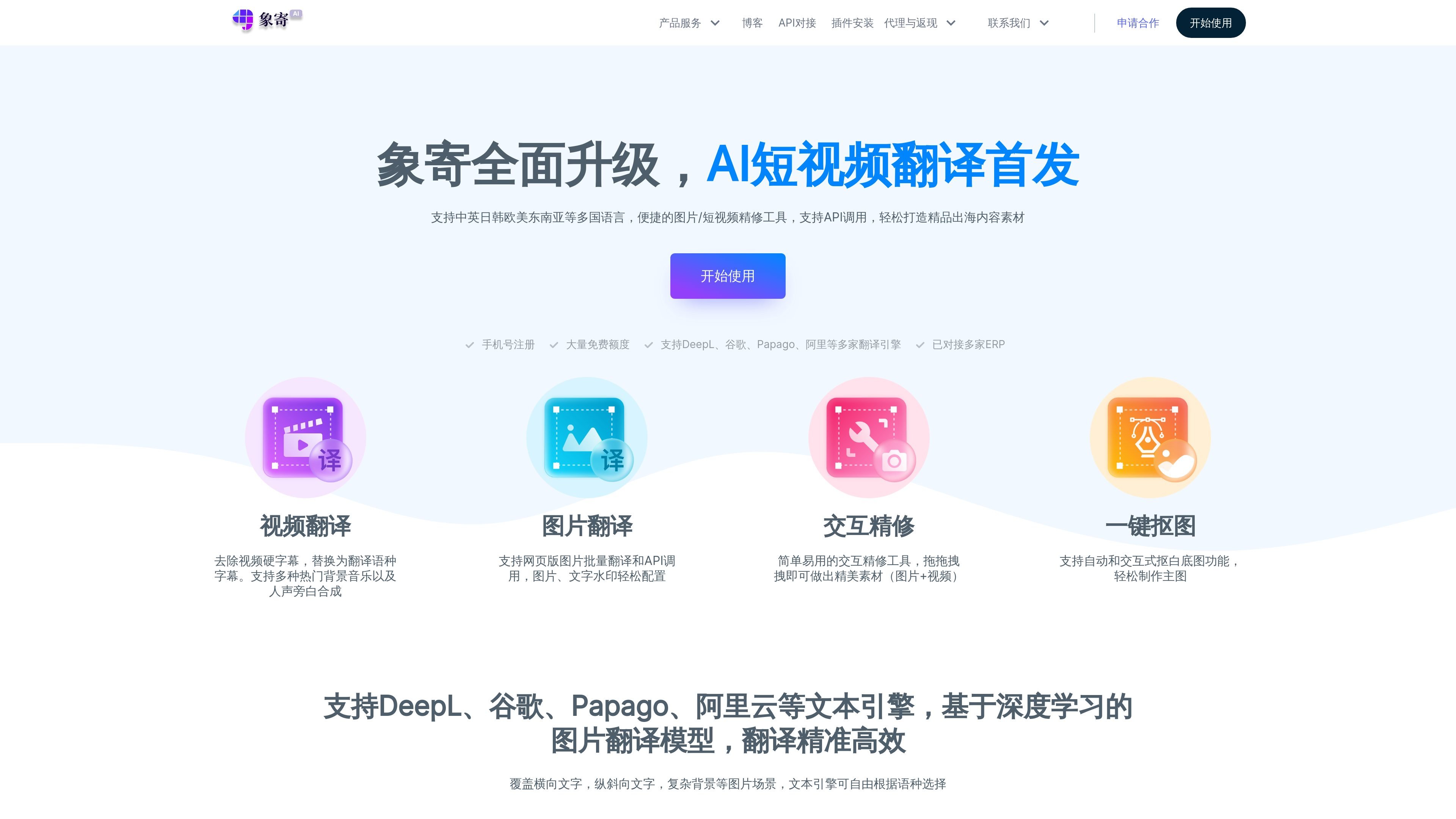
象寄图片翻译 is a web service for image translation and video translation, with additional tools for image refinement, watermark removal, cutout work, and image hosting shown in the site navigation and description. The homepage positions it as a cross-border commerce content tool that helps users create and localize visual materials for overseas markets.
The product supports web-based workflows for batch image translation and short-video translation, and it also offers a browser extension plus API access. Source pages describe upload, translation, refinement, subtitle editing, narration control, rendering, and download steps, so the platform is built for users who need translated assets rather than a single one-click export.
Translate product images in bulk through the web interface or by calling the API, which suits catalog work and other repeated publishing tasks.
Import images from local files or by pasting a product link so the system can collect images before translation starts.
After translation, open a refinement workspace to edit text boxes, adjust text style, angle, stroke, and use tools such as smart erasing to clean artifacts.
Translate videos by handling subtitles, narration, background audio, and rendering so the output can be previewed and downloaded.
Install a Chrome extension either from the Chrome Web Store or by loading an unpacked extension package manually.
Choose from multiple translation engines, including Alibaba Cloud, Baidu, Google, Papago, DeepL, and ChatGPT, depending on language direction and content type.
Translate product photos, banners, and other marketplace visuals, then refine text placement and styling before publishing localized assets.
Upload short videos, translate subtitles and voice tracks, adjust styling or narration, render the result, and export a finished localized video.
Paste a product link or upload local files to collect source images before batch translation, which is useful for repeated catalog work.
Install the Chrome extension to bring the translation workflow into the browser when working from web pages or online assets.
Use the API when the translation process needs to fit into an external publishing or production pipeline.
The site presents a web-based workflow for image translation, video translation, and related editing tasks. The guide also describes a browser extension that can be installed through the Chrome Web Store or by manually loading a downloaded package.
The guide describes image translation, video translation, browser plugin installation, batch image translation, API use, and post-translation editing. It also mentions image watermark removal, image cropping, and image hosting in the site description and homepage navigation.
For images, the guide says users can upload local files or paste a product link to collect images, then translate and refine the result before downloading or copying image links. For videos, users can upload a file, edit subtitles, adjust narration and background audio, render, and download the finished video.
The source does not provide a pricing page or a published plan table. It does mention flexible pricing, monthly package options, and a referral incentive, but without specific prices or limits.
The video translation page says the service supports 25+ languages with accuracy up to 99%, while the main homepage also states support for Chinese, English, Japanese, Korean, European languages, and Southeast Asian languages. The image guide says the text translation engine can be selected by language, including DeepL, Google, Papago, Alibaba Cloud, Baidu, and ChatGPT.