
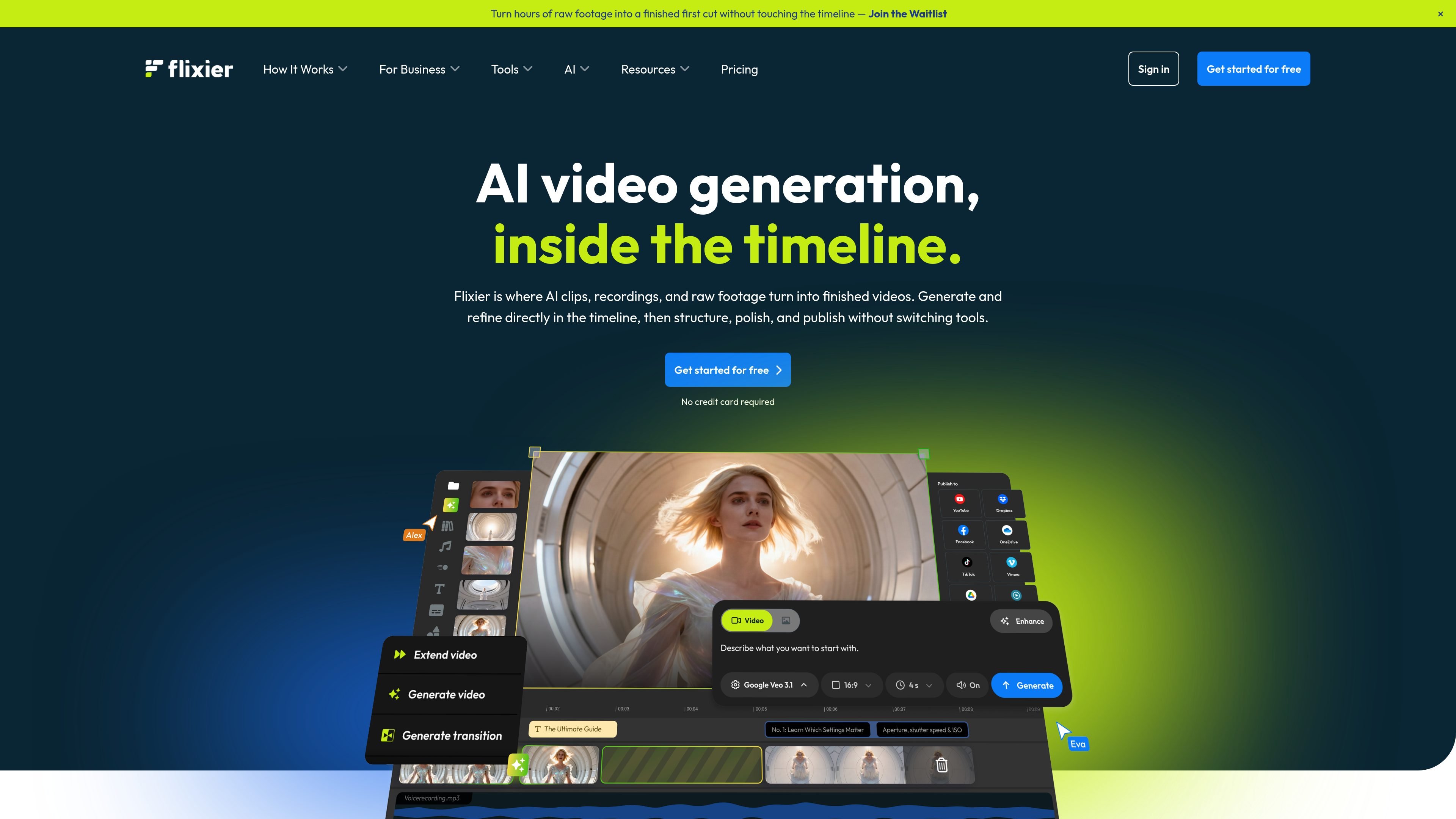
AI video generation in the timeline
Generate AI video clips directly in the editing timeline, then place them where they belong in the project without moving to another app.

Browser-based AI video editor for creating and editing clips, adding captions, and exporting videos in one cloud timeline.
Flixier is a browser-based video editor with AI generation built into the same timeline where you assemble, polish, and export finished videos. It is designed for people who want to create and refine video without downloading desktop software or moving files between separate tools.
The product combines AI clip generation, standard editing, captions, voiceover, translation, and cloud rendering in one workflow. The source materials position it for creators, teams, educators, marketers, and business users who need to turn raw footage, AI outputs, or screen recordings into publishable videos.
Generate AI video clips directly in the editing timeline, then place them where they belong in the project without moving to another app.
Refine a project in one place by trimming clips, adding voice, captions, and enhancements, and exporting from the same browser workspace.
Record your screen and webcam, then use the transcript to make edits and remove filler words more quickly.
Create subtitles, translate them, and use the caption workflow to make videos more accessible for different audiences.
Work with shared brand kits, comments on the timeline, and collaboration tools for team review and publishing.
Use cloud rendering and browser access so editing is available on lower-spec devices such as Chromebooks and older laptops.
Generate short-form videos for TikTok, Reels, or Shorts, then tighten them in the same timeline before export.
Record a walkthrough, edit the transcript, add captions, and publish an internal training or onboarding video.
Turn screen recordings into step-by-step tutorials with quick cuts, subtitles, and voice adjustments.
Repurpose longer recordings into shorter assets by trimming, adding captions, and arranging AI-generated visuals alongside footage.
Work on shared projects with comments and brand kits when a team needs to review and publish videos together.
Yes. Flixier offers a free plan that lets you explore the editor and create videos without a credit card. Paid plans add higher export quality, more storage, and advanced features.
No. The product is browser-based, so you can sign up, import media, and start editing without downloads or installations. The underlying processing is handled in the cloud.
Yes. Flixier supports real-time collaboration, including sharing projects, leaving comments on the timeline, and working together on the same project.
The source says paid plans can include AI credits, subtitle exports, storage, 4K resolution, brand kit features, and priority support depending on the tier. Creator and Business plans can also add extra AI credits, transcription minutes, subtitle translation minutes, text-to-speech minutes, and storage.
Free and Starter plans include AI credits so you can try AI tools before upgrading. Additional AI credit add-ons are available on Creator and Business plans.
Traffic data is for reference only.

videolingo.io
Web-based video localization with bilingual subtitles and dubbing

subtranslateai.com
Browser-based subtitle translation for SRT and media files in 100+ languages

shootclip.com
ShootClip is a macOS video editor with pro timeline tools, AI captions, and a built-in MCP server that lets an AI assistant work alongside you as you edit.
contentfries.com
ContentFries has public pricing, but its product features are unconfirmed.

checksub.com
AI subtitle generation and dubbing platform for video localization

aivideocut.com
Web-based AI editor turning long videos into social clips