
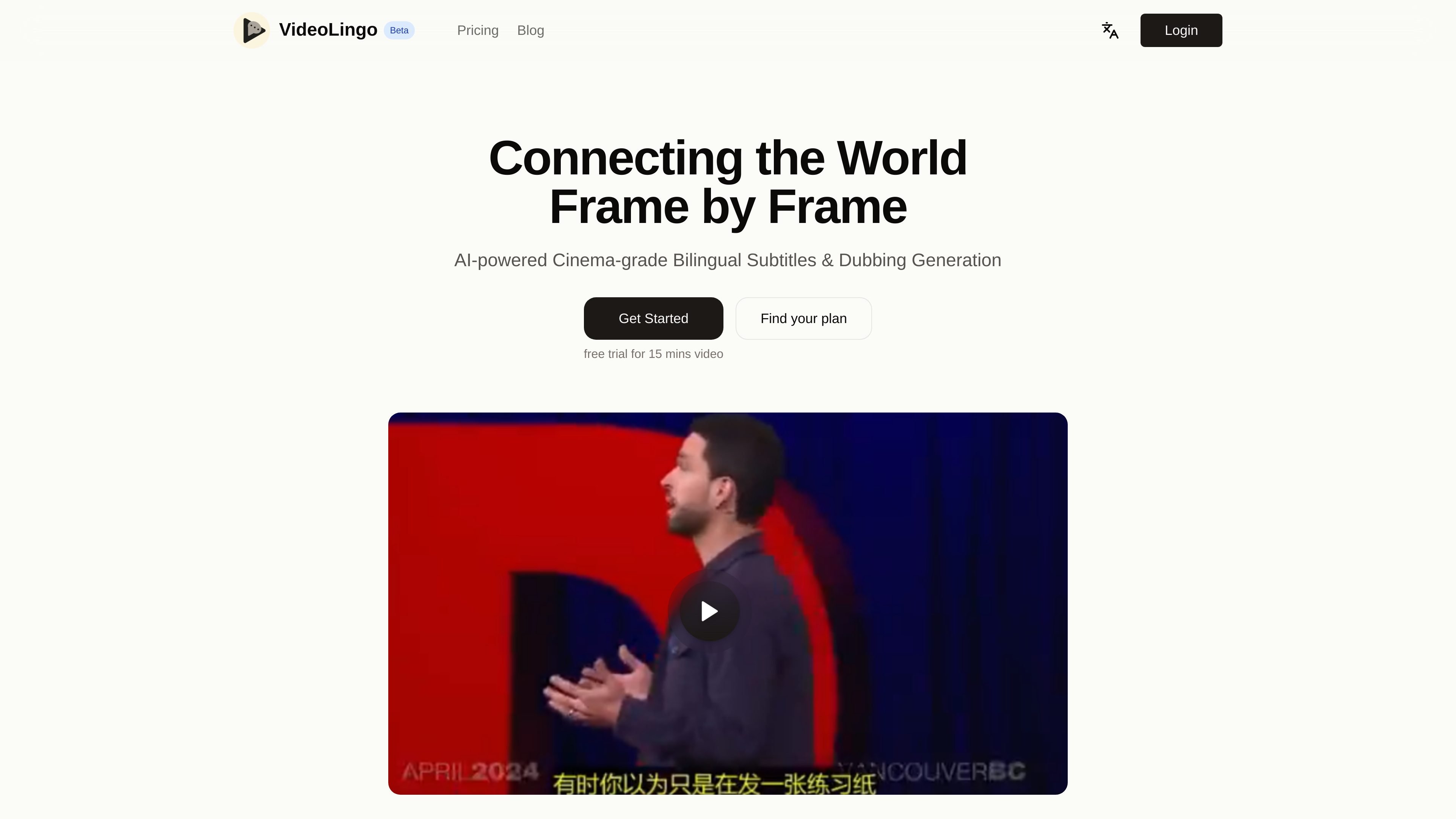
Bilingual subtitle and dubbing generation
Creates bilingual subtitles and dubbing from uploaded video content, with the product framed as an AI-powered localization workflow.

Web-based video localization with bilingual subtitles and dubbing
VideoLingo is a video localization product for generating cinema-style bilingual subtitles and dubbing. The site describes it as an AI-powered way to make video translation more personal, with emphasis on subtitle readability, cultural localization, and voice synthesis.
The product is aimed at people who need to translate and localize video content rather than simply transcribe it. The home page and pricing page show a self-serve web app with free and paid plans, login access, and support for English, Chinese, and additional languages depending on plan.
Creates bilingual subtitles and dubbing from uploaded video content, with the product framed as an AI-powered localization workflow.
Positions translation around cultural nuance rather than literal rendering, aiming to preserve expressions that fit the target audience.
Highlights terminology handling for field-specific content, which is important for tutorials, technical explainers, and other domain-heavy videos.
Produces single-line subtitles with precise timing and segmentation to improve readability on screen.
Uses intelligent dubbing that aims to match the original voice’s emotional tone and speaking style.
Supports a streamlined processing flow and mentions 8+ languages on the home page, with the pricing page specifying 8-language input support on the Starter plan.
For creators translating tutorials, explainers, or demos into another language while keeping subtitles readable and the voice track natural.
For technical educators and bloggers who need field-specific terminology handled carefully in subtitles and dubbing.
For teams publishing audience-facing videos across regions and wanting bilingual subtitles plus dubbing in a single workflow.
For users who want to improve subtitle timing, segmentation, and on-screen readability instead of relying on default machine-style subtitles.
VideoLingo is positioned as a video localization tool for generating bilingual subtitles and dubbing. The source also shows a login flow, which suggests account-based use, but it does not describe setup steps beyond signing in.
The pricing page shows three plans: a Free plan, a Starter plan billed monthly, and a Pro plan billed monthly. The exact plan limits and add-ons are listed on the pricing page, while open API access is marked as coming soon on Pro.
The pricing page says the Free plan supports only English and Chinese videos, while the Starter plan supports input in 8 languages. The home page also says the product supports 8+ languages for global accessibility.
The site shows a contact email, `team@videolingo.io`, for support. It also includes a pricing FAQ section with questions about cancellation, refunds, plan changes, credits, and educational discounts, but the answers are not visible in the provided source.
Traffic data is for reference only.

flixier.com
Browser-based AI video editor for creating and editing clips, adding captions, and exporting videos in one cloud timeline.

subtranslateai.com
Browser-based subtitle translation for SRT and media files in 100+ languages

shootclip.com
ShootClip is a macOS video editor with pro timeline tools, AI captions, and a built-in MCP server that lets an AI assistant work alongside you as you edit.
contentfries.com
ContentFries has public pricing, but its product features are unconfirmed.

checksub.com
AI subtitle generation and dubbing platform for video localization

aivideocut.com
Web-based AI editor turning long videos into social clips