
Multiple meeting capture methods
Record in-person meetings from the iOS or Android app or a browser, upload audio and video files, or let a meeting bot join Zoom, Google Meet, Microsoft Teams, or Webex calls.

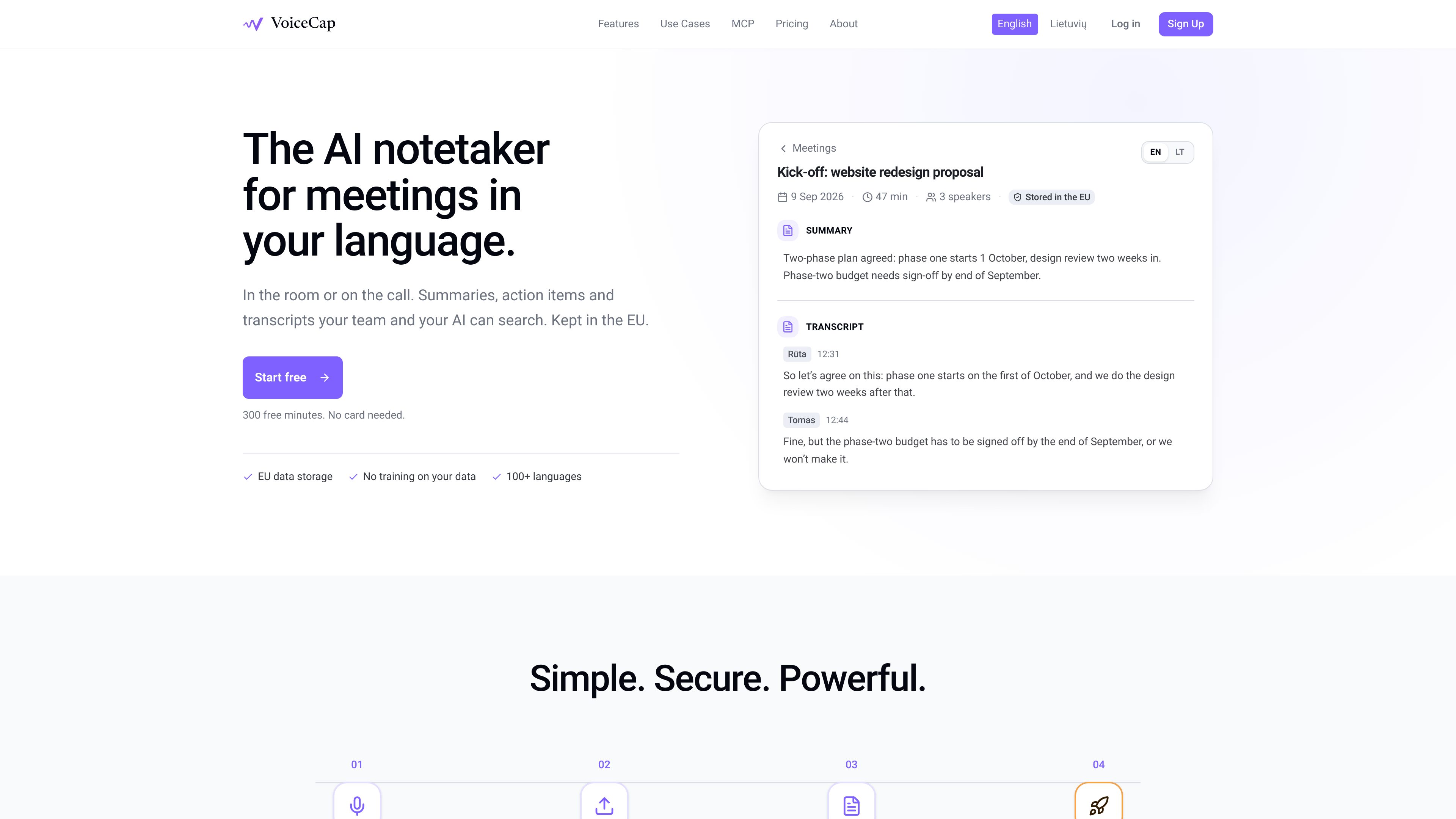
VoiceCap is an AI meeting notetaker for in-person and online meetings. It records or imports meetings, produces speaker-separated transcripts, summaries, decisions, and action items, and makes the resulting archive searchable for teams and connected AI assistants.
VoiceCap is an AI meeting notetaker for in-person and online meetings. It captures meetings through mobile or browser recording, uploaded audio and video, or meeting bots for Zoom, Google Meet, Microsoft Teams, and Webex. Calendar connections can automatically record selected calls from Google Calendar or Microsoft Outlook.
The service produces speaker-separated, timestamped transcripts in more than 100 languages, along with summaries, key topics, decisions, and action items with owners and due dates. Transcript lines link to the corresponding moment in the recording, while summaries can be edited, regenerated, or created in a different language from the meeting.
A shared archive organizes meetings into projects and makes transcripts, summaries, and decisions searchable. Teams can control access with workspace roles and sharing settings. VoiceCap also provides read-only MCP access for asking Claude, ChatGPT, or another MCP client questions about meetings the user is allowed to see. The company states that data is stored in the EU, encrypted in transit and at rest, and not used to train AI models.
Record in-person meetings from the iOS or Android app or a browser, upload audio and video files, or let a meeting bot join Zoom, Google Meet, Microsoft Teams, or Webex calls.
Connect Google Calendar or Microsoft Outlook to record selected calls automatically. Recording can be configured for all meetings, external meetings only, or individual meetings, with per-meeting overrides.
VoiceCap transcribes meetings in more than 100 languages, detects the language automatically or accepts a selected language, separates speakers, and timestamps each line so users can jump to its moment in the recording.
The AI extracts summaries, key topics, decisions, and action items with owners and due dates. Users can edit or regenerate outputs and request a summary in a different language from the meeting.
Meetings can be filed into projects based on what was said, moved manually, and searched across transcripts, summaries, and decisions. Search results link back to the relevant point in the recording.
Meetings can remain private or be shared with groups or the workspace using roles and share links. MCP access lets Claude, ChatGPT, and other MCP clients ask read-only questions within the connected user's permissions.
Use the mobile app or browser recorder for board meetings, workshops, interviews, or other conversations that do not take place in a video-call platform. The resulting recording, transcript, and AI outputs stay in the same archive.
Connect a Google or Outlook calendar and choose which scheduled Zoom, Meet, Teams, or Webex calls should be recorded. This suits recurring client meetings and other scheduled conversations where manual bot setup would be repetitive.
After a project discussion, review extracted decisions and action items with owners and due dates instead of scanning the full transcript. Timestamp links provide context for the original statement.
File meetings into projects and search across prior transcripts, summaries, and decisions when preparing for a follow-up, checking what was agreed, or locating a commitment from an earlier conversation.
Connect VoiceCap to Claude, ChatGPT, or another MCP client to ask questions across the meeting archive. Responses are read-only and limited to meetings the user can access.
VoiceCap supports in-person recording through its iOS and Android apps or a browser, audio and video uploads, and meeting bots for Zoom, Google Meet, Microsoft Teams, and Webex. Calendar-based recording is available through Google Calendar and Microsoft Outlook.
It produces a speaker-separated, timestamped transcript plus a summary, key topics, decisions, and action items with owners and due dates. Outputs can be edited or regenerated, and the summary can be requested in a different language from the meeting.
Yes. A meeting can be kept private, shared with a group, or opened to the workspace. VoiceCap describes owner, admin, member, and viewer roles; viewers can read but do not record or share.
Yes. VoiceCap can be added as an MCP server for Claude, ChatGPT, or another MCP client. The access is read-only, and the AI assistant can see only the meetings available to the connected user.
VoiceCap states that data is stored in EU data centers, and that audio, transcripts, and summaries are encrypted in transit and at rest. It also states that audio and transcripts are not used to train AI models.

basedhardware.com
Omi is an AI note-taking and recording product that turns voice, screen activity, and conversations into searchable notes, tasks, reminders, memories, and advice. It works across devices for work and personal life, using the devices you already own.

shop.genspark.ai
Genspark SecondBrain Note is a card-sized AI voice recorder for capturing meetings, calls, consultations, and other conversations. It records offline, transfers audio through the Genspark App, and turns recordings into transcripts, summaries, key points, and action items.

hynote.ai
HyNote is a local-first note-taking app for Mac that records system audio and microphone input, transcribes conversations, identifies speakers, and creates notes on supported devices. It is designed for meetings, lectures, interviews, voice memos, and document-based work without requiring a meeting bot.

fireflies.ai
Fireflies.ai is an AI meeting assistant that records conversations, creates transcripts and summaries, and keeps team discussions searchable while connecting notes to tasks, CRM updates, and other work tools.

biji.com
得到大脑 is an AI note-taking and personal knowledge management tool that captures voice, recordings, text, images, and links, then organizes them into searchable content for further creation.

speechtonote.com
AI voice-to-text notes for web, Mac, iOS, and Android