
Voice recording and audio upload
Capture spoken ideas or upload audio, then turn them into transcribed notes without manual typing.

AI voice-to-text notes for web, Mac, iOS, and Android
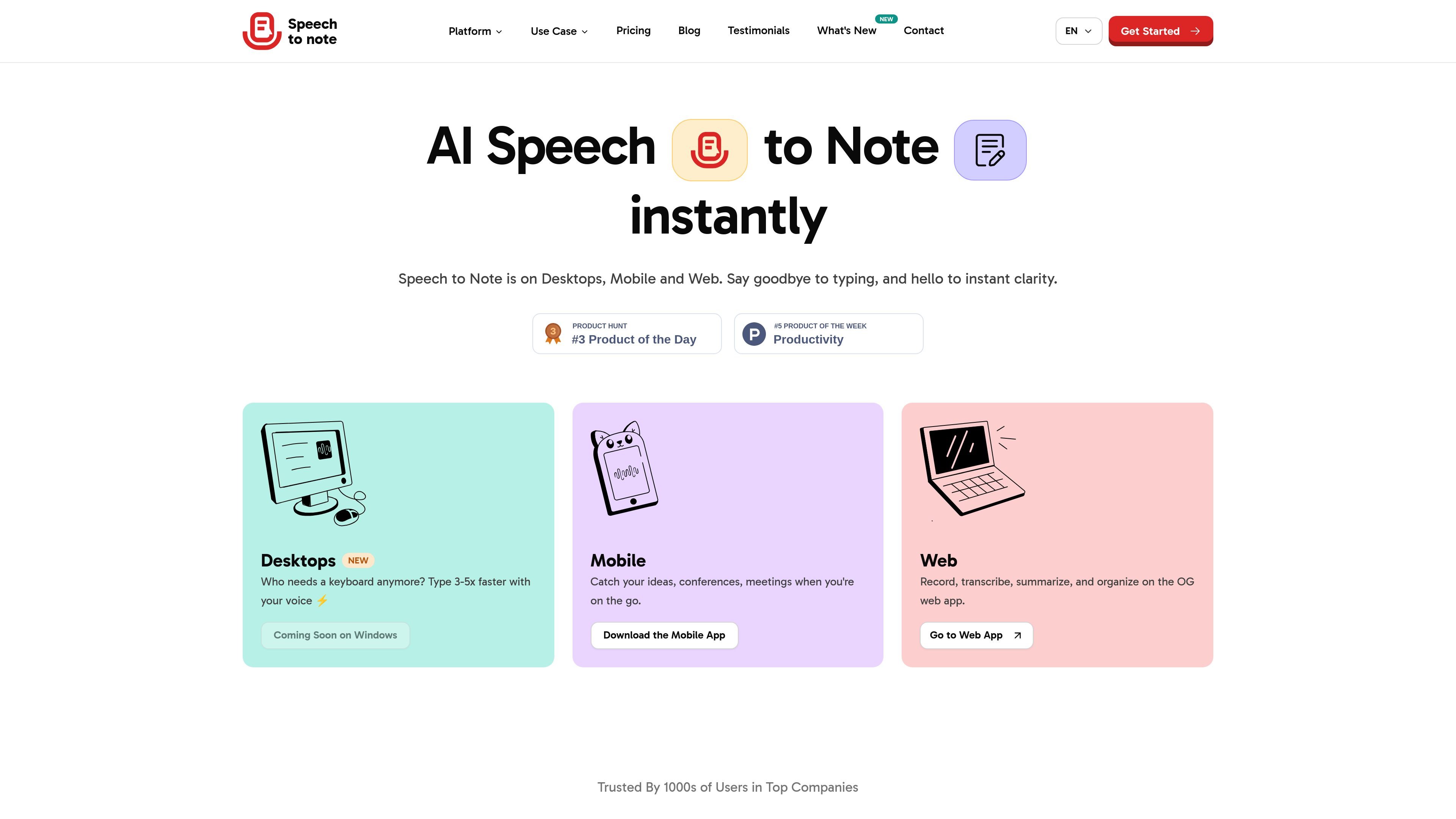
Speech to Note is an AI voice-to-text note-taking app for turning spoken ideas, meetings, interviews, and reminders into editable notes. The product is available on web, Mac, iOS, and Android, with a desktop companion for Mac users who want local storage and keyboard shortcuts.
Its workflow is straightforward: record your voice or upload audio, let the app transcribe and structure the content, then edit, organize, download, or share the note. The site positions it as a hands-free alternative to typing for people who need to capture information quickly across devices.
Capture spoken ideas or upload audio, then turn them into transcribed notes without manual typing.
Generate transcripts with GPT-5 and other listed models, with the product positioning accuracy as a central benefit.
Save notes offline, keep them encrypted, and control who can view or receive them by link or export.
Organize output with folders, tags, and 200+ smart note formats so different kinds of spoken input can be turned into structured notes.
Use the service on web, Mac, iOS, and Android, with a desktop companion for Mac that adds hotkeys and local storage.
Download notes and audio and share notes by link or export when you want to move them outside the app.
Turn lectures and class discussions into searchable notes that can be reviewed later instead of rewritten by hand.
Capture meetings, follow-ups, and project thoughts quickly when typing would slow you down.
Record ideas, outlines, and draft scripts while moving between devices or working away from a keyboard.
Transcribe interviews and conversations into structured notes for later editing and publishing.
Document reflections, reminders, and personal journals using voice input and offline saving when needed.
Speech to Note is a voice-to-text note-taking app that records speech, transcribes it with AI models, and helps you organize the result into editable notes.
It is designed for hands-free note taking, combining recording, transcription, summarization, editing, and organization in one workflow rather than a chat-first interface.
The site says Speech to Note supports 100+ languages on the web and desktop pages, while the mobile page says 40 languages for the app.
Yes. The site says notes can be saved in offline mode, and the desktop companion stores notes directly on your device.
The FAQs page indicates there is a team plan available, but no team-size limits or collaboration details are provided in the available source text.
Traffic data is for reference only.

basedhardware.com
Omi is an AI note-taking and recording product that turns voice, screen activity, and conversations into searchable notes, tasks, reminders, memories, and advice. It works across devices for work and personal life, using the devices you already own.

voicecap.ai
VoiceCap is an AI meeting notetaker for in-person and online meetings. It records or imports meetings, produces speaker-separated transcripts, summaries, decisions, and action items, and makes the resulting archive searchable for teams and connected AI assistants.

shop.genspark.ai
Genspark SecondBrain Note is a card-sized AI voice recorder for capturing meetings, calls, consultations, and other conversations. It records offline, transfers audio through the Genspark App, and turns recordings into transcripts, summaries, key points, and action items.

hynote.ai
HyNote is a local-first note-taking app for Mac that records system audio and microphone input, transcribes conversations, identifies speakers, and creates notes on supported devices. It is designed for meetings, lectures, interviews, voice memos, and document-based work without requiring a meeting bot.

fireflies.ai
Fireflies.ai is an AI meeting assistant that records conversations, creates transcripts and summaries, and keeps team discussions searchable while connecting notes to tasks, CRM updates, and other work tools.

biji.com
得到大脑 is an AI note-taking and personal knowledge management tool that captures voice, recordings, text, images, and links, then organizes them into searchable content for further creation.