
Text, image, and reference generation
Generate videos from text prompts, uploaded images, and reference inputs so different source materials can fit into the same creation workflow.

Vidu is an AI video generator for text prompts, images and reference inputs, with fast image-to-video and short-form creation for social content, ads and anime clips.
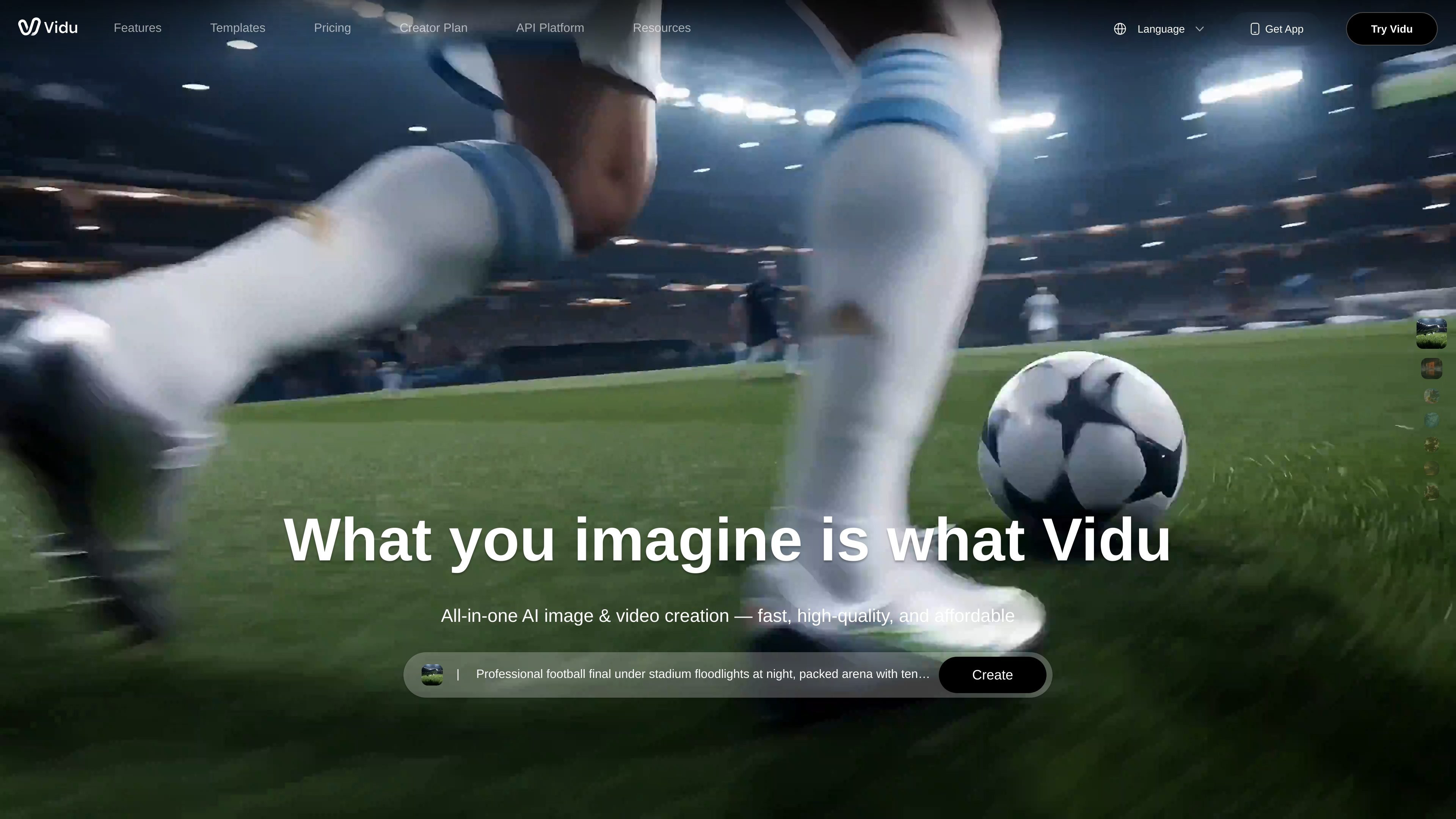
Vidu is an AI video generator for creating videos from text prompts, images, and reference materials. The site positions it as a single workflow for generating videos that can support social content, ads, storytelling, anime-style animation, and other short-form creative work.
The product pages highlight several generation paths, including text-to-video, image-to-video, and reference-to-video. The reference workflow supports multi-reference consistency, and the image workflow includes options such as first-and-last-frame control and anime art conversion.
Generate videos from text prompts, uploaded images, and reference inputs so different source materials can fit into the same creation workflow.
Keep characters, objects, and scenes aligned across a video by uploading up to seven reference images for multi-reference consistency.
Turn still images into moving video clips, including workflows that use a description, first and last frame images, or anime art as the starting point.
Create videos that follow reference subjects and reuse saved characters, props, or scenes through the My References area.
Generate videos in roughly 10 seconds according to the homepage and access off-peak free generation without credits during the off-peak mode described on pricing.
Use templates for common social-style effects such as kissing, hugging, blossom effects, and AI outfit changes, as shown on the homepage.
Produce short promotional videos from a text prompt or a set of reference images when you need a fast starting point for marketing content.
Convert still images into motion clips, including using first and last frame inputs to shape a smoother transition between two moments.
Maintain subject consistency across scenes by uploading reference images for characters, props, or environments that need to stay recognizable.
Create anime-style motion from artwork when the goal is to add movement while preserving the feel of the source image.
Reuse saved references from My References to speed up repeat work on recurring characters, props, or scenes.
Vidu is an AI video generator that creates videos from text prompts, images, and reference inputs. The source also shows dedicated workflows for reference-to-video and image-to-video generation.
The pricing page says Vidu uses credits for video generation. Credits can come from a subscription, purchased credits, bonus credits, or trial credits for new users.
The source shows support for multi-reference consistency, image-to-video, reference-to-video, and first-and-last-frame control, but it does not provide a full list of supported export formats beyond 1080p and H.264 on the reference-to-video page.
Vidu’s pricing page states that monthly plans charge every month and annual plans charge every year when subscribed through Stripe.
The pricing page states that refunds are not available, and users who want to stop automatic charges should contact support at support@vidu.com.