
Multimodal input
Combine text prompts with images and video references in one generation flow to guide composition, motion, and tone.

HappyHorse turns text prompts, images, and video references into cinematic short clips with AI—start free, then scale output with flexible plans and credit packs.
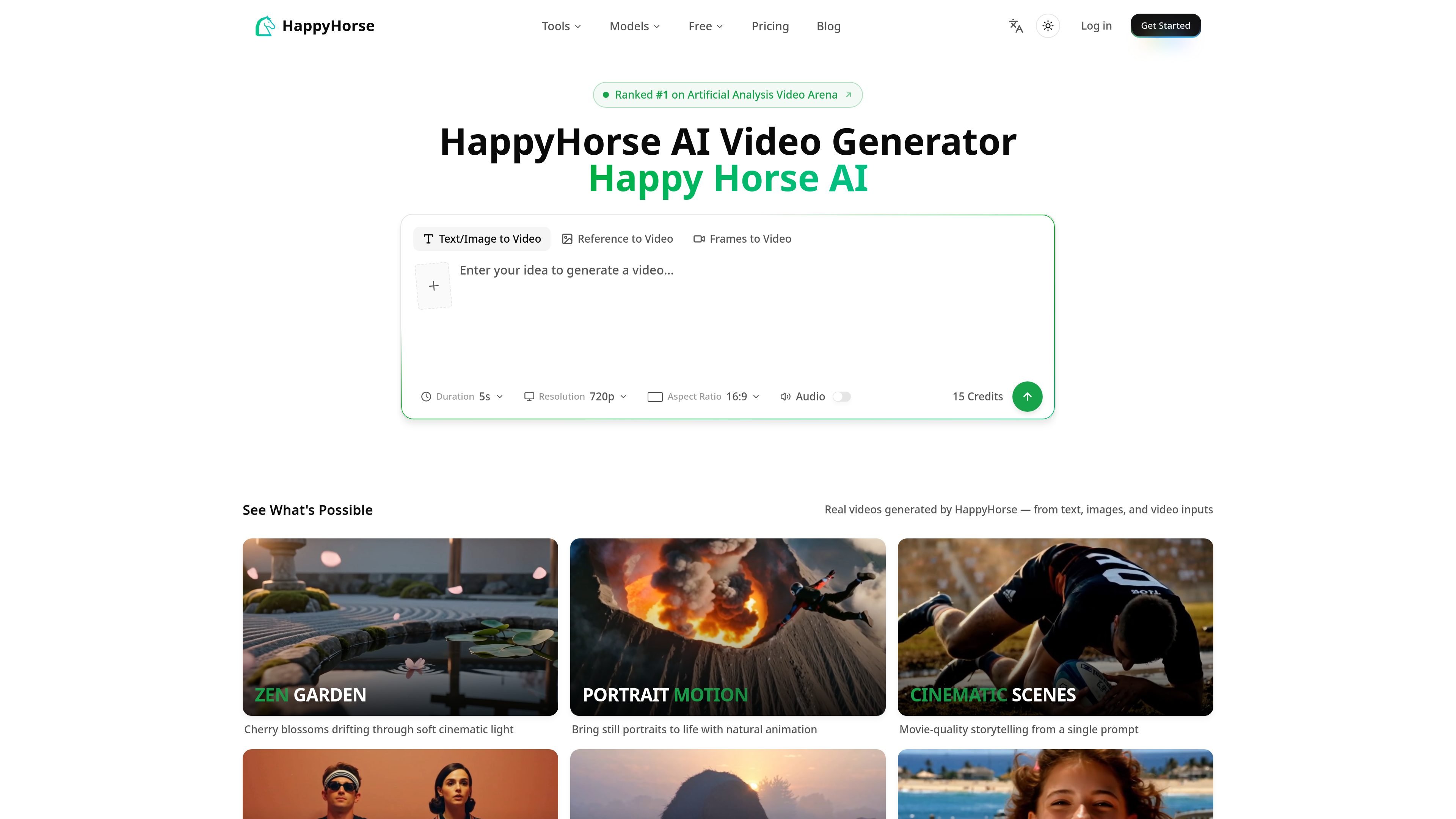
HappyHorse is an AI video generator for creating short videos from text prompts, images, video references, and audio cues. The site positions it as a tool for turning ideas into cinematic clips without local setup or editing skills.
The homepage highlights workflows such as text-to-video, image-to-video, reference-to-video, and frames-to-video, with controls for duration, aspect ratio, and generation mode. The pricing page shows a free starting balance of 10 credits and paid credit plans for higher-volume use.
Combine text prompts with images and video references in one generation flow to guide composition, motion, and tone.
Turn static images into animated clips with AI-generated motion and style changes.
Use reference video to influence camera movement and pacing, including dolly, tracking, and handheld-style motion.
Extend clips forward or backward while keeping characters, lighting, and camera perspective consistent across the result.
Generate sound effects and background music, with support for reference audio to guide tone and rhythm.
Set aspect ratio, duration, and generation mode before generation, with credit cost shown up front.
Create short clips from written prompts when you want a cinematic result without manual animation or editing.
Animate still photos or illustrations into motion clips for portraits, scenes, or concept art.
Guide movement and camera style by providing a reference video for pacing, framing, or motion feel.
Extend an existing clip to continue a scene forward or backward while preserving the look of the original footage.
Produce social, ad, or creative project clips with predefined duration, aspect ratio, and generation settings.
HappyHorse is an AI video generator that turns text prompts, images, and video references into short videos. The homepage also describes support for audio inputs and reference audio for sound guidance.
The homepage describes HappyHorse as a text- and image-to-video tool with multimodal inputs, while the FAQ area asks whether it is the same as Happy Horse AI. The site uses both names for the same product.
Yes. The homepage says you can start free online, and the pricing page says the product starts with 10 credits.
The pricing page includes a commercial use license on selected credit packs, but you should review the current plan details before using outputs commercially.
The homepage says output settings include aspect ratio, duration, and generation mode, and it shows 720p resolution in the example output summary.
Traffic data is for reference only.
| May | 718 |
|---|---|
| Jun | 0 |
| Jul | 0 |
Traffic analytics are not available yet.
Traffic analytics are not available yet.

cococlip.ai
AI video editor for creating short-form social content

podfyai.com
Browser-based AI video tool for turning text, audio, and music into short-form videos.

nimvideo.com
Nim Video is an AI platform for creating and editing videos and images from prompts, reference images, and source footage, with free and paid plans.

pika.art
Pika is an AI video platform for creating and editing short videos from prompts, images, and footage, with plan-based commercial use and watermark-free downloads on higher tiers.
domoai.app
DomoAI is a web-based AI video tool for creating animated and stylized content from videos, images, frames, and text prompts.

shortsninja.com
AI-powered faceless video generator for TikTok and YouTube