
Text to video generation
Create videos from written prompts without starting from a timeline editor. The homepage describes text-to-video generation as one of the core workflows.

Vidful.ai is a browser-based AI video generator that turns text prompts or images into short videos. Free online access and paid plans with resolution, duration, aspect ratio, and watermark controls.
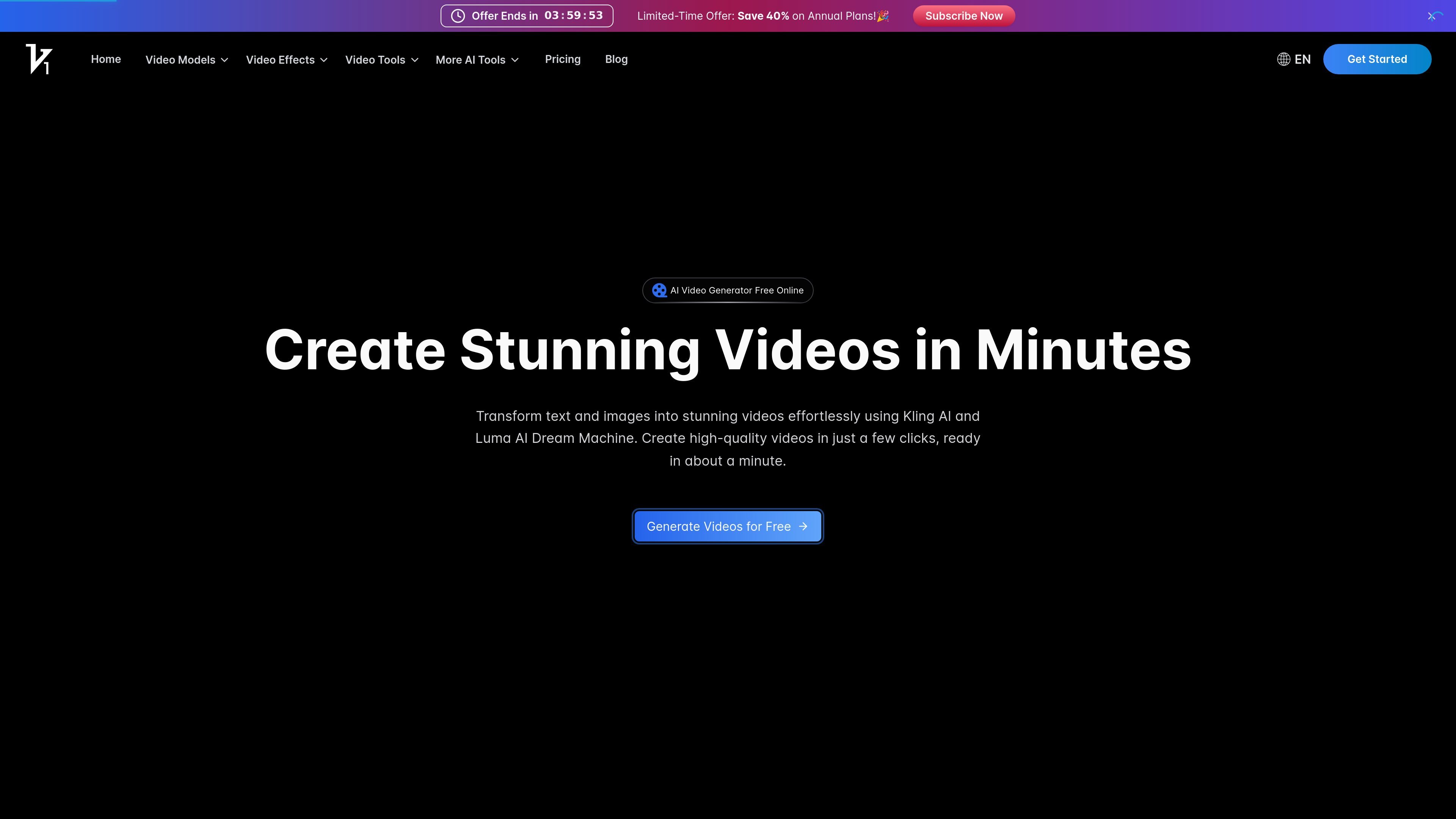
Vidful.ai is a browser-based AI video generator that creates short videos from text prompts or uploaded images. The site positions it as a free online tool powered by Kling AI, Luma AI Dream Machine, and Google Veo 3 support on the pricing page.
The product focuses on a simple workflow: enter text or upload an image, let the model generate a video, then preview and download the result. The app interface also exposes controls for duration, resolution, aspect ratio, audio behavior, watermark visibility, and private generation, which makes it useful for users who want quick AI-assisted video creation without a traditional editing timeline.
Create videos from written prompts without starting from a timeline editor. The homepage describes text-to-video generation as one of the core workflows.
Turn static images into video outputs. The site presents image-to-video as a separate workflow alongside text-to-video.
Use the app interface to adjust generation settings such as duration, resolution, aspect ratio, auto sound, auto speech, watermark visibility, and privacy before generating.
Choose among model options that include a free base model and an unlockable Google Veo 3 model. The app page also references Luma AI Dream Machine and Kling AI-powered generation.
Download results after previewing them in the browser. The homepage says videos can be previewed and downloaded once generation finishes.
Select from preset AI video effects and styles listed on the pricing page, including 60+ AI video effects.
Turn a short script, prompt, or concept into a video without building scenes manually. This fits users who need a fast way to prototype an idea or visualize written content.
Animate a still image into a short video for posts, presentations, or concept previews. The image-to-video workflow is useful when the starting point is already a visual asset.
Create marketing clips, product showcases, or social content with controls for resolution and aspect ratio. The paid plans also mention commercial use rights and watermark-free downloads.
Prepare educational or explainer-style videos from text input when the goal is to present information in a more visual format. The site explicitly positions the tool for educational content in its homepage copy.
Generate social-ready video variants with preset effects and adjustable output settings. This is useful when creators want quick output for platforms with different format requirements.
Vidful.ai provides a browser-based AI video generator that turns text prompts or uploaded images into videos. The pricing page also shows workflow options such as image-to-video, text-to-video, and generation controls in the app.
The site says the generation workflow starts by entering text or uploading an image, then letting the AI process it, and finally previewing and downloading the result.
The pricing page shows paid plans with credits and features such as watermark-free downloads and private generation on Basic and Pro plans. The free experience is not described in detail on the pricing page beyond slower generation during peak times.
The app interface shows controls for model, duration, resolution, ratio, auto sound, auto speech, no watermark, and private generation, indicating that output settings can be adjusted before generating.
The source text does not specify a public API or formal integrations beyond the product's use of Kling AI, Luma AI Dream Machine, and Google Veo 3 support on the pricing page.