
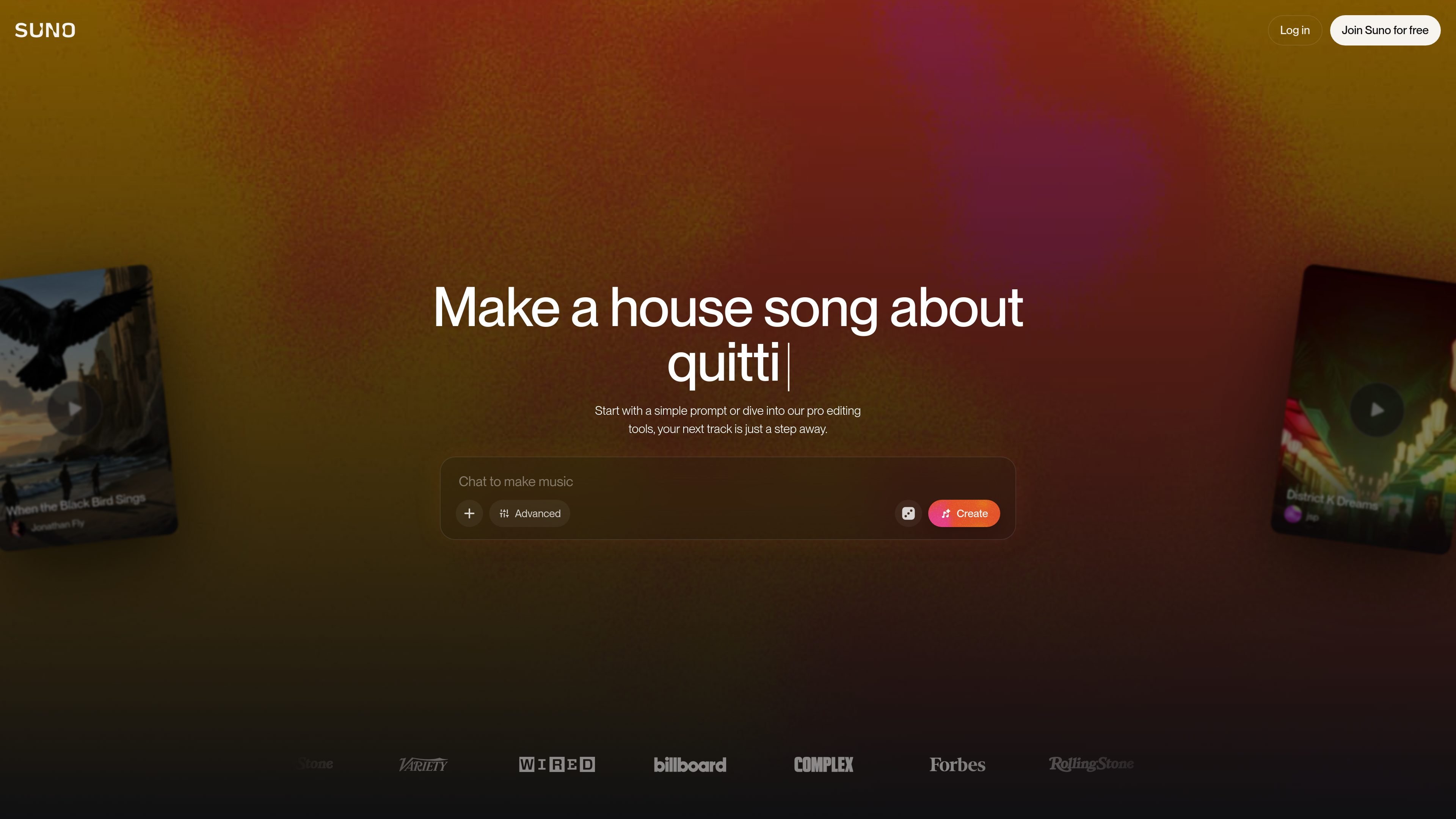
Text-to-song generation
Generate complete songs from a text prompt, including vocals, lyrics, instrumentation, and production. The site positions Suno as a tool for creating full tracks rather than short loops.

Suno is an AI music generator for creating original songs in your browser from prompts, lyrics, or uploaded audio, with free and paid plans.
Suno is an AI music generator and browser-based music creation platform. It lets users create original songs from a prompt, or work from their own lyrics and audio, then refine the result with editing tools.
The site presents Suno as a tool for both first-time creators and experienced musicians. Free users can make songs each day, while paid plans add commercial rights, higher monthly limits, advanced editing, stem separation, and Suno Studio for a deeper production workflow.
Generate complete songs from a text prompt, including vocals, lyrics, instrumentation, and production. The site positions Suno as a tool for creating full tracks rather than short loops.
Refine tracks after generation by regenerating, extending, or editing them. The product pages mention a Song Editor, basic editing, and advanced editing options such as replacing or adding sections.
Control the output with voices, inspiration prompts, exclusions, vocal gender, weirdness, and style sliders. The pricing page also lists personas and advanced editing on paid plans.
Upload or record your own audio and add new vocals or instrumentals to existing songs. Paid plans also support longer uploads, up to 30 minutes on Pro and Premier.
Separate tracks into stems and export them for use in a DAW. The site mentions stem separation, Advanced Split stem separation, and export of up to 12 time-aligned WAV stems.
Use Suno Studio, the browser-based generative audio workstation, for multitrack editing and a more traditional production workflow. The Premier plan also adds MIDI export and persona voices.
Start with a text prompt, a genre, a mood, or a few lyrics and generate a complete song quickly. This fits people who want to turn an idea into a finished track without opening a traditional DAW first.
Upload or record your own audio, then rewrite lyrics, reorder sections, add vocals or instrumentals, and remix the result. This is useful when you already have a sketch and want to shape it into a fuller arrangement.
Export stems and move the output into Ableton, Logic, or another DAW for mixing and finishing. The site specifically positions Suno for workflows that continue outside the browser.
Use the free plan for up to 10 songs per day to experiment with ideas, share tracks, and explore different styles without committing to a subscription.
Upgrade to a paid plan when you need commercial use rights, higher monthly creation limits, longer uploads, or Suno Studio for more advanced production work.
Suno lets you create songs from a text prompt, or by starting from your own lyrics and audio. The site says you can describe the genre, mood, theme, or a song idea, then regenerate, extend, or refine the result.
Yes. The pricing page shows a free plan with 10 songs per day and no commercial use. Paid plans add commercial rights and more creation and editing features.
The site says Suno can be used by people with no music experience as well as experienced creators. It presents the product as a way to make complete songs in a browser without needing to know production tools first.
Yes, but only on paid plans. The pricing page says Pro and Premier include commercial use rights for new songs made, while the free plan does not.
The pricing page shows Suno Studio on the Premier plan, along with a multitrack editor, MIDI export, persona voices, and early access to new features. The home page also describes Suno Studio as a web-based generative audio workstation.
Traffic data is for reference only.

