
Text-to-Music Generation
Create songs from a short text description or lyric idea, then refine the result with the site’s music generation workflow.

AIMusic.so is a web-based AI music platform for generating songs, lyrics, sound effects, lyric videos, and vocal removal outputs. It offers a free no-sign-up entry point, with paid plans adding commercial licensing, more credits, and broader storage options.
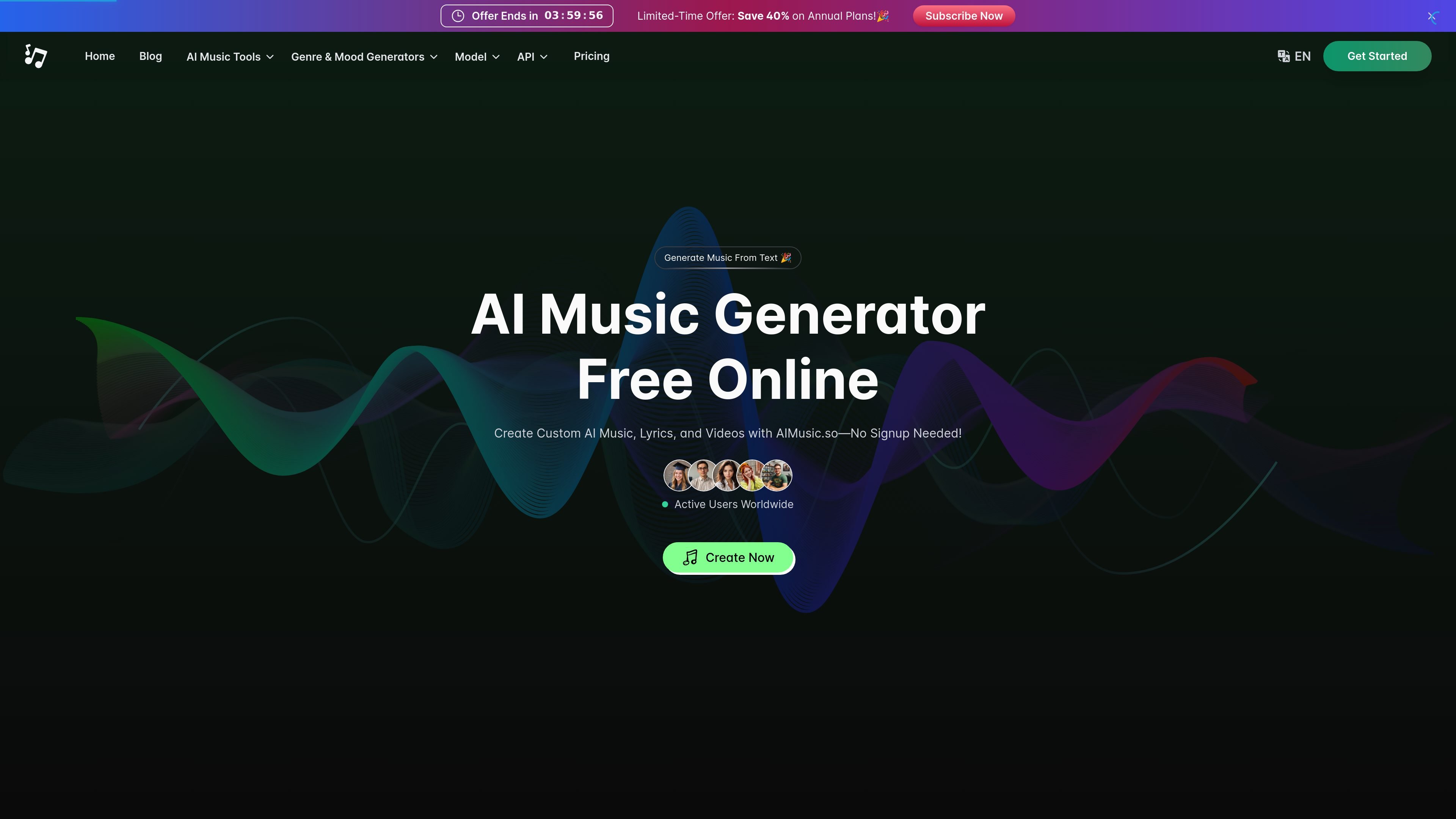
AIMusic.so is a browser-based AI music platform for generating songs, lyrics, sound effects, lyric videos, and vocal-removal outputs from a single site. The homepage positions it as a free online AI music generator that can turn text into music without requiring sign-up.
The product combines creation and post-production tools in one workflow. Users can start from a text prompt or lyric idea, then move into related tasks such as removing vocals, extending music, generating cover images, or exporting MP4 lyric videos, with paid plans adding commercial-use licensing, WAV downloads, and private generations.
Create songs from a short text description or lyric idea, then refine the result with the site’s music generation workflow.
Separate vocals from a track in the browser to create karaoke versions, acapellas, or instrumental stems without installing software.
Generate song lyrics from themes, moods, or keywords, with the tool presenting two lyric versions for review.
Create MP4 lyric videos from music so the output can be shared on social platforms and video workflows.
Produce sound effects for music and video projects using the site’s dedicated sound effects generator.
Save finished tracks in MP3 or WAV format, with storage and license handling tied to the selected plan.
Turn a short prompt or song idea into a full track when you need quick demo music, backing material, or a starting point for further editing.
Remove vocals from an existing track to make karaoke files, instrumental practice versions, or acapella-style stems.
Draft lyrics from a theme, mood, or keyword set when you need a songwriting starting point or alternate lyric versions.
Create MP4 lyric videos for social posts, music promotion, or other video-led sharing formats.
Generate sound effects for creative projects that need custom audio alongside music, video, or short-form content.
Yes. The site says you can start generating music from text on AIMusic.so without creating an account.
The pricing page says paid users have commercial usage rights, while free users do not. The homepage also says songs created during an active paid subscription can be used commercially.
The site says downloads are available in MP3 and WAV formats, depending on the plan. The free plan includes MP3 download, while paid plans include WAV download.
The site describes the vocal remover as a browser-based tool that separates vocals and instrumentals, and the FAQ says it can be used to isolate vocals or create instrumental versions.
The lyrics generator accepts themes, moods, or keywords and returns lyrics in two versions, which can then be copied into other projects or used with the music generator.