
Text-to-music generation
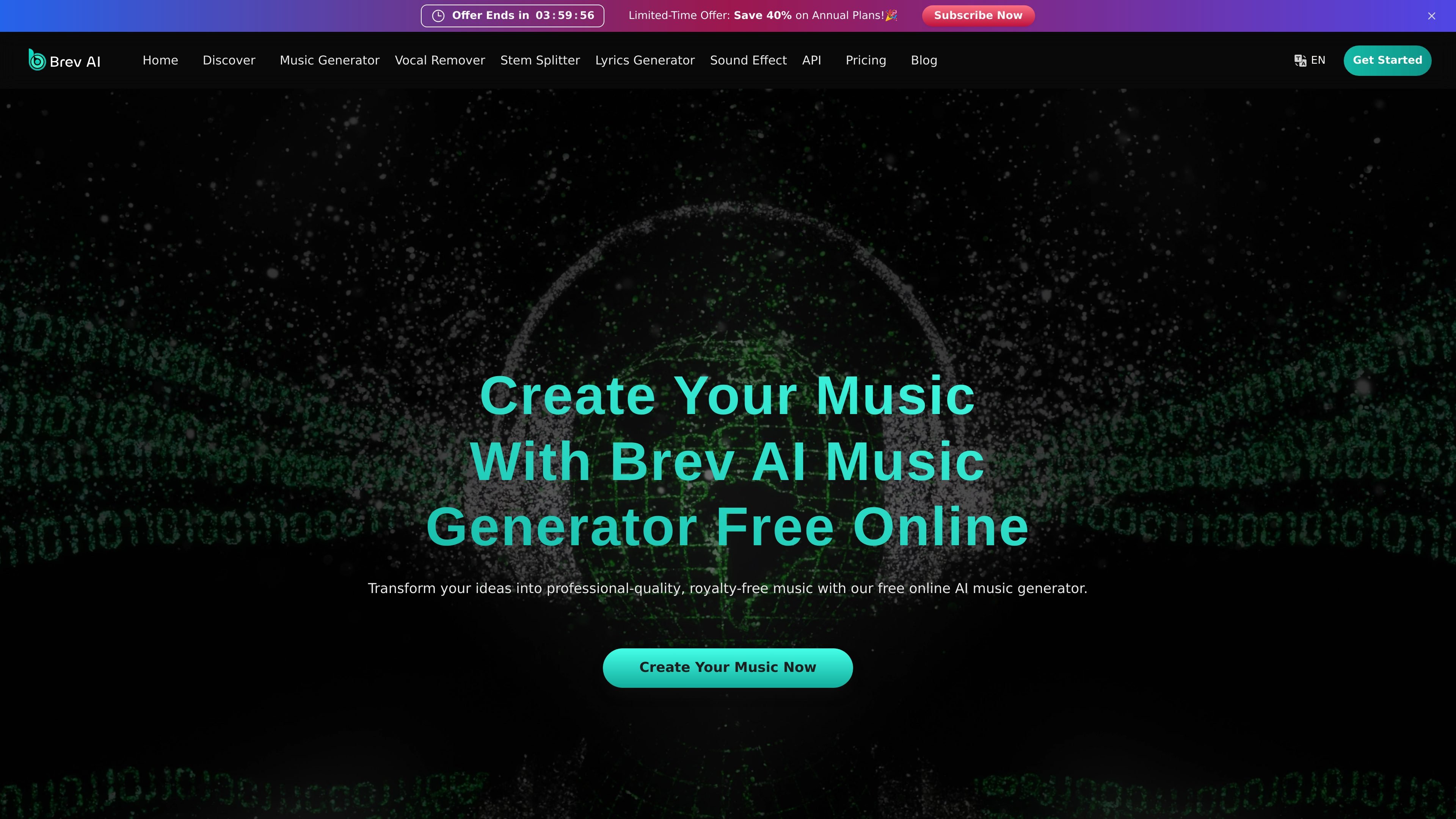
Generate music from text, song descriptions, lyrics, or style prompts. The homepage describes this as a way to create professional-quality tracks in minutes.

Web-based AI music creation with vocals, lyrics, effects, and lyric videos
Brev AI is an online AI music creation platform that lets users generate music from text prompts, lyrics, or style descriptions, then extend that workflow with related tools such as vocal removal, lyrics generation, sound effects, and lyric videos. The homepage positions it as a free online generator that works without sign-up, while the pricing page shows free and paid plans for broader usage.
The product is built for creators who need quick music drafts, karaoke or instrumental versions, lyric writing support, and simple export-oriented workflows. Supported pages also show a focus on commercial usage for paid users, private generations on paid plans, and downloadable MP3 or WAV output depending on plan.
Generate music from text, song descriptions, lyrics, or style prompts. The homepage describes this as a way to create professional-quality tracks in minutes.
Separate vocals from background music online for karaoke tracks, instrumental extraction, or remix preparation. The vocal remover page says it supports MP3, WAV, and FLAC and aims for lossless output.
Create two lyric versions from a prompt, then edit or regenerate them. The lyrics generator page says it supports multiple styles and languages, including rap-oriented writing.
Turn lyrics into MP4 lyric videos and share them on platforms such as YouTube and TikTok, according to the homepage.
Generate sound effects through the sound effect tool. The pricing page includes sound effect generation as an advanced tool, and the homepage presents it as free and fast to use.
Access a music license download for tracks created during a paid subscription, with the pricing page noting this as part of the commercial-use workflow.
Turn a written idea, mood, or style reference into a music draft when you need a quick starting point for a song, video, or presentation.
Remove vocals from an existing song to make a karaoke version, isolate an instrumental, or prepare stems for remix work.
Draft song lyrics from a theme or mood, then revise the output until it fits a genre, voice, or language you want to write in.
Convert lyrics into an MP4 lyric video for social sharing or music promotion, especially for channels such as YouTube and TikTok.
Generate sound effects or use paid-plan licensing and download options when building music for commercial projects that need a clearer usage path.
Yes. The pricing page includes a free plan with daily credits, and the homepage describes the music generator as free online with no sign-up required.
The pricing page says paid users have commercial usage rights, while free users do not. It also notes that annual subscribers can receive license files for music generated during their subscription period.
The vocal remover page says it supports MP3, WAV, and FLAC uploads and can separate vocals from background music online.
The lyrics generator page says it can create two lyric versions from a prompt, supports multiple styles and languages, and allows editing and regeneration.
The homepage says you can create music from text, remove vocals, generate AI lyrics, create MP4 lyrics videos, and generate sound effects through Brev AI’s online tools.
Traffic data is for reference only.

freemusicdemixer.com
Music Demixer separates songs into stems and converts audio to MIDI or sheet-music drafts.

stockmusicgpt.com
Web-based AI music generator for royalty-free tracks, effects, and covers
extendmusic.ai
ExtendMusic.AI extends uploaded music with generative AI

soundverse.ai
Web-based AI music generator for creating, extending, and remixing tracks

remusic.ai
Remusic is an online AI music tool for creating songs, separating vocals and instruments, and remixing.

weights.gg
Desktop AI audio tool for generating songs and voice covers offline