
Product-to-video generation
Convert a product URL or uploaded product image into a multi-scene video ad. The homepage says the AI analyzes the product and builds the ad around it.

Specteon Ads is an AI video generation platform that turns product links, images, or prompts into multi-scene video ads and MP4 exports.
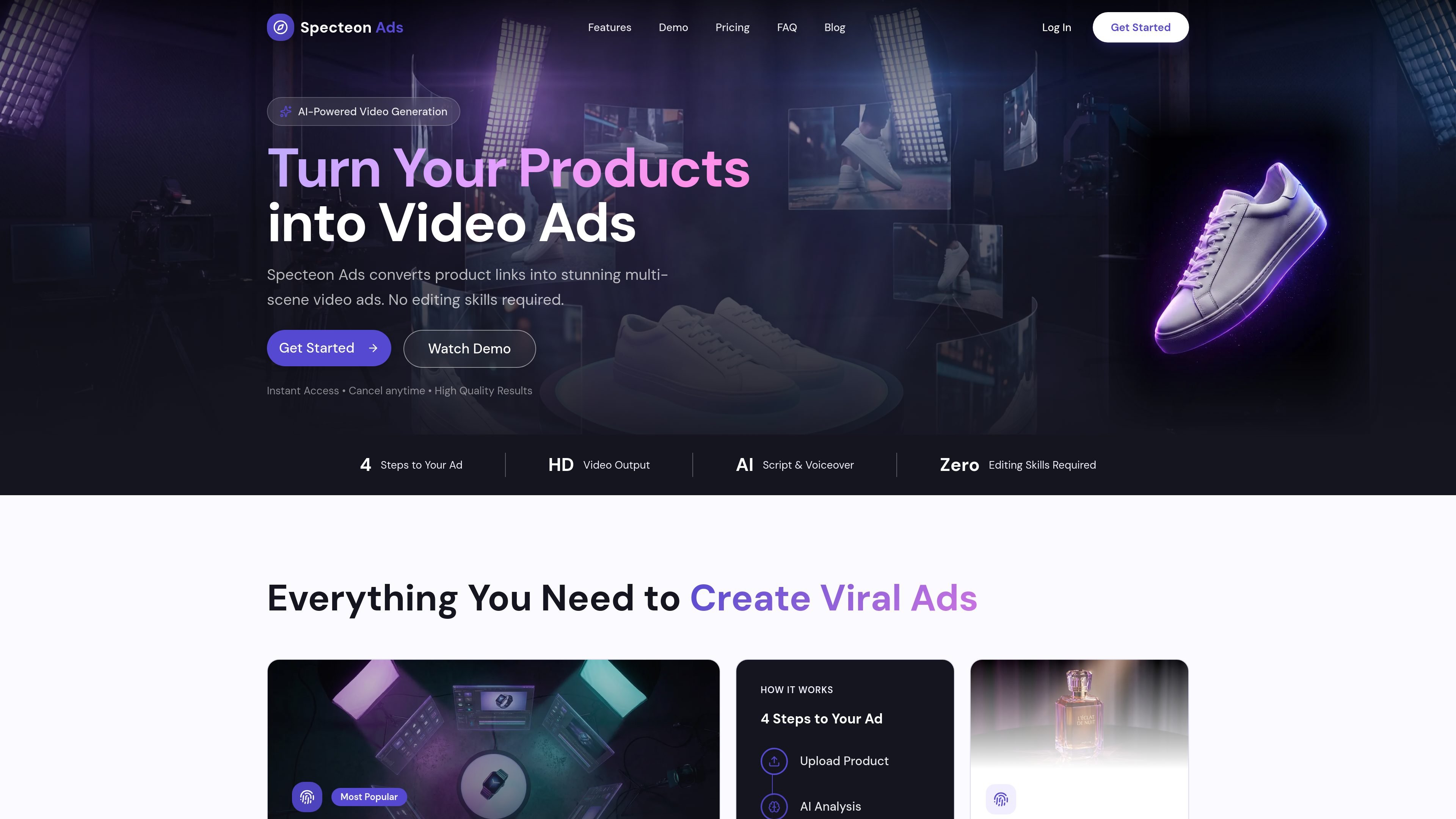
Specteon Ads is an AI video generation platform for turning product links, product images, and written prompts into short video ads. The homepage describes a workflow where the system analyzes a product, generates a script and scene plan, and exports a finished video with voiceover, transitions, effects, and music synchronization.
The site also positions the product for historical POV videos and other narrative content. Its FAQ says users can create immersive historical videos by providing a topic or historical figure, while the homepage emphasizes product-to-video ads that can be created in minutes without editing skills.
Convert a product URL or uploaded product image into a multi-scene video ad. The homepage says the AI analyzes the product and builds the ad around it.
The platform generates scripts and voiceovers automatically, with script generation included across plans and voiceover shown as part of the output workflow on the homepage.
Build ads as a sequence of scenes rather than a single static clip. The site describes multi-scene narratives and a four-step workflow from upload to export.
Produce HD video output with transitions, effects, and music synchronization. The FAQ states exports are MP4 at 1080p.
Use a credits model where images and video time are metered separately. The pricing page explains that images cost 5 credits each and video costs 5 credits per second.
On higher plans, the pricing page says priority rendering can move jobs ahead in the queue, and Pro/Viral King plans add custom product scenes and longer video lengths.
A seller can paste a product link or upload a product image to generate a multi-scene ad without assembling footage manually. The platform is set up to turn product details into a finished ad quickly.
Teams that need to communicate features or concepts can use the platform's script-and-scene workflow to build explanatory videos. The site highlights educational narratives as a supported content style.
Users creating history-focused content can provide a topic or historical figure and let the AI generate POV-style scripts, images, and clips. The FAQ explicitly calls out historical eras from ancient civilizations to the modern era.
Agencies or power users with recurring production needs can rely on the subscription and credit system to make repeated ads each month. The pricing page notes higher monthly limits on upgraded plans.
Creators who want fast iteration can use the platform's automated generation and regeneration flow rather than editing clips by hand. The FAQ says generation typically takes a few minutes and scenes can be regenerated if needed.
Specteon Ads is an AI-powered video generation platform that creates immersive historical POV videos. You provide a topic or historical figure, and the system generates scripts, images, and video clips.
After signing up, go to your dashboard and select "New Project." From there, choose a topic or figure, adjust your settings, and let the platform generate the video. The site says the process typically takes a few minutes depending on length.
No. The site says you do not need technical skills; the platform is designed so you can describe what you want and have the AI handle script writing, image generation, and video creation automatically.
Credits are the platform's content currency. Script generation is free on all plans; images cost 5 credits each and video costs 5 credits per second. A typical scene uses 45 credits for one image plus eight seconds of video.
According to the FAQ, videos are exported as MP4 files at HD quality (1080p). Pro and Viral King plans also include 4K image generation for scene frames.