
Production-ready editor
Designers, animators, and developers work in the same editor, with the site emphasizing that the production output matches what is built there.

Rive is an interactive design and animation engine for designers, animators, and developers. Build once and ship interactive graphics natively across apps, websites, games, and more.
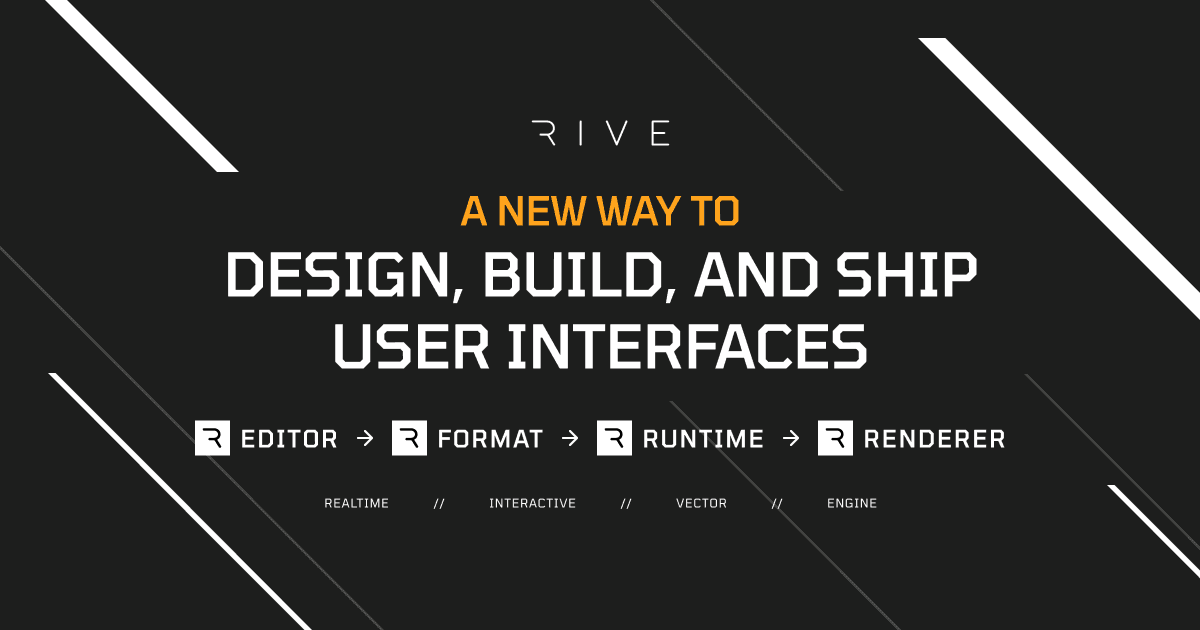
Rive is an interactive design and animation engine for building production-ready graphics and experiences. The product is positioned for designers, animators, and developers who want to design, animate, and code in one place, then ship the same work into apps, websites, games, devices, and vehicles.
The site describes an end-to-end pipeline made up of the editor, a stateful file format, open-source runtimes, and a fast renderer. Rive’s central promise is that what you create in the editor is what ships in production, reducing the gap between design and implementation while supporting native playback on supported platforms.
Designers, animators, and developers work in the same editor, with the site emphasizing that the production output matches what is built there.
The State Machine lets teams define interactivity visually, using states, transitions, listeners, inputs, blend states, and layers to control behavior.
Rive’s scripting feature is in early access and uses Luau scripting to extend what can be built in the editor.
The AI Agent is in early access and is described as helping write code and handle repetitive tasks.
Rive provides reusable Components, Data Binding, Responsive Layouts, and Scrolling so interfaces can adapt and repeat cleanly.
Open-source runtimes run Rive files natively across web, mobile, desktop, and engine targets, backed by the Rive Renderer GPU-accelerated vector graphics engine.
Use Rive to build interface motion and interactive states for product UI that needs to behave consistently across app and web targets.
Use the editor and runtimes to create animated assets and interactions for mobile apps that should run natively on iOS and Android.
Use the same workflow for game UI and interactive elements that need to ship into Unity, Unreal, Defold, or C++ environments.
Use Rive for teams that need reusable components, shared files, and collaboration while iterating on motion systems together.
Use the Cloud Renderer and export options when you need non-interactive outputs such as GIF, MP4, PNG, or WebM from the same source work.
Rive is built as an interactive design and animation tool with open-source runtimes for production playback. The site presents it as a fit for designers, animators, and developers working on apps, games, websites, products, and vehicles.
The source shows the editor for creating production-ready graphics, plus open-source runtimes that run Rive files natively on supported platforms. Export options on the editor page also include traditional outputs such as GIF, MP4, PNG, and WebM through the Cloud Renderer.
Rive’s pricing page shows a free plan for creating in the editor, with paid plans for shipping work and higher-tier collaboration or enterprise features. The free plan is positioned for learning and building, while paid plans add shipping, libraries, hosting, support, and enterprise controls.
The pricing page lists support for web, iOS, Android, Unity, Unreal, C++, React Native, Flutter, and more, and the homepage also names platforms such as React, Framer, Webflow, Wix Studio, Defold, and macOS.
The source describes a workflow where what you build in the editor is what ships in production, using the same file format and runtimes. That suggests one toolchain for design, animation, and implementation rather than separate handoff files.