Vectorizer.AI logo

Vectorizer.AI

Claim

Vectorizer.AI is an online image-to-vector converter that turns raster images into SVG, PDF, EPS, DXF, and PNG. Includes a browser app preview and SDK, CLI, and HTTP API for automation.

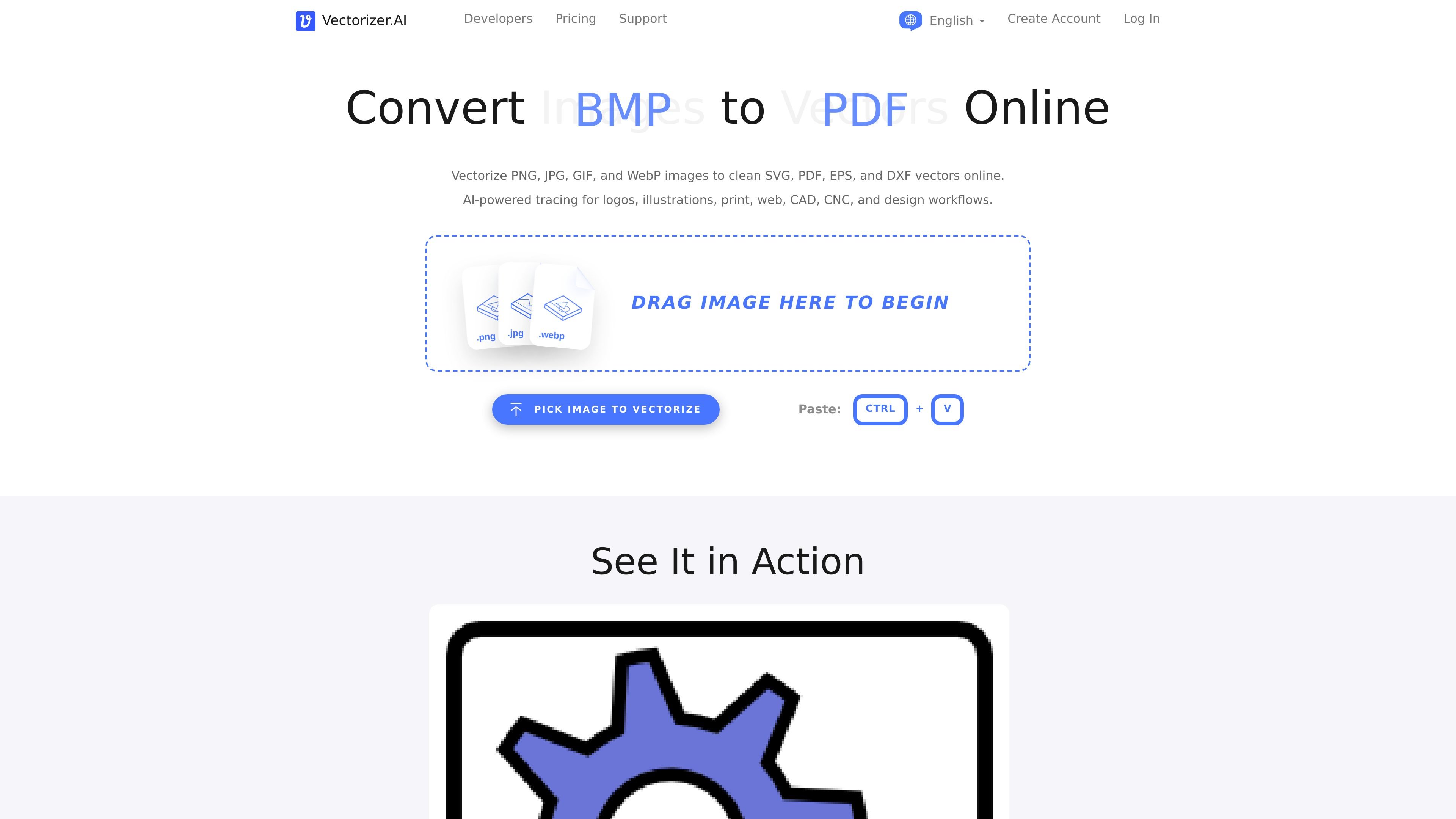
Vectorizer.AI preview

Overview

Vectorizer.AI is an online image-to-vector converter that turns raster files such as PNG, JPG, GIF, BMP, and WebP into SVG, PDF, EPS, DXF, and cleaned-up PNG output. It is designed for users who need scalable artwork from bitmaps, whether they are preparing logos for print, converting illustrations for web use, or creating DXF paths for CAD and CNC workflows.

The product offers both a browser-based web app and developer-facing API tools. The web app is aimed at people who want to upload an image, review a preview, adjust export options, and download the result, while SDKs, a CLI, direct HTTP API access, and OpenAPI documentation support automated integration into software, scripts, and production pipelines.

Features

Browser and developer workflows

Upload raster images in common formats and convert them into scalable vector artwork with no software installation required. The service runs in the browser for the web app and through API, CLI, or SDK integrations for automated workflows.

Multiple output formats and controls

Export results as SVG, PDF, EPS, DXF, or cleaned-up PNG. The product also exposes format-specific output options so users can adjust grouping, curves, compatibility, sizing, and other export behavior.

Interactive preview

Inspect a free interactive preview before downloading production results. This helps users check whether the vectorization suits the source image and the target software before committing to output.

Developer integration options

Use official SDKs, a cross-platform CLI, direct HTTP endpoints, and OpenAPI specs to integrate the same vectorization engine into applications, scripts, batch jobs, and custom tooling.

Vectorization engine and geometry processing

Vectorizer.AI describes its engine as combining deep learning networks with classical algorithms, plus proprietary geometry features such as vector graph editing, shape fitting, curve support, symmetry modeling, and corner cleanup.

Color and transparency handling

Support for full 32-bit ARGB input, including transparency and anti-aliasing, makes it suitable for images with partially transparent regions and soft edges.

Use Cases

  • Logo and icon vectorization

    Turn logos, icons, and simple artwork into vectors that can be scaled without losing clarity. The output formats and export controls make it suitable for branding and design handoff.

  • Illustration and sketch cleanup

    Convert illustrations, diagrams, and sketches into editable vector files for layout tools or creative software. The web app preview helps check whether details and curves are captured as expected.

  • CAD, CNC, and fabrication workflows

    Create DXF paths for laser cutting, CNC, embroidery, or similar workflows that need vector geometry instead of bitmap pixels.

  • Developer automation

    Automate image conversion inside websites, apps, batch jobs, or internal production pipelines using SDKs, the CLI, or direct API calls.

  • Print production preparation

    Prepare vector-ready output for print and other production uses where resolution independence and format compatibility matter.

Pros and Cons

Pros

  • Supports common raster inputs and several practical vector outputs.
  • Provides a free interactive preview before download.
  • Offers both a no-install web app and developer integration paths.
  • Includes export options for compatibility tuning.
  • Rolls over unused API credits up to 5× monthly usage.

Cons

  • API credits are usage-based, so automated workflows need to manage consumption and renewals.
  • The pricing page says there is no purchase-order flow and no invoices.

FAQ

Which file types does Vectorizer.AI support?

Vectorizer.AI accepts PNG, JPG, GIF, BMP, and WebP input and can export SVG, PDF, EPS, DXF, and cleaned-up PNG output. The API and web app use the same vectorization engine, but the exact export controls can vary by workflow.

Can I try it before subscribing?

Yes. The web app provides a free interactive preview so you can inspect results before downloading production output. The API documentation also says test mode is free and does not require a subscription.

When should I use the web app instead of the API?

The pricing page says the web app is intended for people who upload images, inspect the preview, and download results in the browser, while API plans are for software that needs automated image vectorization without a human in the loop.

What integration options are available for developers?

Vectorizer.AI offers official SDKs for TypeScript and JavaScript, Java, C# and .NET, Go, PHP, and Ruby. The API documentation also lists a CLI for Windows, macOS, and Linux, plus direct HTTP API access and OpenAPI specs.

Do API credits roll over?

The pricing page states that unused API credits roll over up to 5× monthly credits. It also notes that subscriptions are billed monthly and can be cancelled anytime.

Quick Facts

Category
Image to vector converter
Platform
Web app, API, CLI, SDKs
Supported inputs
PNG, JPG, GIF, BMP, WebP
Supported outputs
SVG, PDF, EPS, DXF, PNG
Primary users
Individuals, teams, and developers who need raster-to-vector conversion
Website
vectorizer.ai