
Auto Builder
Describe a workflow in plain language and have Moveo.AI generate a conversational agent that can automate that process. The page presents this as a faster starting point for inbound automation.

Moveo.AI is an AI customer-to-cash platform for automating support, collections, and payments with no-code builders, omnichannel deployment, live handoff, and analytics.
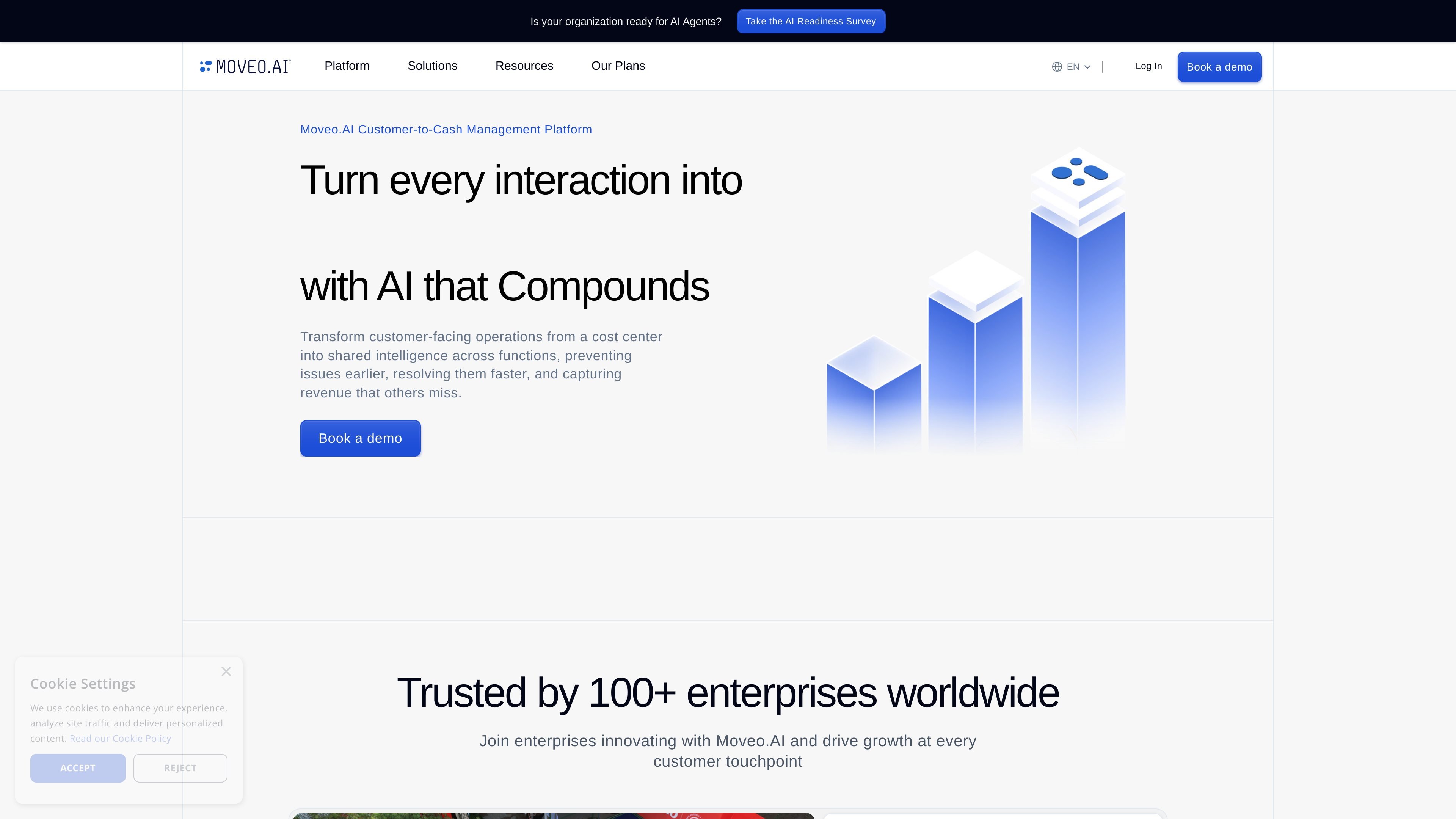
Moveo.AI is a customer-to-cash management platform that uses AI agents to automate customer-facing conversations across service, collections, and payments. Its homepage positions the product around turning interactions into revenue by carrying context forward from one conversation to the next.
The platform combines no-code and AI-assisted agent creation with omnichannel deployment, live chat handoff, and analytics. The pricing page shows plans for Pro, Growth, and Enterprise, with different limits for assistants, collaborators, conversation volume, analytics retention, and deployment options including private deployment on cloud or on-premises environments.
Describe a workflow in plain language and have Moveo.AI generate a conversational agent that can automate that process. The page presents this as a faster starting point for inbound automation.
Use the no-code builder to refine flows with drag-and-drop edits and add rich response types such as carousels and videos. This supports teams that want control without custom development.
Upload sources such as a website, Zendesk help center, knowledge base, or documents to create GPT-like experiences powered by Moveo’s private LLM. This is the product’s data-driven agent approach.
Route conversations across channels and support live-agent handoff. The pricing page lists Web Widget, SMS, Email, WhatsApp, Viber, Facebook Messenger, Google Chat, Intercom, Zendesk, and a custom channel API.
Track performance through analytics with retention controls, data isolation, and an analytics API for export to external BI tools. The pricing page also references customizable AI analytics.
Use escalation, tagging, and live chat seats to blend automation with human support when a conversation needs a person. The product tiers expose collaborator limits and live-chat capacity.
Automate repetitive support questions by generating an agent from a process description or knowledge source, then refining the flow before launch. This suits teams that want to reduce manual handling of common inbound requests.
Use the platform to manage billing, payment reminders, and collections conversations with a consistent process across channels. The homepage and customer stories point to collections as a core workflow.
Route conversations with live-agent escalation, tagging, and multilingual support when a customer issue needs human follow-up. This is useful for teams that need handoff without losing conversation context.
Combine analytics retention, analytics API export, and data isolation to monitor outcomes and share results with BI tools. This fits operations teams that need reporting without moving raw data loosely between systems.
Deploy the same agent across web and messaging channels while keeping control over privacy and hosting requirements. The pricing page supports private deployment and custom channel connections for this scenario.
Moveo.AI is designed for customer-facing operations where conversations need to be automated, routed, and improved over time. The pricing page points to Generative AI and NLP, live chat, omnichannel support, and private deployment options, so it fits teams that want to automate service workflows without losing control over data and handoffs.
The Auto Builder page says you can describe a process in plain language, generate an AI agent, then test and deploy it. The no-code page adds a drag-and-drop interface for manually refining conversation flows and adding rich responses.
Moveo.AI supports deployment to website and communication channels such as WhatsApp and Facebook, and the pricing page lists channels including Web Widget, SMS, Email, WhatsApp, Viber, Facebook Messenger, Google Chat, Intercom, and Zendesk.
The pricing page shows product tiers with different limits for assistants, collaborators, and monthly meaningful conversations. It also shows a talk-to-sales path for higher-touch plans and enterprise options.
The source highlights analytics, data isolation, API export, and configurable logging controls, but it does not provide full implementation details for every integration or workflow. Buyers would need to review the product in more depth to confirm exact fit for their stack.