
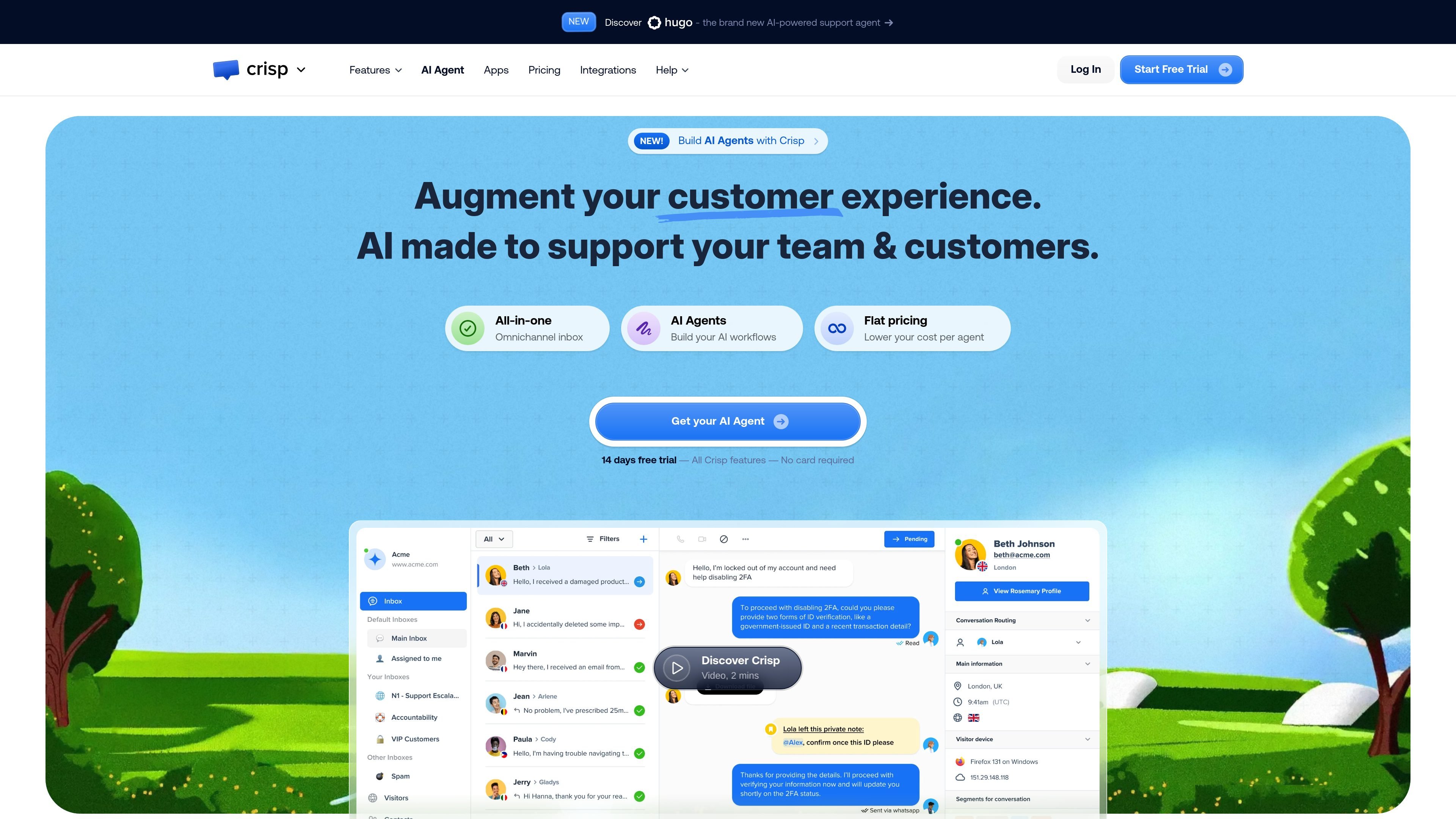
Omnichannel shared inbox
Combine inbound conversations from web chat, email, WhatsApp, Messenger, Instagram, SMS, and other channels into one shared workspace.

AI customer support platform for unified conversations
Crisp is an AI customer support platform that combines multichannel inboxes, chat, knowledge base tools, CRM data, automation, and analytics in one product. It is positioned for businesses that want to handle support, inbound sales, and customer messaging from a single workspace.
The product centers on a shared inbox and AI Agent workflow. Crisp says teams can train the AI on public and private resources, build workflows with a no-code editor, deploy them to channels such as web chat, WhatsApp, Messenger, Instagram, and email, then measure the conversations that follow. The pricing page shows a free plan, paid plans, and a 14-day full-feature trial for new accounts.
Combine inbound conversations from web chat, email, WhatsApp, Messenger, Instagram, SMS, and other channels into one shared workspace.
Build AI support flows with a no-code workflow builder, then test, deploy, and refine them across supported messaging channels.
Answer website visitors from a chat widget that can be added to websites and web apps, with support for mobile and app contexts mentioned on the homepage.
Create and manage help articles so customers can search for answers before contacting your team.
Use customer data and interaction history inside a built-in CRM to keep conversations contextual.
Track team performance and support activity with reporting and analytics tools.
Centralize support requests from website chat, email, and messaging apps so agents work from one collaborative inbox instead of switching tools.
Build automated support flows that handle repetitive questions, route conversations, and trigger actions from a no-code editor.
Publish help articles so customers can self-serve before opening a conversation, reducing simple inbound tickets.
Use customer history, notes, assignment, and inbox triage to coordinate responses across a support team.
Connect Crisp with other business tools and use the inbox as a central layer for customer communication and workflows.
Crisp is set up as a customer support platform with a shared inbox, chat widget, knowledge base, and AI tools. The homepage says you can train the AI on public and private resources, then create and deploy workflows through the no-code AI Agent builder.
The homepage describes a four-step flow: train the AI with your content, create a workflow, deploy it to a channel such as web chat, WhatsApp, Messenger, Instagram, or email, then validate and measure the conversations.
The pricing page shows a free plan and paid plans, and every new account gets access to the full feature set for a 14-day trial with no card required.
Crisp’s shared inbox and omnichannel inbox features are built for teams. The pricing page includes multiple seats on paid plans, and the shared inbox page focuses on collaboration inside one inbox.
Crisp’s website highlights support for web chat, email, WhatsApp, Messenger, Instagram, SMS, Telegram, and additional channels, plus integrations with external tools. The shared inbox page also points to 50+ apps and CRM connections.
Traffic data is for reference only.

botnoi.ai
Web-based AI chatbot and voicebot platform for automated customer replies across chat and phone

help.center
AI-first customer support with knowledge base, search, and chatbot

hostbuddy.ai
HostBuddy AI automates guest messaging for short-term rentals.

sitegpt.ai
Website-trained AI support chatbot for visitor questions

chatthing.ai
Build custom AI chatbots and support assistants from your content

searchunify.com
Enterprise AI support combining self-service, grounded answers, and human handoff.