
Data import and dataset viewing
Import your own training data and inspect it inside Liner before training. The homepage also says you can use a pre-labeled dataset.

Liner.ai is a free no-code machine learning tool for training and deploying models from your own data on Windows and Mac.
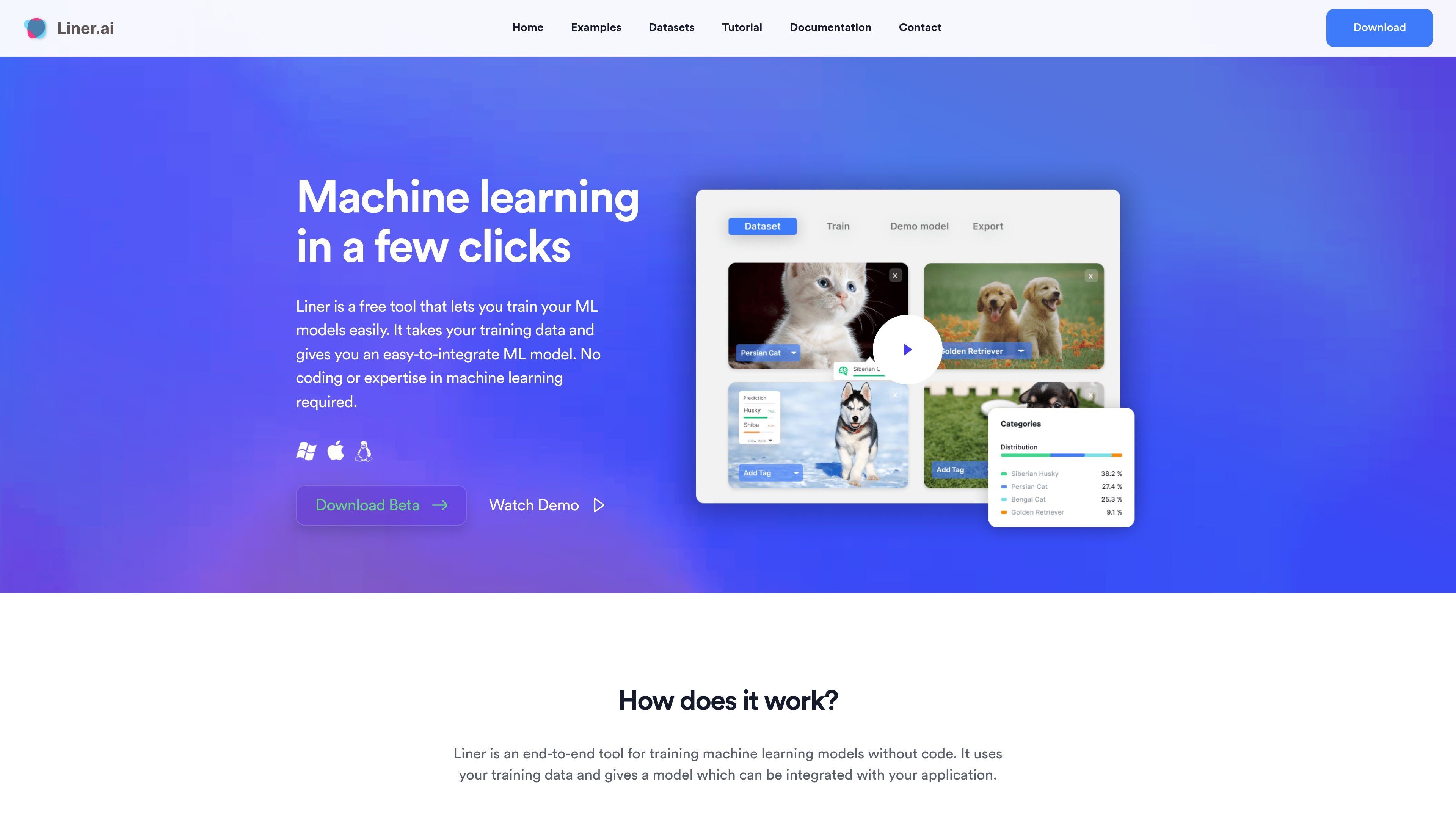
Liner.ai is a no-code machine learning tool for training and deploying models from your own data. The homepage describes it as an end-to-end workflow that takes training data, trains a model automatically, and produces an output you can integrate with an application.
The product is aimed at users who want to build machine learning applications without coding or prior ML experience. It supports local training on your computer, offers templates for several common model types, and is available as a desktop download for Windows and Mac.
Import your own training data and inspect it inside Liner before training. The homepage also says you can use a pre-labeled dataset.
Start training with a button press and let Liner choose an appropriate model automatically. The product is presented as a no-code workflow for building ML models.
Train for common machine learning tasks including image, text, audio, video, object detection, image segmentation, and pose classification.
Export trained models to several platforms and integrate them into an application. The site positions the output as an easy-to-integrate ML model.
Training happens locally on your computer, and the site says nothing is sent to the cloud. This keeps your data on-device during the workflow.
The download page lists Windows and Mac support, including macOS Intel and Apple Silicon builds, with Linux marked as coming soon.
Import a labeled dataset and use Liner to train a model for a specific classification or detection task without writing code.
Use one of the built-in templates to start with a known task such as image classification, text classification, or object detection.
Keep training local when your data should stay on your machine rather than being uploaded to a cloud service.
Create an exportable model that can be integrated into another application after training is complete.
Use the desktop app on Windows or Mac when you want a packaged tool rather than a browser-only workflow.
Liner is an end-to-end tool for training machine learning models without code. The source describes a three-step workflow: import data, start training, and deploy the model.
Liner runs locally on your computer. The source says training happens on your machine and that nothing is sent to the cloud.
Yes. The source says you can train without a GPU and that the models are optimized for standard CPU training.
The source says Liner is available for Windows and Mac, with downloads for macOS Intel, macOS Apple Silicon, and Windows 64-bit. Linux is listed as coming soon on the download page.
No. The contact page explicitly says Liner does not offer subscription services.