
Dictation inside other apps
Record speech in the app or dictate directly inside apps such as Gmail, Slack, and Notion. This supports a faster workflow when you want text inserted where you are already working.

Letterly is an AI speech-to-text app for messages, notes, recaps, and drafts. Use it across mobile, desktop, and web, with in-app dictation, rewrites, and note organization.
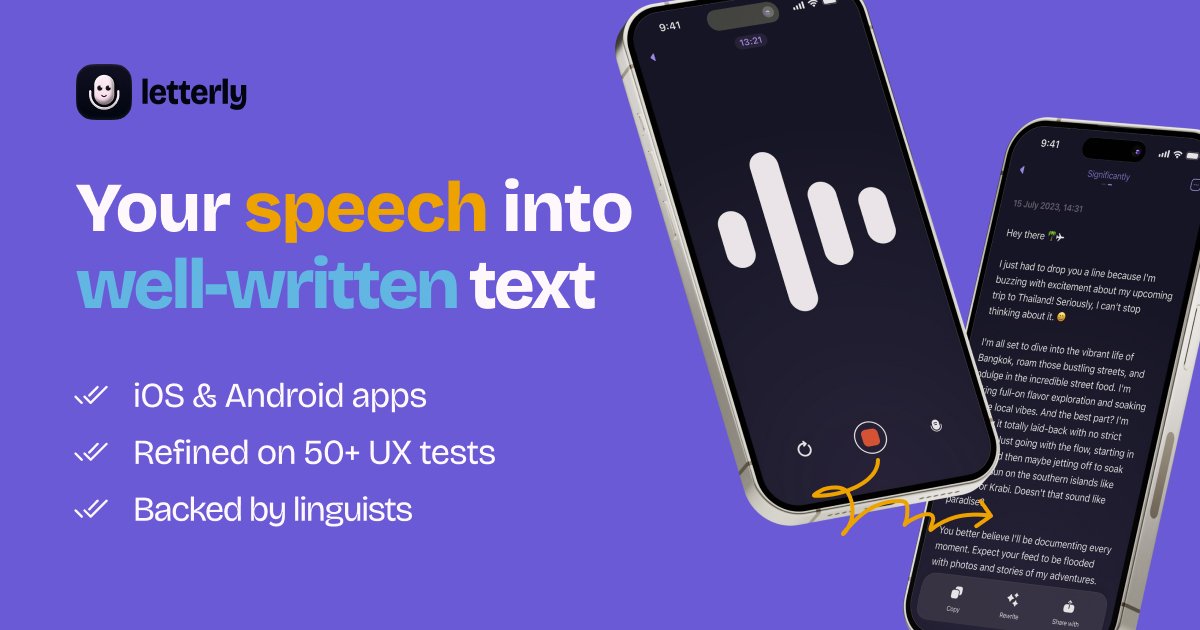
Letterly is an AI speech-to-text app that turns spoken thoughts into clear text for messages, notes, meeting recaps, and other everyday writing. Its core promise is to let people record instead of type, then shape the output into the format they need.
The product is presented as a mobile and desktop workflow that works in the app itself and, in some cases, directly inside other apps. The site highlights dictation, rewrites, note organization, live sync across devices, offline recording, and support for long recordings up to 90 minutes.
Record speech in the app or dictate directly inside apps such as Gmail, Slack, and Notion. This supports a faster workflow when you want text inserted where you are already working.
Turn recordings into clean text, summaries, and speaker-separated transcripts for longer conversations. The site presents this as useful for meetings, lectures, and interviews.
Use built-in rewrite options to clean up rough thoughts, shorten text, or convert it into formats like messages, emails, and notes. The changelog also shows custom rewrite options and a rewrite options library.
Search notes by keyword, organize them with tags, and edit them later. The site also mentions merging multiple notes into one on the web.
Work across iPhone, Android, Mac, Windows, and the web with live sync across devices. The site also lists offline recording, audio upload, Apple Watch, widget, shortcuts, and text replacements as built-in options.
Connect to other tools through Zapier, webhooks, and Letterly MCP. The site says Letterly can connect with Claude, ChatGPT, Cursor, and other AI tools.
Dictate in Gmail, Slack, Notion, Messages, or other text fields when you want to draft faster than typing. Letterly can insert cleaned-up text directly into the app you are already using.
Capture unstructured thoughts as notes, lists, journals, or drafts, then revisit and rewrite them later. This suits people who want to speak first and organize later.
Record meetings, lectures, or interviews and turn them into transcripts, summaries, or speaker-separated notes. The 90-minute recording support makes it suitable for longer sessions.
Use the app with rewrite options to shape text for specific formats such as emails, social posts, or follow-up messages. The built-in rewrite library is meant to reduce manual editing after dictation.
Connect Letterly to AI tools or automation workflows when notes need to flow into another system. The site mentions MCP, Zapier, and webhooks for this kind of handoff.
Letterly is designed to capture speech and turn it into clean text, and it can be used for messages, notes, meeting recaps, and other writing tasks. The site also shows support for dictation in other apps, so it is not limited to the main app window.
The site says Letterly is available on iPhone, Android, Mac, Windows, and the web. It also says the app syncs live across devices.
Letterly shows integrations through Zapier and webhooks, and it also has a Letterly MCP option for connecting to AI tools such as Claude, ChatGPT, and Cursor. The changelog and site both mention using it inside other apps through dictation on mobile and desktop.
The site says Letterly supports long recordings of up to 90 minutes, has no limits on recordings or AI rewrites, and can work offline. It also says the service is private by default and words are not used to train AI.
The site does not show pricing details on the pricing URL provided; that page returns a 404. Based on the available evidence, only free entry points and product access mentions are visible, not a published plan table.