
Template-based note filling
Upload or start with an existing note template, and Sorinai listens to the call and fills the fields as you talk. It supports common formats such as Word, PDF, and plain text.

Sorinai is a desktop AI notepad for meetings on Mac and Windows. Fill note templates from live calls, ask an AI copilot mid-call, and choose a free Starter plan or paid team tiers.
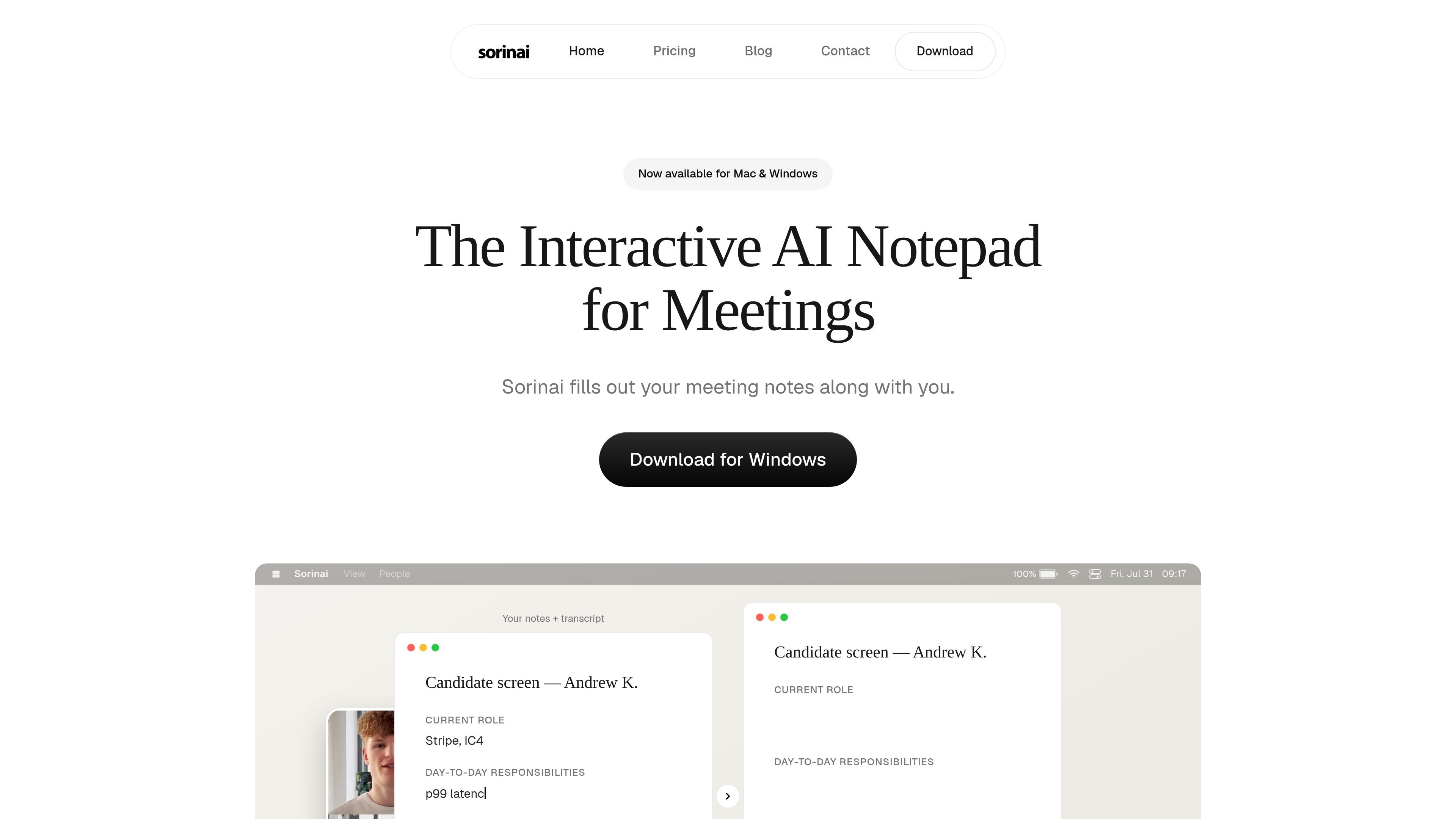
Sorinai is a desktop notepad for meetings on Mac and Windows. It captures audio from the call you choose to record, produces transcripts and notes, and fills out your template as the conversation unfolds.
The product is built for live meeting workflows: you can ask an AI copilot questions mid-call, review and search past meetings, and optionally connect a calendar for added context. The pricing page shows a free Starter plan plus paid Personal and Business plans for individuals and teams.
Upload or start with an existing note template, and Sorinai listens to the call and fills the fields as you talk. It supports common formats such as Word, PDF, and plain text.
Ask Sorinai questions during the call, with shortcut buttons for quick help. The help centre describes this as one assistant you can query mid-call.
Sorinai transcribes your computer's audio directly rather than using a meeting bot, and the site says it works for video calls, phone calls, and in-person meetings.
You can chat across all of your meetings at once, search for a specific meeting, reopen past meetings, and delete them from the app.
Connect Google Calendar or Microsoft Outlook to show your agenda and add meeting context to notes. The privacy policy says this access is read-only.
Business plans add shared templates, team analytics and reporting, centralised billing and seat management, a full audit log, and SSO.
Use Sorinai to keep a structured interview sheet up to date while you focus on the conversation. The template can be filled with candidate details, technical experience, logistics, and a recommendation as the call progresses.
Run a sales or discovery call with a template for current setup, pain points, timeline, budget, and next steps. Sorinai can fill those fields live so you have a cleaner handoff after the meeting ends.
Capture recurring internal meetings, then search or chat across past calls to summarize themes, surface action items, or draft a follow-up. This is useful when you need to compare one meeting against another.
Record vendor conversations, security reviews, or other operational meetings where a structured questionnaire matters. The app can fill the note template during the call and preserve the result for later review.
Ask the copilot what to say next or what you are still missing while the meeting is live. This helps when you want help staying on script without leaving the call.
Sorinai is a desktop notepad for meetings. It captures audio from the meeting you choose to record, produces transcripts and notes, and gives you an AI copilot for asking questions during the call or across past meetings.
The pricing page lists Starter as free forever, with Personal and Business paid plans. Business adds team-oriented features such as shared templates, analytics, audit logs, centralised billing, seat management, and SSO.
Sorinai works with meetings captured on your computer and says it works on any platform. The pricing page says a meeting can be Zoom, Google Meet, Teams, Webex, or a phone call on WhatsApp, FaceTime, Slack, or Discord.
Yes. The help centre includes guides for getting started, live meetings, AI Copilot, note templates, chat with past meetings, integrations, team and billing admin, and troubleshooting.
For Business and Enterprise customers, the pricing page says Sorinai offers SSO, and the privacy page says enterprise customers can get a DPA and data residency options. The product also states it does not train AI models on your content.