
Collect data from many sources
Collect data from uploads, APIs, webhooks, databases, cloud storage, and supported file storage connections, then organize it in a workbook for preparation.

Flatfile is AI-powered data preparation and migration software for collecting, mapping, cleaning, transforming, and validating data before it reaches your system.
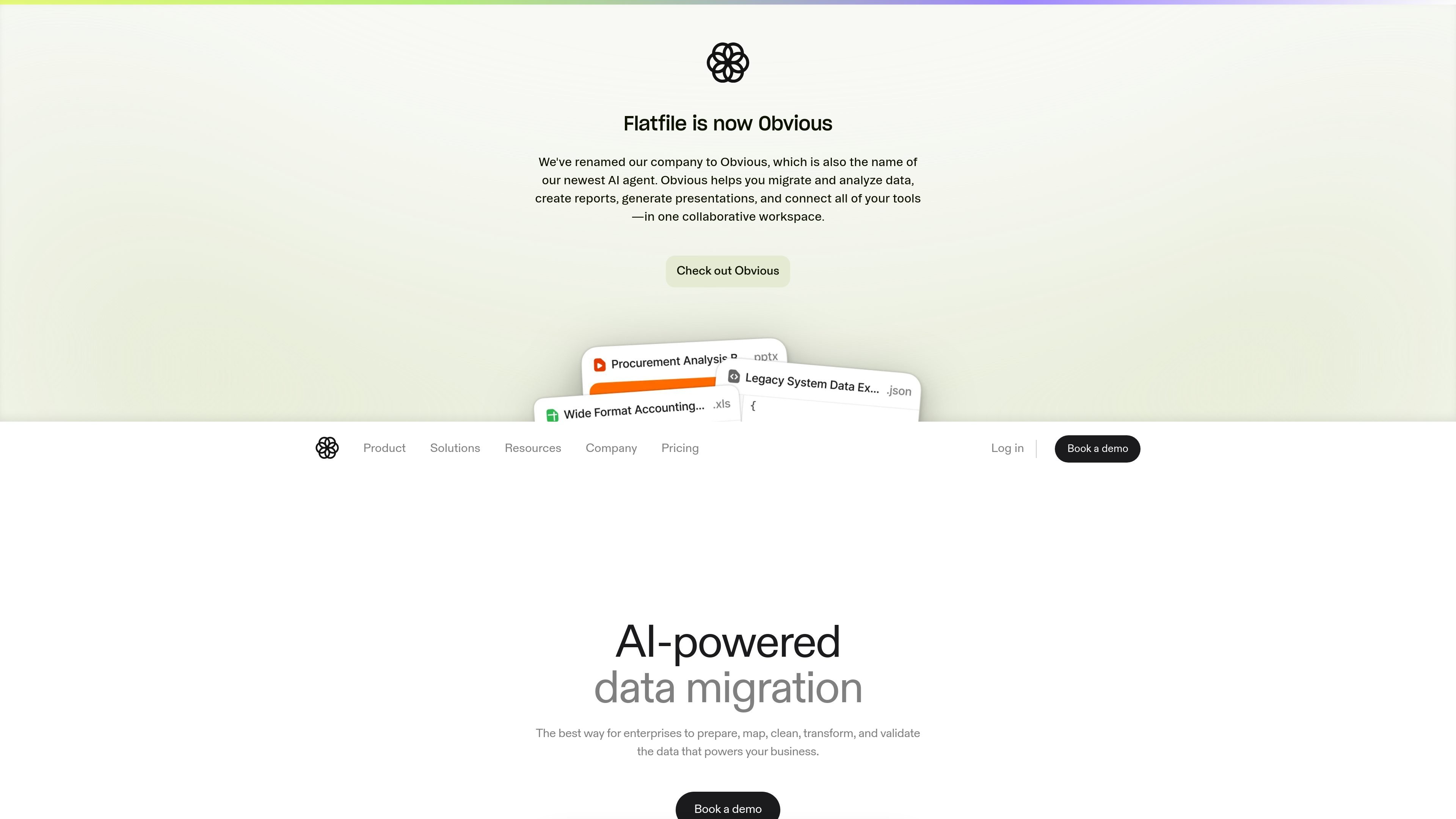
Flatfile is AI-powered data preparation and migration software for enterprises and teams that need to collect, map, clean, transform, and validate incoming data before it reaches a destination system. The product centers on a workbook-style interface where users can inspect files, correct issues, and manage data projects with review steps.
The site describes workflows for file-based data collection from uploads, APIs, webhooks, databases, cloud storage, and file storage integrations. It also says Flatfile can auto-detect structure in messy input, map fields to a schema, enforce validation rules, and transform data with AI-assisted and human-reviewed changes.
Collect data from uploads, APIs, webhooks, databases, cloud storage, and supported file storage connections, then organize it in a workbook for preparation.
Detect file structure automatically, parse unstructured input, and create a workbook for further preparation when source data is variable.
Match incoming fields to your schema with AI-assisted mapping that considers data meaning, not just column names.
Check data against rules as it lands, highlight errors, and support review, approval, and auto-fixing of formatting issues.
Adapt data with prompt-based transformations, including column changes, splitting and merging fields, and other format adjustments.
Support collaborative editing, shared views, multi-step approvals, comments, and team-specific workspaces for data projects.
Use Flatfile when a team needs to bring customer or partner data into an internal system and wants to clean and map it before import.
Use the platform for migration work that involves high-variance source files and repeated review steps across multiple stakeholders.
Use Flatfile to standardize messy spreadsheets or files by fixing formats, splitting and merging fields, and enforcing validation rules.
Use the collaborative workbook flow when non-technical users, implementation teams, and reviewers all need to approve changes before data is finalized.
Use the API-first, event-driven platform when implementation teams want to extend the workflow with code, custom actions, or plugins.
Flatfile provides a data preparation and migration workflow that includes collecting files, mapping fields, validating records, transforming data, and converting it for a destination system.
The site presents Flatfile as software for enterprises and teams that need to prepare, map, clean, transform, and validate data for migration or onboarding projects.
Flatfile supports file-based data collection from uploads, APIs, webhooks, databases, cloud storage, and direct integrations with popular file storage solutions.
Pricing is organized around project volume, and the pricing page says users can start on a free Starter plan with no credit card required. The company also invites teams to talk to sales for higher-tier needs.
The pricing page says development and test usage in a development environment is always free, with fair-use expectations.