
Text to motion
Generate motion from text prompts for realistic, controllable human movement.

Uthana is an AI platform for human motion, generating animation from text, video, poses, or constraints with retargeting, auto-rigging, API and SDK access.
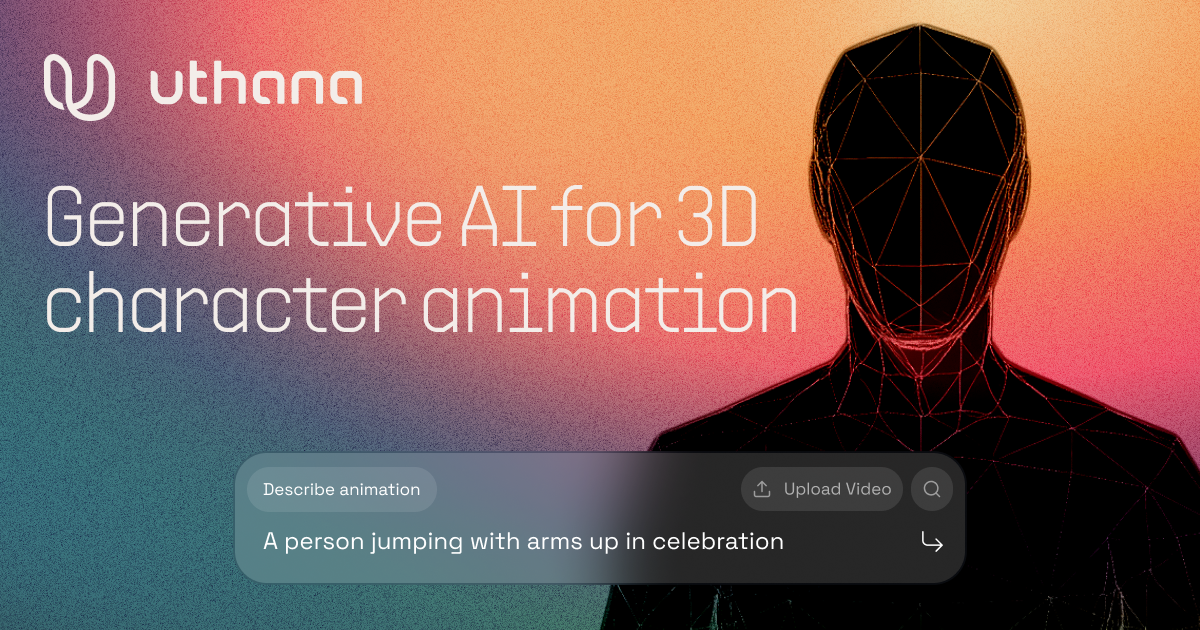
Uthana is an AI platform for human motion that generates animation for characters from text, video, poses, or constraints. The site positions it as a foundation-model system for games, animation, film, robotics, simulations, and other production workflows.
The product combines generation, editing, and delivery tools in one workflow. Its public site highlights motion generation, stitching, looping, real-time recording, flexible retargeting, auto-rigging, and an API and SDK for integration, plus plugins for Blender and Maya.
Generate motion from text prompts for realistic, controllable human movement.
Turn uploaded 2D videos into 3D motion files for downstream animation workflows.
Blend multiple motions together and use keyframes to shape the transition between them.
Create repeating sequences from existing motion so the animation loops cleanly.
Control and record characters in real time with a mouse, keyboard, or gamepad.
Apply motion across different character formats, skeletons, and engines using retargeting and auto-rigging.
Use text prompts to quickly create character motion when you need an early animation pass or a controllable motion starting point.
Convert reference footage into 3D motion files when a team wants to work from existing 2D video instead of keyframing from scratch.
Use stitching, looping, and real-time animation tools to refine motion for a scene, gameplay system, or interactive sequence.
Retarget motion onto different rigs and formats when the same movement needs to work across multiple characters or engines.
Integrate motion generation into a studio or product pipeline through the API, SDKs, or DCC plugins.
Uthana provides a GraphQL API with official Python and JavaScript/TypeScript clients. The docs also show a React package for hook-based integration, while C# users can call the GraphQL endpoint directly.
The API docs say you need an Uthana account and an API key from account settings. The quickstart then walks through installing a client, authenticating, and uploading a character model before generating motion.
The home page highlights text to motion, video to motion, stitching, looping, real-time animation, flexible retargeting, and auto-rigging. The pricing page also lists motion library access and character generation on paid plans.
The pricing page shows a free plan with unlimited motion generation, limited download seconds, limited character uploads or auto-rigs, and API and SDK access. Paid plans add higher usage limits and commercial licensing, and enterprise is available with contact sales.