
Team inbox in familiar chat apps
Connect live chats and customer messages to Microsoft Teams, Slack, or Google Chat so agents can reply from the tools they already use.

Social Intents is an AI customer service and live chat platform that routes website conversations to Microsoft Teams, Slack, or Google Chat, with AI chatbots for common questions.
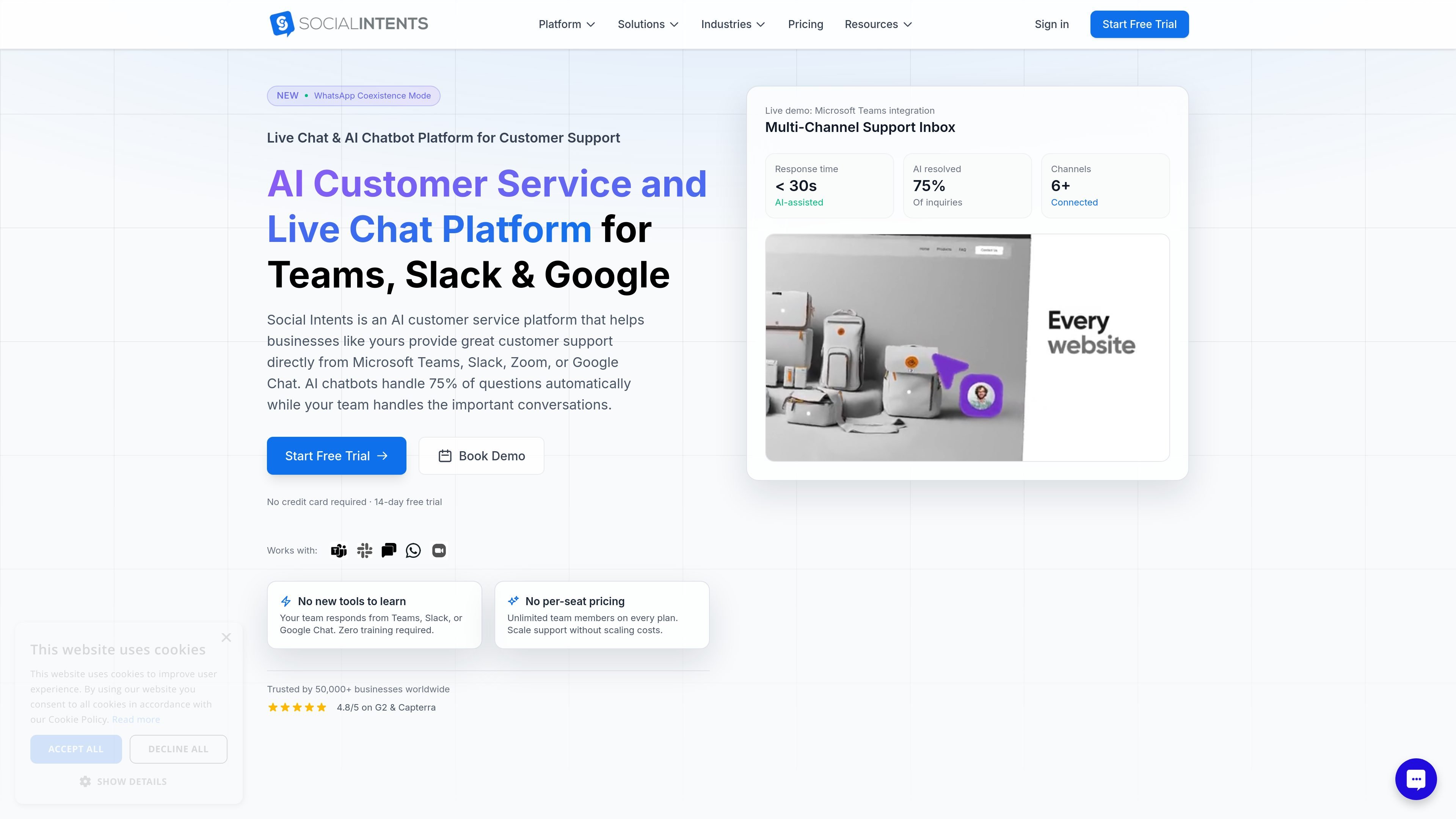
Social Intents is an AI customer service and live chat platform for websites and team messaging apps. It lets businesses handle customer conversations from Microsoft Teams, Slack, or Google Chat while using an AI chatbot to answer routine questions automatically.
The product is built to reduce context switching for support teams. Businesses can add a website chat widget, connect their workspace, and let agents or AI respond from the tools they already use. The site also positions the platform for WhatsApp, SMS, Messenger, and other connected channels.
Connect live chats and customer messages to Microsoft Teams, Slack, or Google Chat so agents can reply from the tools they already use.
Add a website chat widget in minutes with one line of code or a platform plugin, and customize its appearance to match your site.
Train an AI chatbot on your website, PDFs, or help docs so it can answer common questions and hand off complex issues to humans.
Use one inbox to monitor response times, resolution rates, chat volume, satisfaction, and agent performance across conversations.
Route messages with automation tools such as proactive chat triggers, offline messages, custom actions, and integrations.
Support WhatsApp Business, SMS, Messenger, Zoom, and Webex alongside website chat for multi-channel support.
Support teams can route visitor chats into Microsoft Teams, Slack, or Google Chat so agents answer from the same workspace they already use every day.
Sales teams can add a chat widget to product or pricing pages, use proactive messages, and respond quickly while visitors are still browsing.
Support teams can let the AI handle common questions around the clock, then escalate to a human when the issue needs context or judgment.
Businesses with multiple channels can manage website chat alongside WhatsApp, SMS, Messenger, Zoom, or Webex without creating separate support workflows.
Agencies can manage multiple client accounts from one dashboard and use white-label branding for client-facing support setups.
Yes. The site says you can sign up for a 14-day full-access free trial, and the pricing page notes no credit card is required for the trial.
The product is set up to connect with Microsoft Teams, Slack, Google Chat, or Zoom, then add a chat widget to your website with a line of code or a plugin.
The site says responses can happen from Microsoft Teams, Slack, or Google Chat, with chats appearing as threads or channel notifications depending on the integration.
The pricing page says Basic, Pro, and Business plans include unlimited seats, while Starter includes 4 seats. The live chat page also describes unlimited agents on all plans.
The site says AI chatbot capabilities are included and can be trained on your website, PDFs, or help docs, with support for ChatGPT, Claude, or Gemini.