
Centralized donor management CRM
Keep donor records, gift history, communication history, tasks, and giving forms in one organized system so staff do not have to piece together separate tools.

DonorDock is a donor development platform for small to mid-sized nonprofits, combining CRM, online giving, outreach, project management, and reporting in one system. It helps teams organize donor data, automate communication, and manage fundraising work without switching between multiple tools.
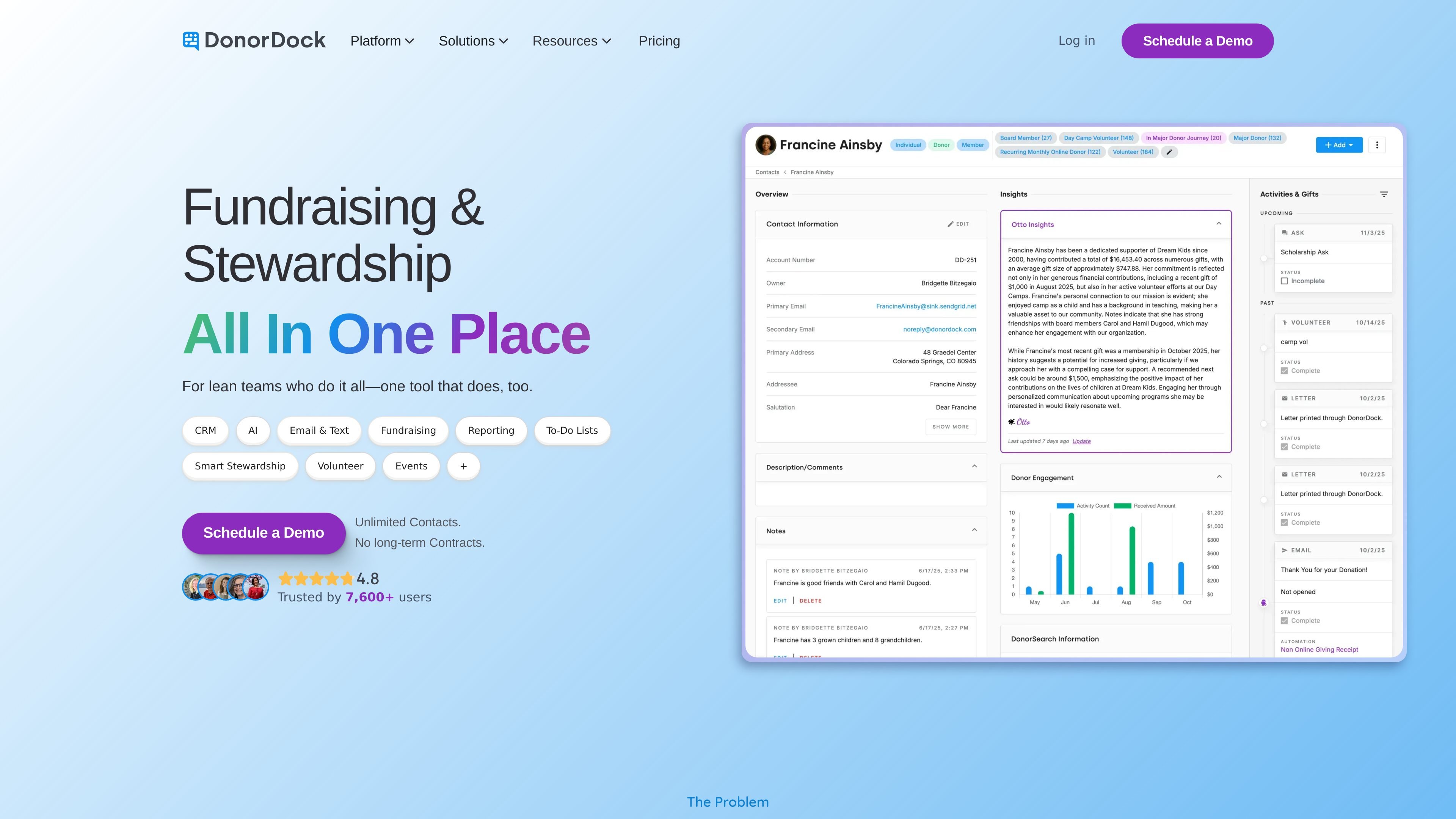
DonorDock is a donor development platform for small to mid-sized nonprofits that combines CRM, online giving, outreach, project management, and reporting in one workspace. It is positioned as an easier alternative to spreadsheets or large, complex systems, with a focus on helping lean teams know what to do next and keep donor information organized.
The product includes contact management, communication history, tasks, giving forms, email and text outreach, automations, and reporting tools. The site also highlights guided setup, human support, and built-in data migration help so organizations can get started without technical implementation work.
Keep donor records, gift history, communication history, tasks, and giving forms in one organized system so staff do not have to piece together separate tools.
Create and send targeted email campaigns, including automated workflows for receipts, event invites, thank-yous, and campaign appeals.
Send personalized text messages and manage outreach from the same platform used for donor records and campaigns.
Accept donations through giving pages and supported payment methods including credit cards, Stripe, PayPal, and ACH.
Track progress with dashboards and reporting tools, including pre-built reports and custom reports for campaign and donor analysis.
Coordinate work beyond fundraising using project management features and task tracking alongside donor operations.
Store donor profiles, gifts, communication history, tasks, and notes in one place so development staff can see the next step without checking multiple systems.
Build and send segmented email campaigns, automate thank-yous and follow-ups, and manage text outreach from the same platform.
Set up giving pages and accept donations through supported payment methods while keeping gift records connected to the CRM.
Track campaign progress, review dashboards, and generate pre-built or custom reports for internal review or stakeholder updates.
Assign roles, share access, and coordinate tasks across multiple staff members while keeping permissions controlled.
DonorDock centralizes contacts, gifts, communication history, tasks, and giving forms in one workspace so nonprofit teams can manage fundraising without switching between separate tools.
Most nonprofits can start using DonorDock the same day, and guided data migration is typically completed within 10 days or faster with built-in field mapping and human support.
Yes. Multiple team members can use the same account with individual logins, assigned roles, and permission controls so teams can share work while limiting access where needed.
Yes. DonorDock lets you export donors, gifts, tags, activity timelines, donor lists, gift reports, and filtered segments to CSV or Excel.
DonorDock includes unlimited contacts at no extra cost and is offered as a single plan, so the subscription does not change as an organization adds more contacts.