
One-page deal follow-up
After a sales call, Distribute creates a single shareable page with the recording, pricing, and next steps instead of a scattered email thread.

Distribute is an AI sales follow-up tool that turns calls into shareable deal pages with recordings, pricing, next steps, and follow-up emails.
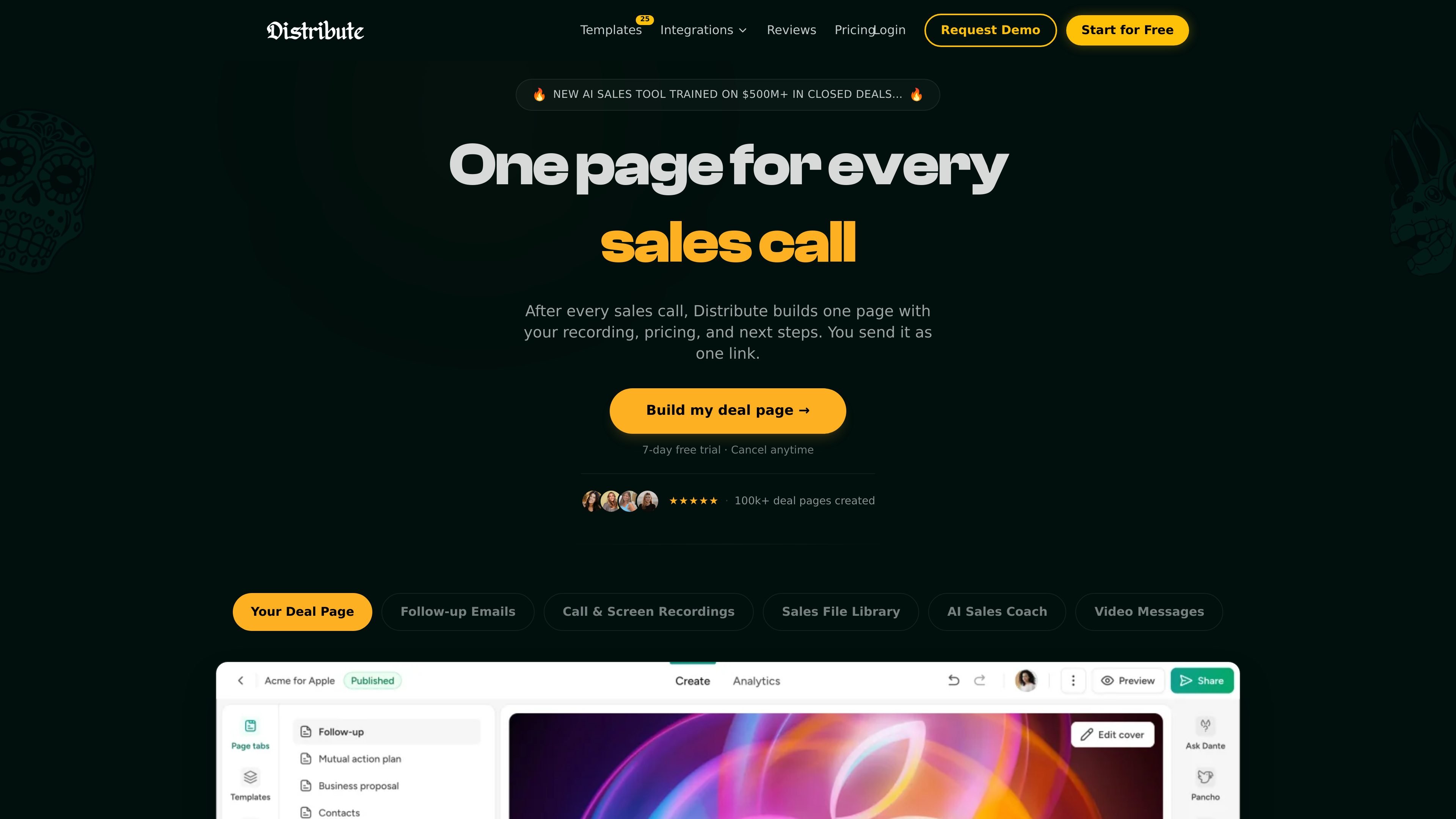
Distribute is an AI sales follow-up tool that turns a completed call into a single shareable deal page. According to the site, that page can include the call recording, pricing, next steps, and a follow-up email, so buyers and sellers can stay in one place instead of moving through multiple attachments and threads.
The product is aimed at sales professionals and teams that want to reduce manual post-call work. The site positions it as useful for creating executive-ready digital sales rooms, tracking buyer engagement, and coaching reps from the same workflow after each call.
After a sales call, Distribute creates a single shareable page with the recording, pricing, and next steps instead of a scattered email thread.
The product writes a follow-up email from the call and builds the page around the conversation so reps can send one link instead of multiple attachments.
Distribute includes engagement tracking so users can see who viewed the page, when they viewed it, and what they interacted with.
The site says the AI coach listens to calls and tells reps what worked, what did not, and what to change next time.
Pricing pages mention reusable content libraries and templates for follow-ups, onboarding, and QBRs, which suggests the workflow can be standardized across a team.
The product can either connect to call recording tools like Gong or Fathom or record calls itself, then place the output in one link.
Use Distribute after a discovery or demo call to send one link that combines the recording, relevant pricing, and next steps for the buyer.
Use the product when buyers want a cleaner way to review materials than a long email thread or a large attachment set.
Use the AI coach to review how a call went and adjust the next conversation based on feedback about what worked and what did not.
Use the platform to standardize follow-up content and templates across a sales team so reps spend less time rebuilding the same materials.
Use the done-for-you option when a team wants help with content setup, branding, page building, and ongoing strategy support.
Distribute builds one page after a sales call that includes the recording, pricing, and next steps. The source also says it can write the follow-up email and surface engagement data such as who viewed the page and when.
The pricing page separates the product into Platform, Done For Me, and Enterprise options. The Platform plan is self-serve, Done For Me adds white-glove services, and Enterprise is custom.
The source says Distribute can connect to call recording tools like Gong or Fathom, and the pricing page lists CRM sync for Salesforce and HubSpot, Slack integration, calendar integration, and custom domain setup depending on plan.
The site suggests the product is designed for sales teams that want to replace manual follow-up work with a shareable deal page, follow-up emails, and coaching on call performance.
The public pages do not give a full setup guide, but they indicate the product can either connect to existing call recording tools or record calls itself, then generate the follow-up page automatically.