
Shared business phone and inbox
Quo combines business calling, messaging, and contacts in one shared workspace so teams can manage customer communication from a single place.

Quo business phone system for startups and small businesses: shared calls, texts, contacts, AI-assisted communication, call routing, shared numbers, and integrations.
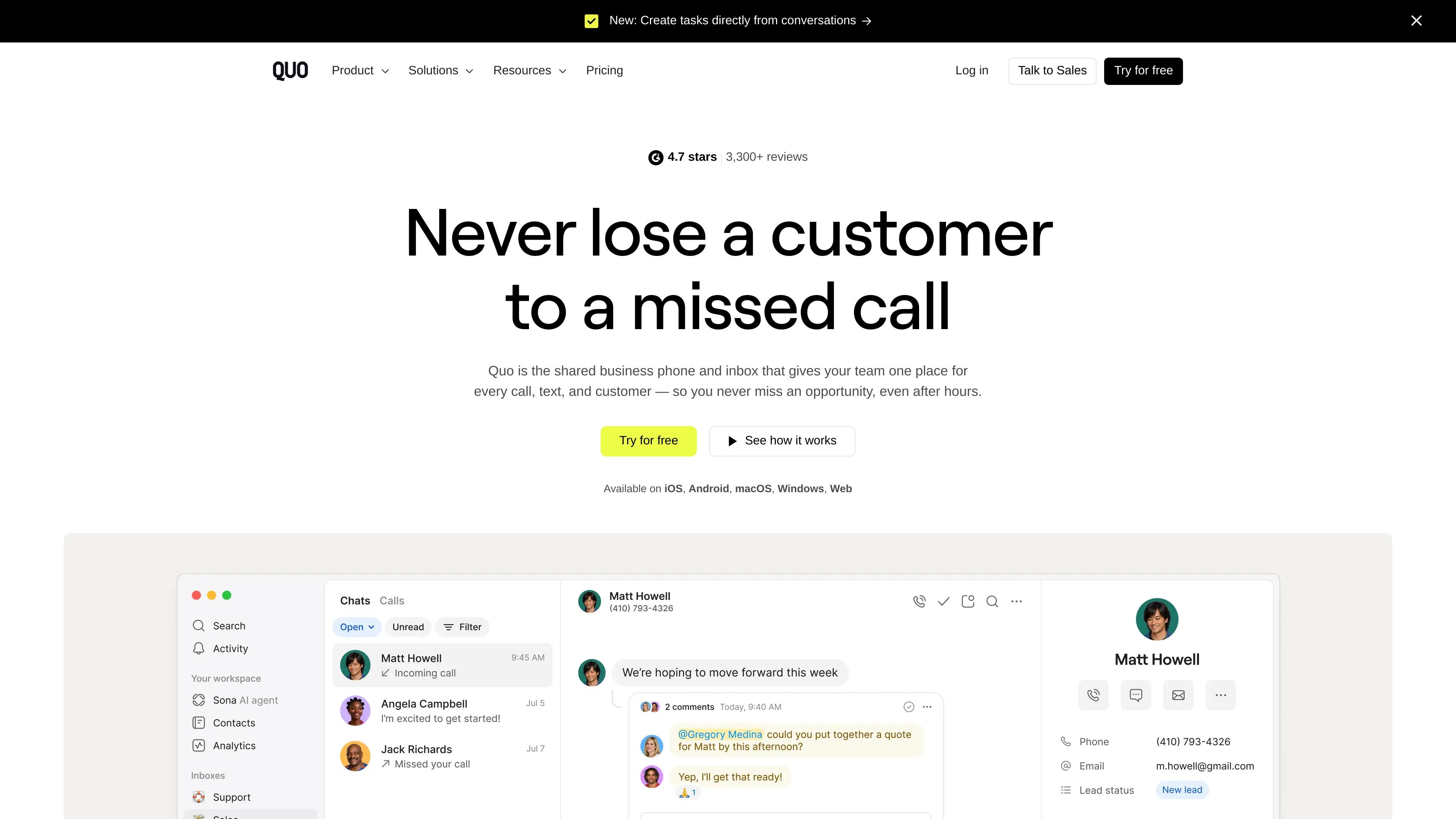
Quo, formerly OpenPhone, is a business phone system for startups and small businesses that combines calling, texting, and contacts in one shared workspace. The product is designed so teams can manage customer conversations together instead of relying on separate personal numbers or scattered tools.
The site positions Quo around shared numbers, call routing, AI-assisted handling, and integrations with other business tools. Pricing starts with a free trial and includes monthly and annual plans, with Starter, Business, and Scale tiers for teams that need different levels of call handling and automation.
Quo combines business calling, messaging, and contacts in one shared workspace so teams can manage customer communication from a single place.
The platform supports shared numbers, new or ported phone numbers, and number reassignment for locations, teams, or specific inboxes.
Call routing, call forwarding, and related call-handling tools help direct incoming calls to the right person and reduce missed opportunities.
AI features include Sona, which answers calls 24/7, plus AI message responses, AI contact suggestions, and AI call summaries and transcripts on supported plans.
The Business plan adds integrations with HubSpot and Salesforce, analytics and reporting, and phone menus for teams that need more structure around call handling.
Quo offers apps for iOS, Android, macOS, Windows, and web, so teams can use the same system across devices.
Set up a shared business number so multiple teammates can see and manage customer communication without using a personal line.
Route inbound calls to the appropriate person or team and use call forwarding and phone menus to reduce missed calls.
Use Sona and other AI tools to answer calls after hours, draft replies, and surface useful contact details from conversations.
Connect Quo with CRMs and other work tools to keep contacts and activity synced across sales, legal, and operations workflows.
Port an existing number into Quo when switching providers so the team can keep a known business line during the transition.
Quo is a business phone system for teams that want calls, texts, contacts, and shared workflows in one place. It is positioned for startups and small businesses, with shared numbers, call routing, AI call handling, and integrations for tools like HubSpot, Salesforce, Clio, Claude, and ChatGPT.
The pricing page shows monthly and yearly plans. Starter, Business, and Scale are listed, and the page also offers a 7-day free trial.
Quo is available on iOS, Android, macOS, Windows, and the web. The site also highlights porting existing numbers and getting a new business number during setup.
The integrations directory highlights official integrations for Clio, Claude, ChatGPT, HubSpot, Pipedrive, and Zoho CRM, plus other partner-built integrations. The homepage also references tools such as Slack, Make, Zapier, Gong, Fireflies.ai, and Pipedream.
The homepage and feature navigation point to call routing, call forwarding, answering service, auto attendant, and AI receptionist. The call-routing page also describes routing incoming calls to the right person.