
Prompt experimentation
Test prompts across models, parameters, tools, and context in a multimodal playground, then compare versions side by side before deployment.

Maxim AI is a GenAI evaluation and observability platform for teams building AI agents, with prompt testing, simulation, evals, and production monitoring.
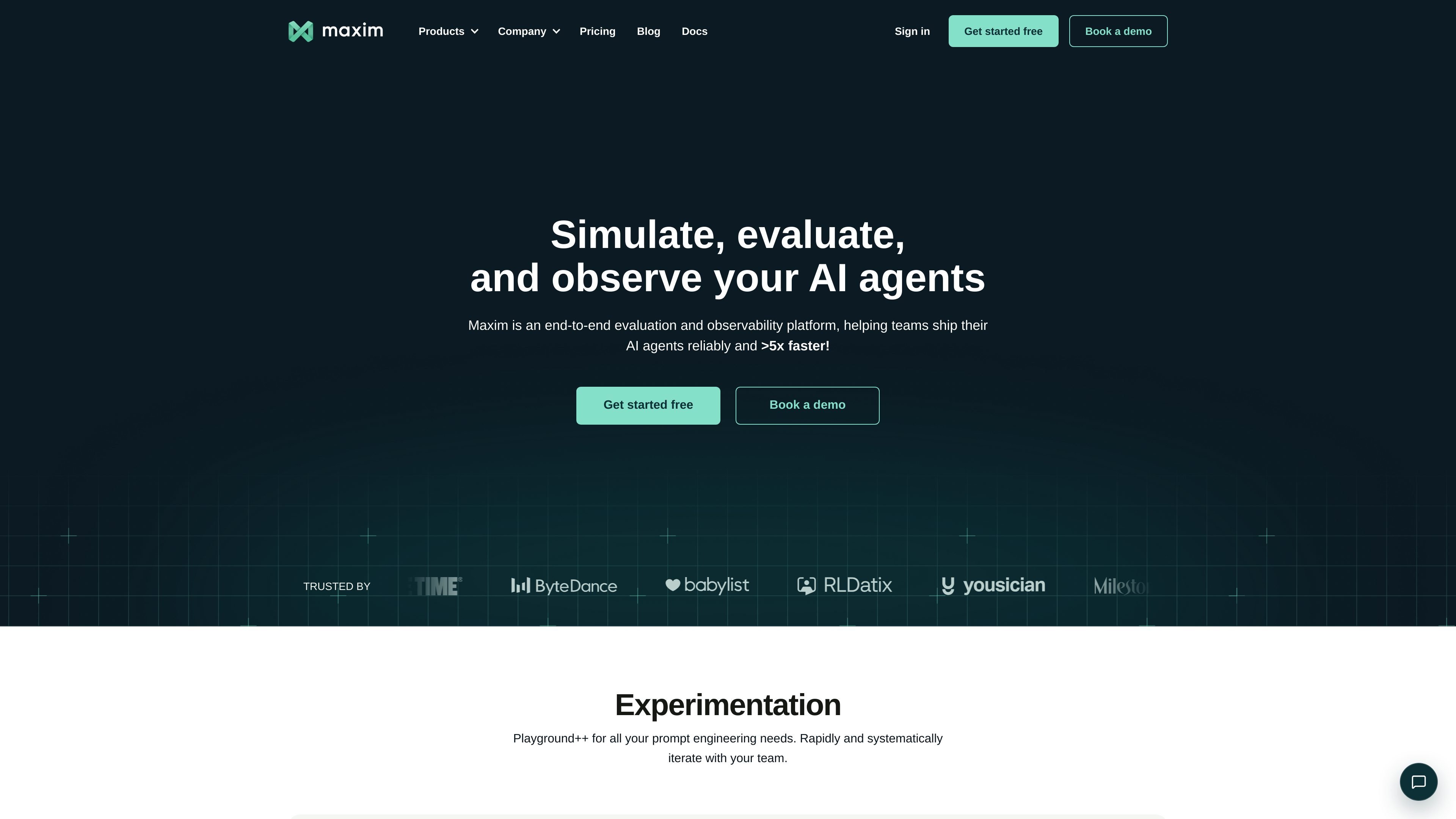
Maxim AI is a GenAI evaluation and observability platform for teams building and shipping AI agents. Its product pages describe a stack that combines experimentation, simulation and evaluation, observability, gateway and governance, and deployment workflows.
The platform is designed to help teams test prompts and agents, compare models and versions, monitor real-world behavior, and automate quality checks as part of development and release processes. The site also presents a no-code builder alongside SDK-based and CI/CD-driven workflows, so both technical and cross-functional teams can work from the same system.
Test prompts across models, parameters, tools, and context in a multimodal playground, then compare versions side by side before deployment.
Version prompts outside the codebase, organize them with folders and tags, and keep author, comment, and modification history for collaboration.
Run simulation and evaluation workflows on large test suites, with support for predefined, custom, statistical, programmatic, and human scorers.
Monitor traces, logs, live issues, online evaluations, and alerts to understand how agents behave after deployment.
Use no-code agent building, prompt chains, tool nodes, code blocks, and conditional logic to test and deploy agentic workflows.
Integrate through SDKs, CLI, webhooks, and CI/CD workflows, and connect to tools such as LangChain, OpenAI, Anthropic, Bedrock, and LiveKit.
Use the prompt playground to compare prompts, models, tools, and context side by side before rolling a change into production.
Run simulation and evaluation suites against large datasets to test agent quality across scenarios, metrics, and human review workflows.
Monitor traces, logs, and online evaluations after launch to inspect live behavior, debug issues, and watch for regressions.
Build multi-step agents with prompt chains, tool nodes, and conditional logic, then test and deploy the resulting workflows from the same platform.
Use CI/CD integrations and SDKs to automate evaluation runs and quality checks as part of an engineering release process.
Maxim positions itself as a platform for evaluating, observing, and deploying AI agents. Its product pages describe prompt experimentation, agent simulation and evaluation, and observability as the main workflows.
The source shows a free Developer plan and paid Professional and Business plans, with an Enterprise tier for custom requirements. Monthly billing is shown for the standard paid plans, and Enterprise uses a custom contact flow.
Yes. The experimentation page says teams can run comparisons side by side, version prompts, and deploy prompts with custom rules. The pricing page also lists online evals and simulation runs on the paid plans.
The home page and product pages describe observability for traces, debugging, online evaluations, and alerts. Those capabilities are presented as part of monitoring and improving agent behavior in production.
The source does not present Maxim as a no-code-only product. It mentions a no-code builder and playground, but also SDKs, CLI, webhooks, and language SDKs for automation and integration.