
AI image generation
Generate images from prompts, image references, and mask edits, then continue refining them in the same workspace.

Hiding Elephant is an AI design workspace for creating and editing on-brand visuals, with automation for agencies, ecommerce, marketing teams, and creators.
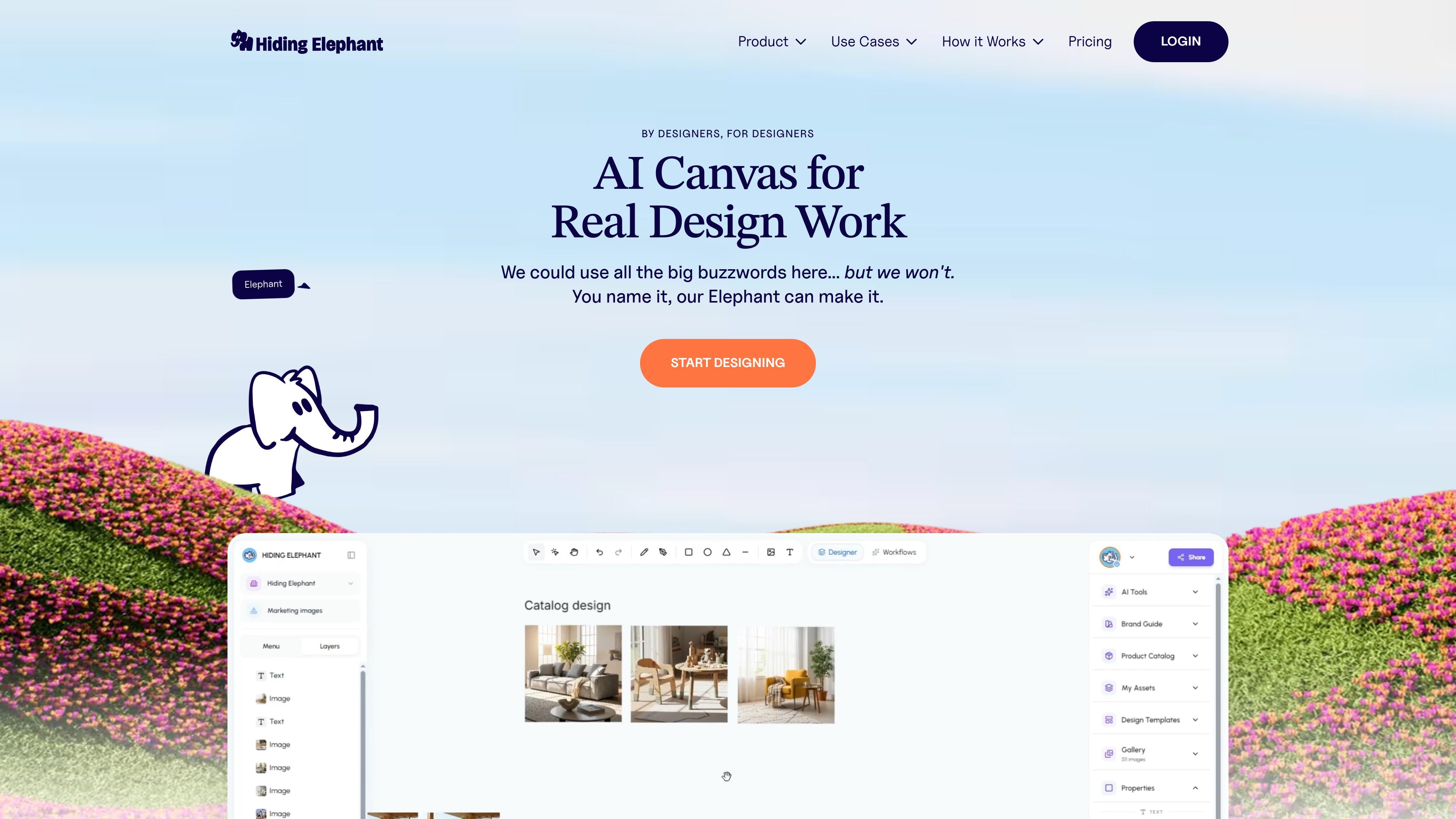
Hiding Elephant is an AI canvas for design work that combines generation, editing, image processing, and workflow automation in one workspace. The product is positioned for teams that need to produce on-brand visuals rather than isolated one-off images.
Across the site, the product is framed around practical creative tasks: refining product layouts, cleaning up product photos, building campaign assets, managing product catalogs, and exporting work for production. The same workspace also includes quick tools for background removal, upscaling, vectorization, optimization, and reframing when a single step is all you need.
Generate images from prompts, image references, and mask edits, then continue refining them in the same workspace.
Edit generated and imported artwork on a vector canvas with pen tools, booleans, layers, and typography next to the AI output.
Run focused image jobs such as background removal, upscaling, vectorization, optimization, and reframing without leaving the product.
Chain repeated steps into visual workflows for batch runs, reusable templates, and catalog-level processing.
Apply brand controls with style kits, style matching, brand kits, and catalog-linked assets so outputs stay aligned with existing visuals.
Collaborate in shared workspaces with live cursors, shared assets, and role-based access for team use.
Create and iterate on campaign visuals, then refine layouts and typography in the same canvas instead of moving between separate design tools.
Upload catalog images and SKUs, apply brand rules, and generate product visuals that stay consistent across listings and assets.
Remove backgrounds, upscale photos, vectorize artwork, and optimize exports for product pages, ads, and landing pages.
Batch-process large sets of images through reusable workflows when the same steps need to be repeated across a catalog or campaign.
Work together in a shared workspace with live cursors and shared assets when multiple people need to review, edit, and export the same project.
Hiding Elephant is a browser-based AI design workspace. The source shows a canvas, workflow tabs, and quick tools, but it does not spell out installation steps or a desktop app.
The site says it is built for design agencies, ecommerce teams, marketing teams, and content creators. It supports tasks like product images, brand assets, and campaign visuals in one workspace.
Yes. The pricing page says commercial use is included on paid plans, and the site also mentions private projects and shared workspaces for teams.
The source shows quick tools and a full workspace for batch-style workflows, but it does not publish hard output ceilings for every action on the marketing pages. Pricing does note credit-based usage and plan-dependent limits.
The site presents image generation, editing, background removal, upscaling, vectorization, optimization, workflow automation, and collaboration. It does not list third-party integrations in the provided pages.