
AI image generation with references
Generate visuals from prompts and references, using Style Mix, Match, and Blend in one flow. Saved assets, brand guides, and product catalog items can provide context for generations.

An AI design workspace for generating, editing, and processing on-brand visuals.
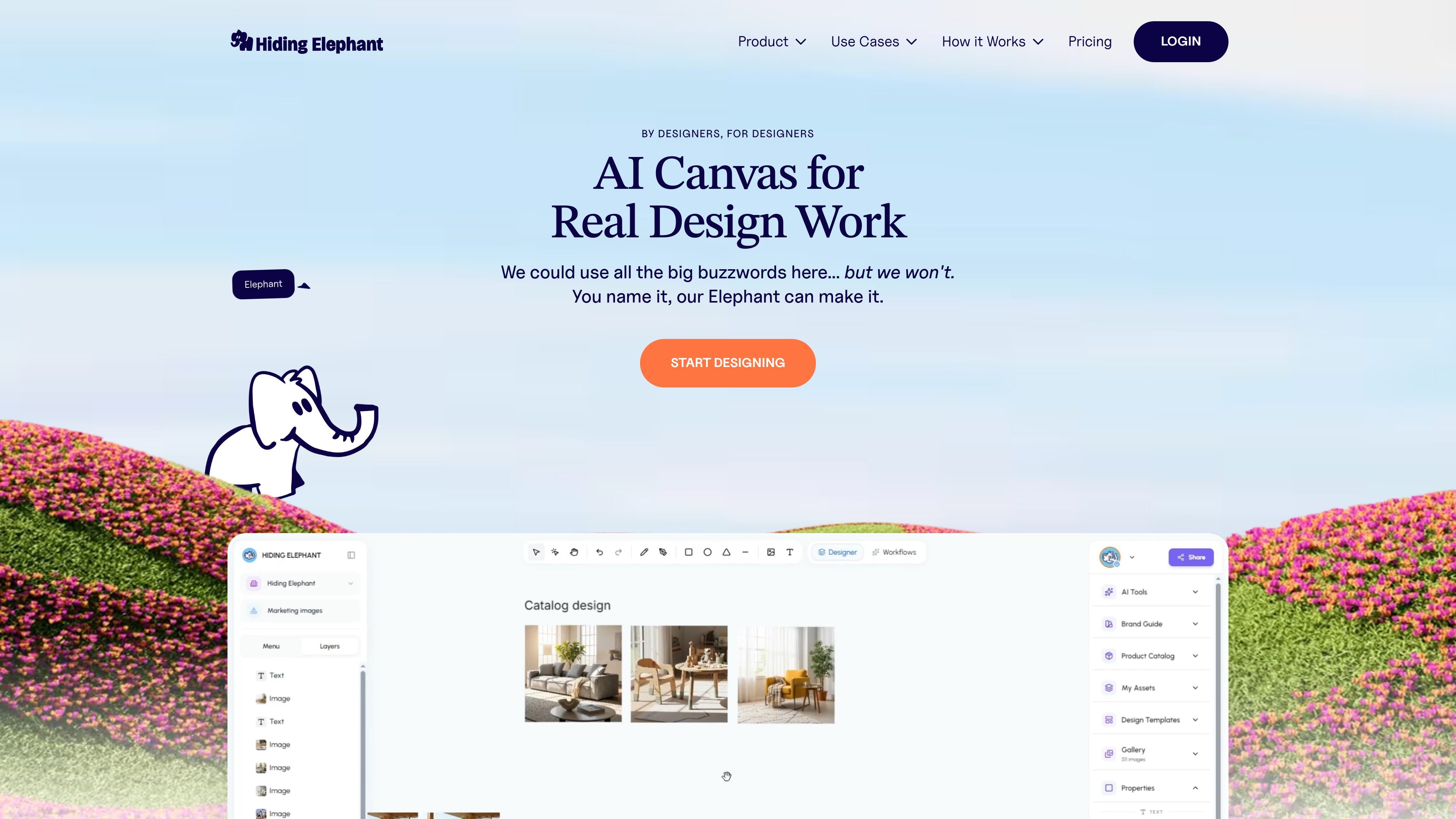
Hiding Elephant is an AI-assisted design workspace for creating and preparing visual assets. It brings image generation, a vector editor, image-processing tools, brand references, and workflow automation into one environment. Users can generate from prompts and visual references, refine results on a canvas, and process assets individually or in batches. The workspace is aimed at design agencies, ecommerce and marketing teams, and other creative teams that need repeatable ways to produce and adapt visuals.
Generate visuals from prompts and references, using Style Mix, Match, and Blend in one flow. Saved assets, brand guides, and product catalog items can provide context for generations.
Work with generated output alongside vector editing tools, including a pen tool, boolean operations, layers, and typography, to refine designs without leaving the workspace.
Save characters, textures, props, backgrounds, logos, and other references with names, tags, and instructions. Attach them to prompts later and share the library with workspace teammates.
Keep brand guides and product catalog information available to generations. The catalog can include SKUs and product images, while brand guidance covers visual elements such as colors, fonts, logos, and styles.
Remove backgrounds, upscale, resize, vectorize raster images into SVG, and optimize image files from the same workspace.
Create reusable pipelines that chain generation, edits, and exports. Workflows support batch runs across folders, CSVs, or product catalogs, as well as reusable team templates and run history.
Use product photos and catalog details as generation context, then remove backgrounds, resize, or upscale images for product listings and related materials.
Generate options from a shared concept by varying prompts, colors, angles, or copy, then refine selected compositions on the canvas.
Give a team reusable brand guidance and shared visual references so different projects can draw on the same logos, styles, and assets.
Build a pipeline for repeat work such as background removal, upscaling, restyling, and export, then run it across a product catalog or other batch input.
Adjust AI output with vector tools and typography, or vectorize raster artwork into SVG when scalable logos, icons, or illustrations are needed.
Yes. My Assets stores visual references such as characters, textures, backgrounds, props, and logos. You can attach them to prompts across projects, and workspace teammates can use the shared library.
Yes. Workflows can run on a single asset or in batches, including inputs from a folder, CSV, or product catalog. They can chain steps such as resizing, background removal, upscaling, generation, and export.
Yes. Its canvas combines AI output with vector editing tools such as a pen tool, boolean operations, layers, and typography.
The site describes shared workspaces, team-accessible assets and workflow templates, and live collaboration with teammates' cursors visible on the canvas.
Traffic data is for reference only.

migma.ai
Migma is an AI email creation platform for generating, editing, sending, and tracking marketing and transactional emails. Create with prompts or import from Figma, screenshots, HTML, and website brand assets.

getprojekt.com
Projekt is a visual workspace for design engineers with AI coding agents, live preview, and inline editing. Available in alpha on macOS with a free download and limited founder tier.

wonder.design
Wonder is an AI-native design tool for creating, editing, and syncing designs with code.

agent3.replit.com
Agent 4 is Replit’s web-based AI agent for building apps, sites, decks, and projects in one workspace, with visual editing, task coordination, and parallel execution.

impeccable.style
A design skill for AI coding harnesses, enabling frontend workflows with structured setup, command-based editing, and browser-based live iteration.

huehive.co
An AI-assisted color design tool for generating palettes, checking contrast, and building CSS gradients.