
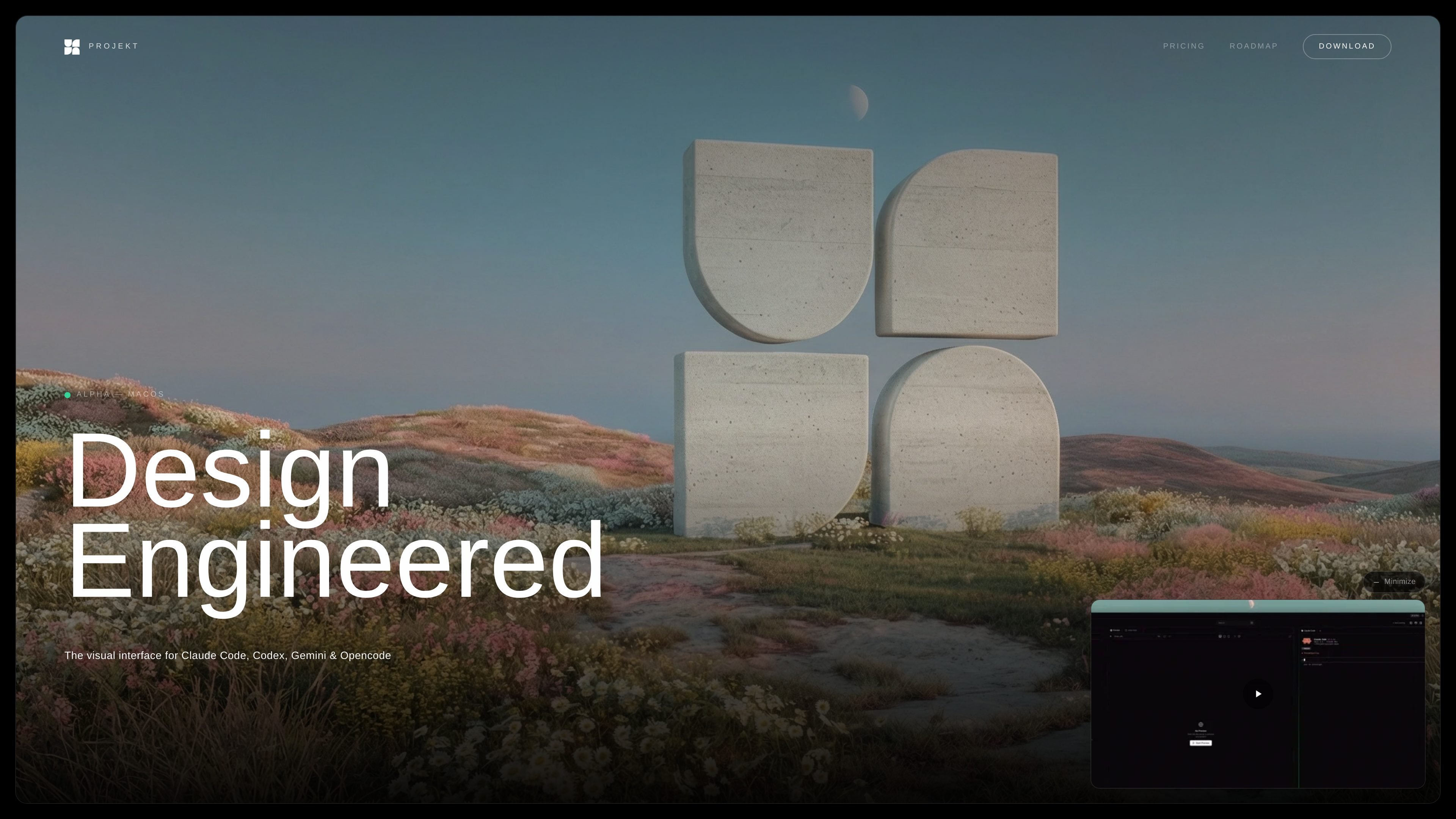
All-in-one editing workspace
Projekt combines a file browser, code editor, live preview, and chat in one workspace so you can move from prompt to implementation without switching tools.

Projekt is a visual workspace for design engineers with AI coding agents, live preview, and inline editing. Available in alpha on macOS with a free download and limited founder tier.
Projekt is a visual workspace for design engineers and builders who want to prompt, preview, and refine software in one place. It is positioned as the interface for Claude Code, Codex, Gemini CLI, and OpenCode, with a focus on turning AI-assisted coding into a more visual workflow.
The home page describes a prompt-first process: connect your agents, open a project, watch a live preview update as code is written, then select elements and edit them inline before committing changes. The pricing page shows that Projekt is in alpha on macOS, with a free alpha download and a separate founder tier for early supporters.
Projekt combines a file browser, code editor, live preview, and chat in one workspace so you can move from prompt to implementation without switching tools.
The interface shows changes in real time as your agent writes code, making it easier to review output while the build is still in progress.
Users can select elements in the preview and edit them inline, which supports visual refinement instead of only working in code.
Projekt supports Claude Code, OpenCode, Gemini CLI, and Codex CLI, and the home page says you can run them side by side.
The product is designed to work with your existing API keys rather than reselling AI access, so you keep control over the models and spend.
The roadmap shows a built-in focus on shipping workflows, including commit, pull, push, and Git-related panels already completed or planned.
A solo developer can use Projekt to start from a prompt, watch the app update in a live preview, and refine components visually without leaving the workspace.
A design engineer can inspect elements in the preview and adjust styling or layout inline, which fits a workflow that mixes visual judgment with code changes.
Teams or individuals working with different AI agents can run Claude Code, Codex, Gemini CLI, or OpenCode in the same environment and compare outputs.
Builders who already have API access can connect their own keys and use Projekt without introducing another AI vendor subscription.
Early adopters can join the free alpha to evaluate the product while it is still being built and decide whether the founder tier is worth the long-term discount.
Projekt is currently in alpha and can be downloaded on desktop. The pricing page says the alpha is free and that no credit card is required.
The pricing page says Projekt works with Claude Code, OpenCode, Gemini CLI, and Codex CLI, and the home page describes a visual workspace built around those agents.
The home page says you can bring your own API keys, and the product is positioned as a visual workspace with live preview, an editable DOM, and prompt-first editing.
The pricing page says the founder tier is limited to 50 people, costs a one-time $50, includes one year at launch, and then gets 50% off for life.
The roadmap and pricing pages show that pricing before alpha ends has not been announced yet, so the public pricing beyond the alpha and founder offer is still pending.
Traffic data is for reference only.
| May | 0 |
|---|---|
| Jun | 0 |
| Jul | 0 |
Traffic analytics are not available yet.
Traffic analytics are not available yet.

alloy.app
Alloy is an AI prototyping tool for teams creating interactive demos from existing products, with browser capture, codebase connection, cloud sharing, and handoff to GitHub, MCP, or Figma workflows.

easysite.ai
EZsite AI is an AI website builder that turns a URL into a full-stack React or Vue.js application, with hosting, custom domains, code export, and backend features for deployable team projects.

adam.new
Adam is a CAD copilot for hardware teams, connecting CAD, PLM, supplier, and collaboration tools to produce model edits, BOMs, drawings, RFQs, and more from Slack and email.

build.reflex.dev
Reflex Build turns prompts into Python apps for deployment to Reflex Cloud, your cloud, or on-premises, with production-ready templates and integrations for agent and coding tools.

dreamflow.app
Dreamflow is a visual AI builder for production-ready mobile apps, helping teams and solo builders create Flutter-based apps with AI prompting, visual editing, code control, and web and mobile deployment paths.

dyad.sh
Dyad is a local, open-source AI app builder for flexible model use, exportable code, full-stack workflows, and deployment without vendor lock-in.