
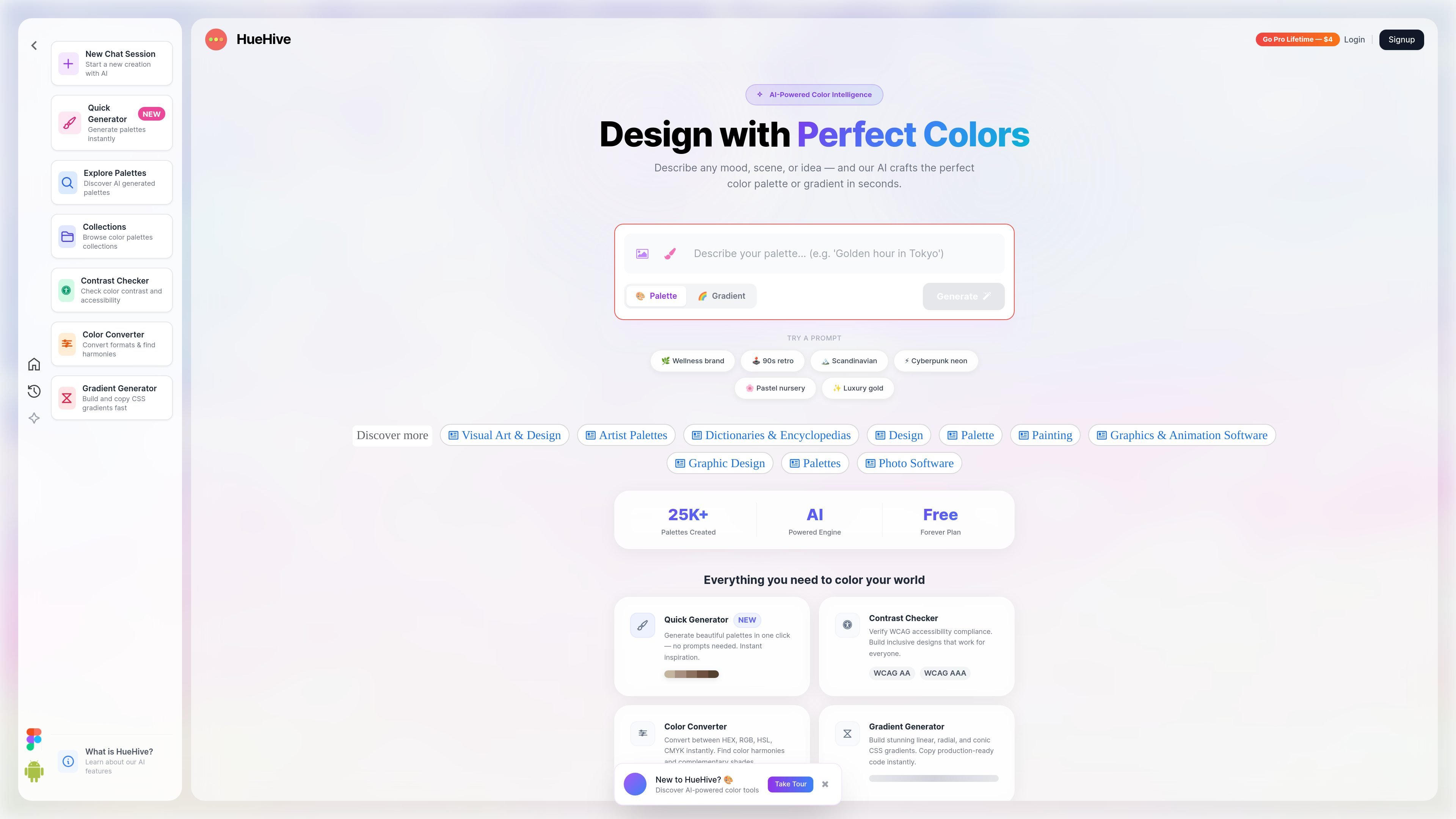
Prompt-based palette generation
Describe a mood, scene, or brand identity in natural language to generate a corresponding color palette.

An AI-assisted color design tool for generating palettes, checking contrast, and building CSS gradients.
HueHive is a browser-based color design tool for creating palettes and gradients for interfaces, branding, and other creative work. Users can describe a mood, scene, or brand identity and have AI generate a palette, then refine it through conversational changes such as making it warmer or more vibrant. The product also includes focused utilities for generating palettes without a prompt, checking contrast, converting color formats, and producing CSS gradients.
Describe a mood, scene, or brand identity in natural language to generate a corresponding color palette.
Ask for contextual adjustments such as warmer or more vibrant colors, or lock a chosen color while HueHive finds harmonizing shades around it.
Check color contrast against WCAG 2.1 guidelines and use AI-suggested adjustments to improve accessibility.
Convert colors between HEX, RGB, HSL, and CMYK, and explore color harmonies and complementary shades.
Create linear or radial gradients, adjust colors and direction, and copy generated CSS. The gradient builder supports two or three color stops.
Generate palettes with a single action when you want an immediate starting point without writing a prompt.
A designer starting a web interface or brand concept can describe its mood and use the generated palette as an initial color system.
When a project already has a required color, lock that shade and generate harmonizing colors around it, then request contextual adjustments.
Check foreground and background color combinations against WCAG 2.1 guidance and consider suggested color fixes before using them in a design.
Set gradient type, color stops, and angle in the visual builder, preview the result, and copy CSS for use in a web project.
Translate a color between common formats such as HEX, RGB, HSL, and CMYK when moving values between design tasks or specifications.
Yes. HueHive provides a quick generator that creates a palette in one click.
Choose linear or radial mode, use two or three color stops, edit the colors, and adjust the angle for linear gradients. Preview the result and copy the generated CSS.
The color converter supports HEX, RGB, HSL, and CMYK.
The contrast checker evaluates color combinations against WCAG guidance and offers AI-suggested color adjustments. Review the suggested foreground and background colors before applying them.
The ongoing free plan includes basic palettes, saved favorites and two follow-ups per chat, with ads. Pro is offered for a one-time payment and adds unlimited AI follow-ups, an ad-free experience and fuller UI preview controls.
Traffic data is for reference only.

tastemaker-skill.online
Tastemaker is a workflow skill for coding agents that turns product context and visual references into UI screens, assets, contrast-checked color systems, and local design decisions. It is designed for agents such as Claude Code, Windsurf, and Gemini CLI.

ardot.tencent.com
An AI-assisted design tool for creating interfaces and delivering design work to development teams.

myroomdesigner.ai
AI interior design tool for redesigning rooms from photos, styles, and color prompts

hidingelephant.com
An AI design workspace for generating, editing, and processing on-brand visuals.