
AI image generation with references
Generate visuals from prompts and references, using Style Mix, Match, and Blend in one flow. Saved assets, brand guides, and product catalog items can provide context for generations.

An AI design workspace for generating, editing, and processing on-brand visuals.
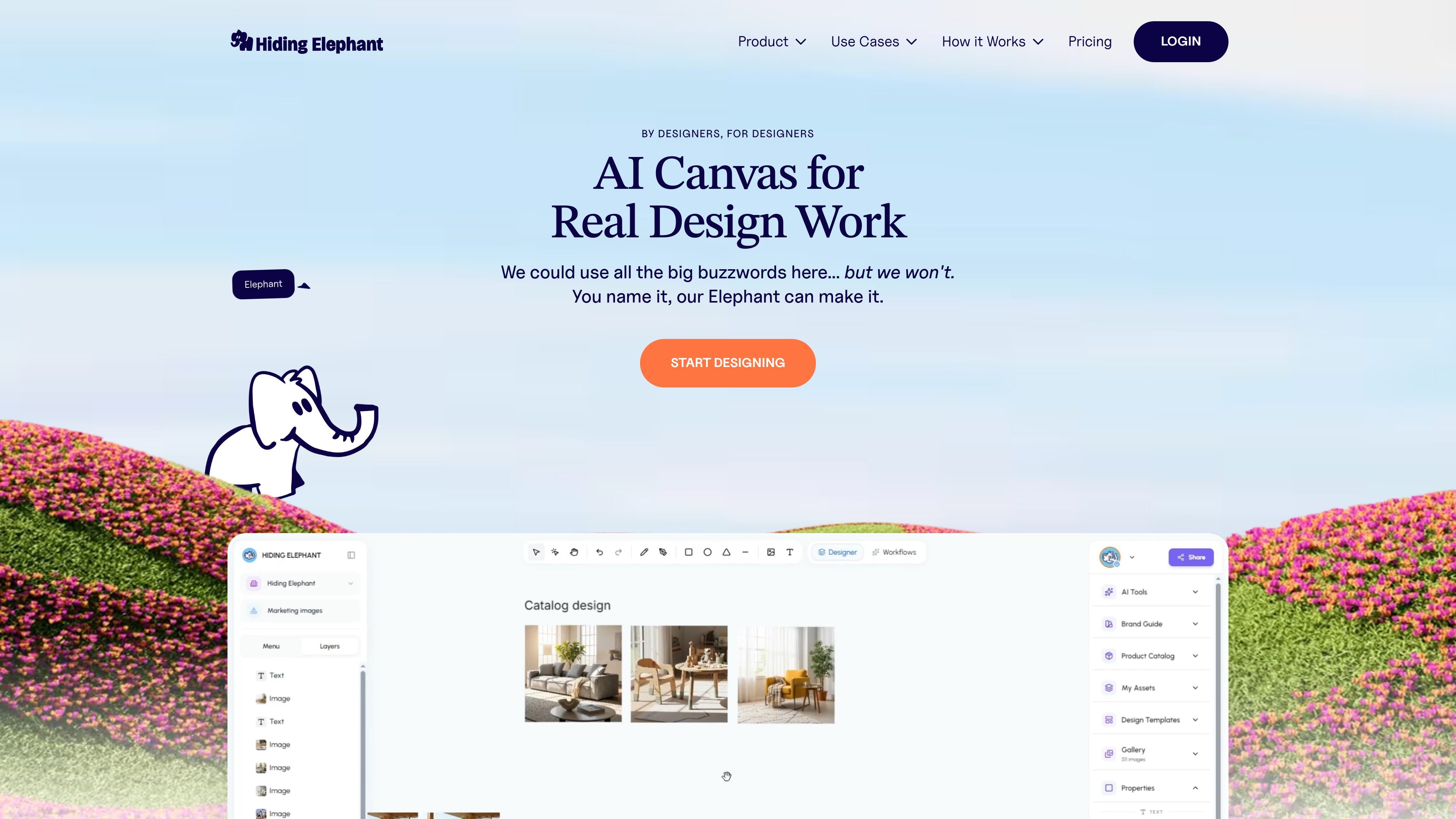
Hiding Elephant is an AI-assisted design workspace for creating and preparing visual assets. It brings image generation, a vector editor, image-processing tools, brand references, and workflow automation into one environment. Users can generate from prompts and visual references, refine results on a canvas, and process assets individually or in batches. The workspace is aimed at design agencies, ecommerce and marketing teams, and other creative teams that need repeatable ways to produce and adapt visuals.
Generate visuals from prompts and references, using Style Mix, Match, and Blend in one flow. Saved assets, brand guides, and product catalog items can provide context for generations.
Work with generated output alongside vector editing tools, including a pen tool, boolean operations, layers, and typography, to refine designs without leaving the workspace.
Save characters, textures, props, backgrounds, logos, and other references with names, tags, and instructions. Attach them to prompts later and share the library with workspace teammates.
Keep brand guides and product catalog information available to generations. The catalog can include SKUs and product images, while brand guidance covers visual elements such as colors, fonts, logos, and styles.
Remove backgrounds, upscale, resize, vectorize raster images into SVG, and optimize image files from the same workspace.
Create reusable pipelines that chain generation, edits, and exports. Workflows support batch runs across folders, CSVs, or product catalogs, as well as reusable team templates and run history.
Use product photos and catalog details as generation context, then remove backgrounds, resize, or upscale images for product listings and related materials.
Generate options from a shared concept by varying prompts, colors, angles, or copy, then refine selected compositions on the canvas.
Give a team reusable brand guidance and shared visual references so different projects can draw on the same logos, styles, and assets.
Build a pipeline for repeat work such as background removal, upscaling, restyling, and export, then run it across a product catalog or other batch input.
Adjust AI output with vector tools and typography, or vectorize raster artwork into SVG when scalable logos, icons, or illustrations are needed.
Yes. My Assets stores visual references such as characters, textures, backgrounds, props, and logos. You can attach them to prompts across projects, and workspace teammates can use the shared library.
Yes. Workflows can run on a single asset or in batches, including inputs from a folder, CSV, or product catalog. They can chain steps such as resizing, background removal, upscaling, generation, and export.
Yes. Its canvas combines AI output with vector editing tools such as a pen tool, boolean operations, layers, and typography.
The site describes shared workspaces, team-accessible assets and workflow templates, and live collaboration with teammates' cursors visible on the canvas.
流量数据仅供参考。

migma.ai
Migma 是一个 AI 邮件创建平台,可生成、编辑、发送和跟踪营销邮件与事务性邮件。支持通过提示词创建,也可从 Figma、截图、HTML 和网站品牌资产导入。

getprojekt.com
Projekt 是面向设计工程师的可视化工作空间,融合 AI 编码代理、实时预览和行内编辑。现已在 macOS 上开放 alpha,提供免费下载和限量创始人版本。

wonder.design
Wonder 是一款原生 AI 设计工具,可在画布上生成、编辑设计并与代码同步。

agent3.replit.com
Agent 4 是 Replit 面向网页的 AI 智能体,可在一个工作区中构建应用、网站、演示文稿及其他项目,并支持视觉设计编辑、任务协同与并行执行。

impeccable.style
面向 AI 编程工具的设计技能,支持结构化设置、命令式编辑和浏览器实时迭代等前端工作流。

huehive.co
HueHive 是一款基于浏览器的色彩设计工具,可根据文字描述生成并调整配色方案,检查 WCAG 2.1 对比度,并创建可复制的 CSS 渐变。