
Text-to-event conversion
Convert natural-language text into calendar-ready event data, including dates, times, locations, and descriptions.

Agenda Hero turns text, images and PDFs into calendar events for Google Calendar, Apple Calendar, Outlook and Office 365, plus shareable team schedules.
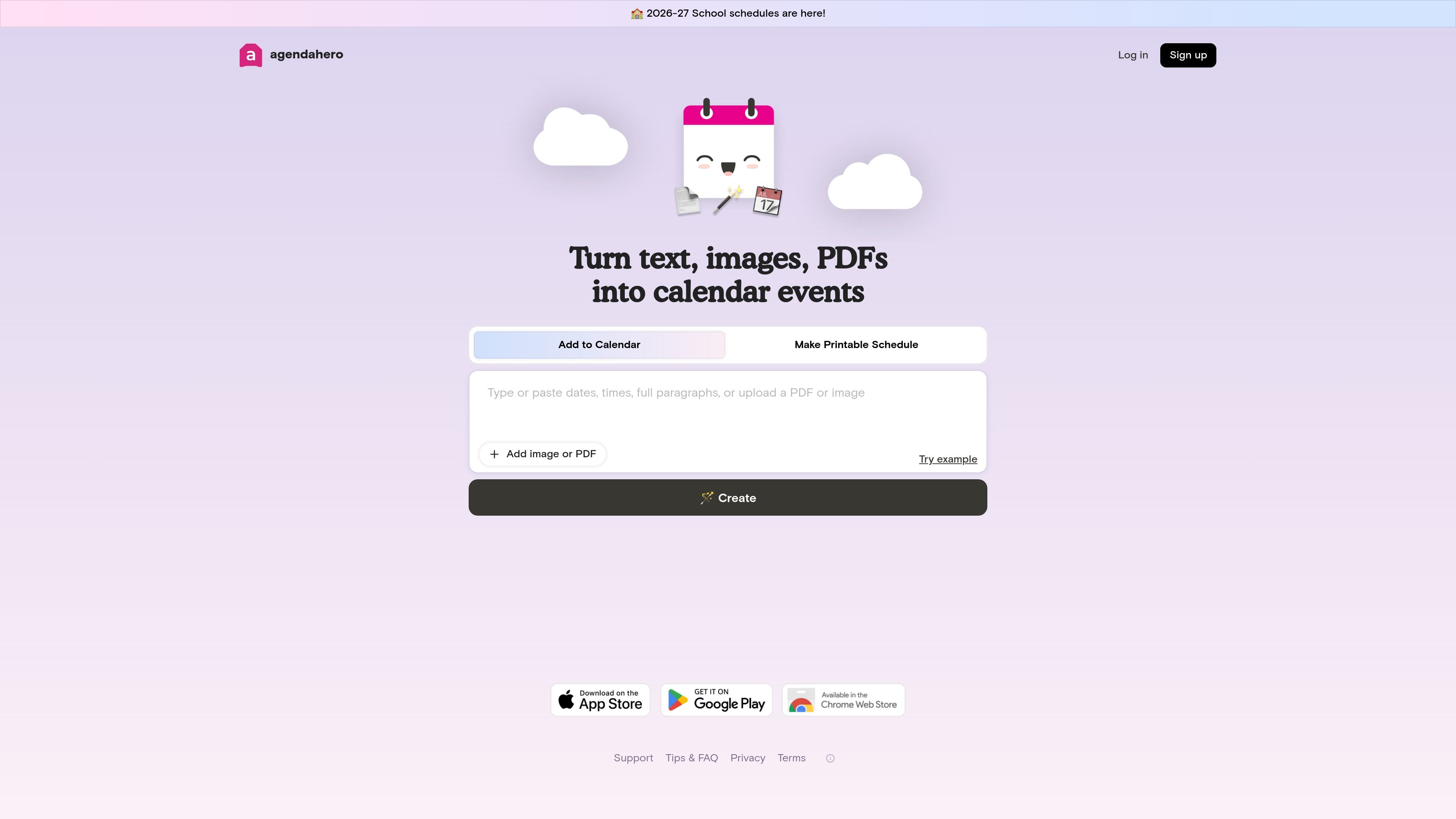
Agenda Hero is a calendar automation product that turns text, images, and PDFs into calendar-ready events. Its main purpose is to reduce manual event entry by extracting event details and formatting them so they can be added to common calendar platforms or shared with other people.
The product is presented as Agenda Hero Magic, with a browser extension and a web workflow for converting selected text, prompts, images, and PDFs. It also supports shareable schedules, which makes it useful for people who need to distribute the same set of events to a team, family, class, or group.
Convert natural-language text into calendar-ready event data, including dates, times, locations, and descriptions.
Upload or drag images and PDFs, including screenshots, to extract events without retyping the details.
Send events to Google Calendar, Apple Calendar, Outlook, and Office 365, or email yourself a copy of the invite.
Review and edit extracted fields such as title, date, time, location, description, and emoji before saving.
Create recurring events with daily, weekly, every-other-week, monthly, or annual patterns.
Use the Chrome extension to convert highlighted web text through a button, a side panel, or a right-click action.
Turn meeting notes, announcements, and plain-language schedules into calendar events instead of copying dates and times by hand.
Convert a school calendar, newsletter, flyer, or PDF into events that can be added to a personal calendar.
Use the Chrome extension to convert highlighted event information on a webpage without switching tabs or retyping details.
Share a schedule with a team, family, or group so everyone can add the same events to their own calendar.
Create repeated reminders, classes, practices, or meetings with daily, weekly, monthly, or annual recurrence patterns.
Agenda Hero Magic is an AI tool that converts natural-language text and images into structured, calendar-ready events. It can also work from PDFs and lets you review and edit the extracted event details before adding them to a calendar.
It supports Google Calendar, Apple Calendar, Outlook, and Office 365. The FAQ also says you can email yourself a copy of the invite.
Yes. The Chrome extension lets you select text on the web and convert it, or upload an image to turn it into calendar-ready events. You can use the side panel, the in-page Add to Calendar button, or a right-click action.
Yes. You can create daily, weekly, every-other-week, monthly, and annual recurring events. The FAQ notes that some calendar platforms may only copy the first date of the recurrence until you edit it on your calendar platform.
The product can turn text, screenshots, images, and PDFs into calendar events, and it can create multiple events from a single prompt or selected block of text. Agenda Hero says AI can make mistakes, so users should review results before saving.