
Priority list for active conversations
The product ranks active revenue conversations so you can open your day with the threads that need action first.

Commenter AI helps founders, AEs, and recruiters prioritize active sales conversations across LinkedIn, Gmail, and Google Calendar before threads stall.
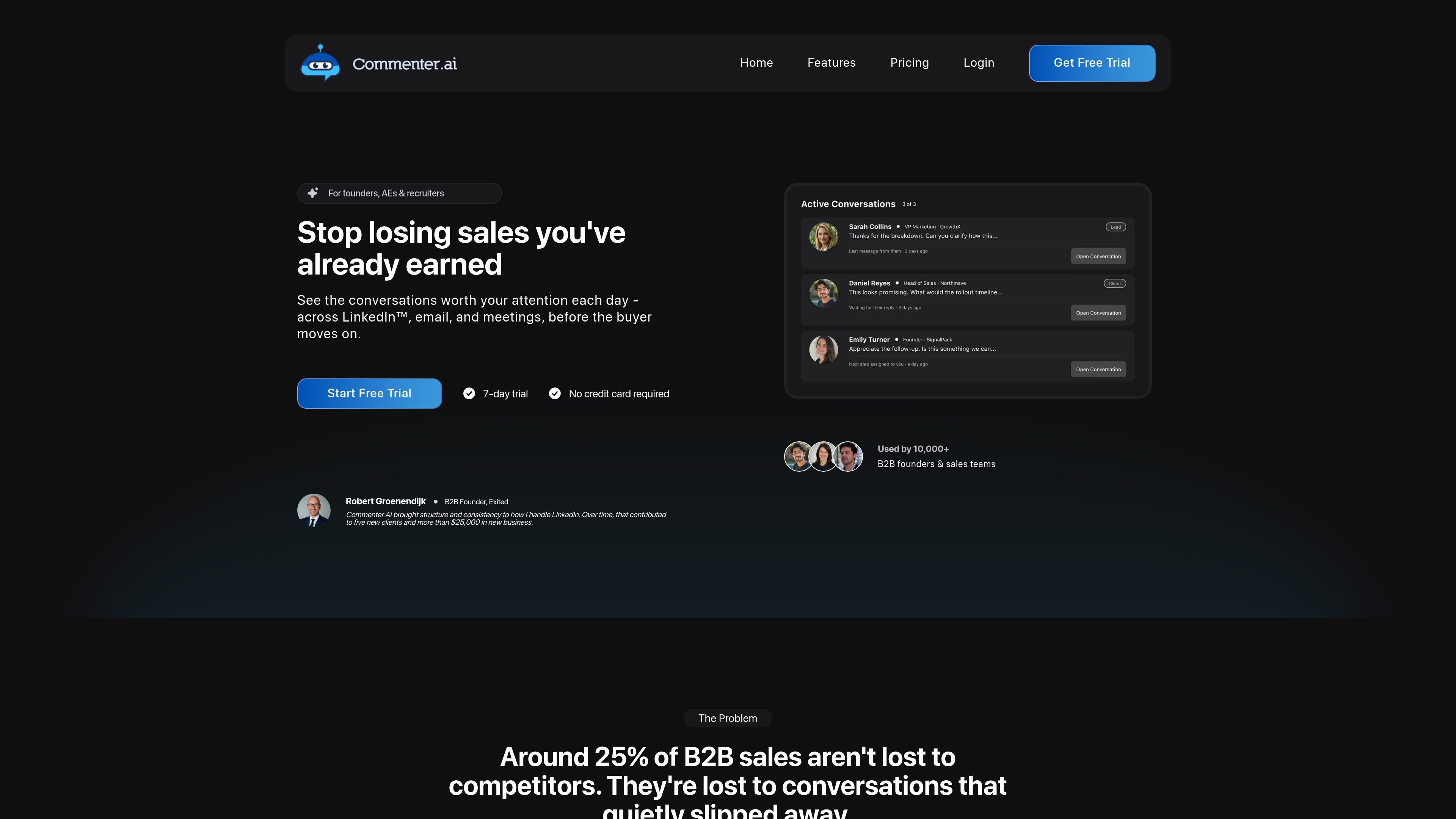
Commenter AI is a sales conversation prioritization tool for people who manage active deals and other revenue-related threads across LinkedIn, Gmail, and Google Calendar. Its main job is to help founders, AEs, and recruiters see which conversations need attention today, before a promising thread goes quiet.
Instead of asking users to hunt across inboxes, DMs, notes, and reminders, the product creates a ranked view of active conversations. The source describes it as a way to keep revenue conversations visible, preserve context on the thread, and make the next move easier to see without replacing the user’s existing sales process.
The product ranks active revenue conversations so you can open your day with the threads that need action first.
It keeps context attached to the thread by surfacing who replied, who went quiet, and what still needs a next step.
The source says you can label revenue conversations in LinkedIn or Gmail so they stay separate from general activity.
It uses signals such as context, timing, next steps, sentiment, and meeting signals to order conversations.
The product includes AI drafting for comments and DMs, while noting that you approve everything and nothing is sent automatically.
Pricing mentions activity and conversation analytics, with deeper insights in higher tiers.
A founder can open the product each morning and see which LinkedIn or email conversations are still waiting on them, instead of reconstructing the pipeline from memory.
An AE managing several live opportunities can separate active deal threads from general inbox noise and focus on the conversations most likely to stall.
A recruiter can keep candidate and client conversations labeled and visible so follow-ups do not get lost across LinkedIn, email, and meetings.
A small team can use shared visibility to understand what changed, what is waiting, and who owns the next step across multiple accounts.
Commenter AI connects LinkedIn, Gmail, and Google Calendar so it can surface active revenue conversations that need attention. The source material says it is built for founders, AEs, and recruiters who manage multiple conversations across those channels.
The product is designed for people who manage 10+ active sales, candidate, or client conversations and want a clearer daily order of work. The source explicitly says it is not a fit for people who only care about reach and engagement or who want automation to replace conversations.
The source says you mark revenue conversations, connect your accounts, and then review a ranked priority list each day. It also notes that nothing is sent automatically and that you stay in control of comments and DMs.
The pricing page shows a 7-day free trial with no credit card required. It also says you can cancel or downgrade anytime.
The source says Commenter AI does not replace your CRM or guarantee outcomes. It is meant to keep important DM conversations visible and help you focus on the next step.