
Smart Search
When an issue is opened, Stash analyzes it and surfaces the most relevant context so developers can move from question to answer more quickly.

Stash is an issue resolution assistant for developers that brings together search, context, and connected tools so teams can find issue-related information faster. It supports cloud or on-premise deployment and integrates with common code, issue-tracking, documentation, calendar, IDE, and AI-assistant workflows.
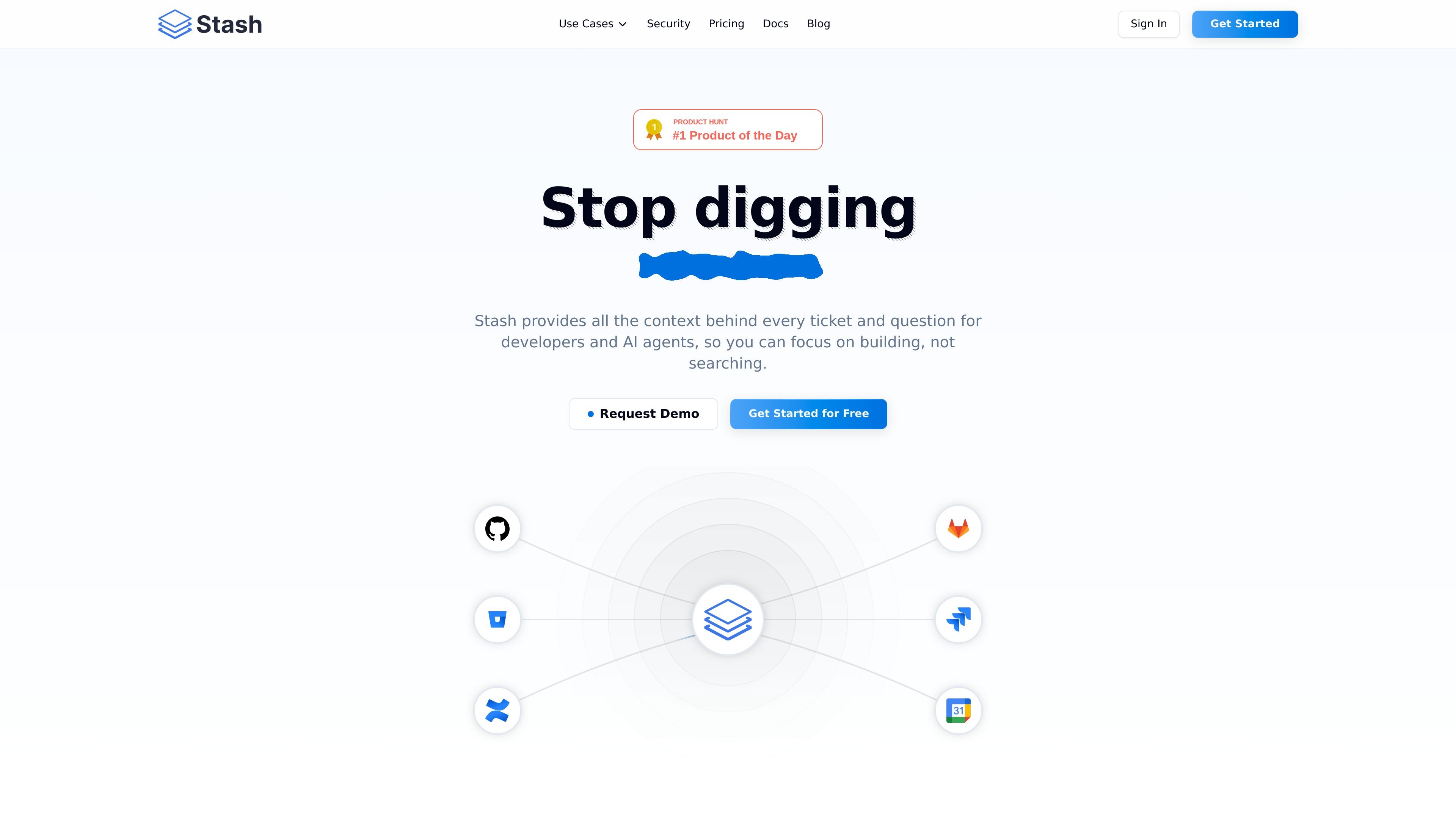
Stash is an issue resolution assistant for developers that brings search, context, and connected tools into one workspace. It is built to help teams understand tickets and questions faster by gathering the documents, code references, past issues, and people connected to a problem.
The product is positioned for modern development teams and AI agents that need to move through issue triage and investigation without switching between separate systems. The site also indicates that Stash can be deployed in the cloud or on-premise and is available to teams through free, premium, and enterprise plans.
When an issue is opened, Stash analyzes it and surfaces the most relevant context so developers can move from question to answer more quickly.
Shows relevant documents from your wiki that match the issue being worked on.
Finds and displays similar past issues to help teams reuse prior solutions and understand patterns.
Points to the exact location in the codebase associated with the issue, which helps narrow down where to investigate.
Identifies teammates with the most knowledge about a specific issue so developers can ask the right person sooner.
Connects Stash to AI assistants and IDEs through MCP, VS Code, JetBrains, and GitHub App support.
Use Stash when a developer opens a ticket and needs the surrounding context quickly, including docs, code references, similar issues, and the teammate most likely to know the answer.
Use Stash when a team wants to reduce time spent searching across wikis, issue trackers, and repositories during day-to-day debugging and implementation work.
Use Stash when onboarding a new engineer who needs to find the right code, historical issues, and documentation without relying entirely on tribal knowledge.
Use Stash when teams rely on AI assistants or IDEs and want those tools to answer with context from internal systems through MCP and related integrations.
Use Stash when an organization needs a searchable, centralized view across code, issues, docs, and scheduling tools in a cloud or on-premise environment.
Stash is an issue resolution assistant for developers. It brings together search, context, and connected tools so teams can find the information behind issues without digging through separate systems.
The site presents Stash as a way to stop searching across tools and get the context behind tickets and questions faster, especially when developers need code, docs, past issues, or the right teammate.
Stash is designed to reduce resolution time by surfacing relevant documents, similar past issues, code locations, and knowledgeable teammates when an issue is opened.
The site says Stash is SOC 2 Type II certified and offers cloud or on-premise deployment options. Enterprise pricing also includes SSO and role-based access control.
Stash connects with source code systems, issue trackers, knowledge bases, and calendars. The site specifically lists GitHub, GitHub Enterprise, GitLab, GitLab Dedicated, Bitbucket, Bitbucket Data Center, Jira, Jira Data Center, Confluence, Confluence Data Center, Google Calendar, and Outlook.