Image resizing
Resize images to specific dimensions with fast processing and no quality loss, according to the homepage copy.
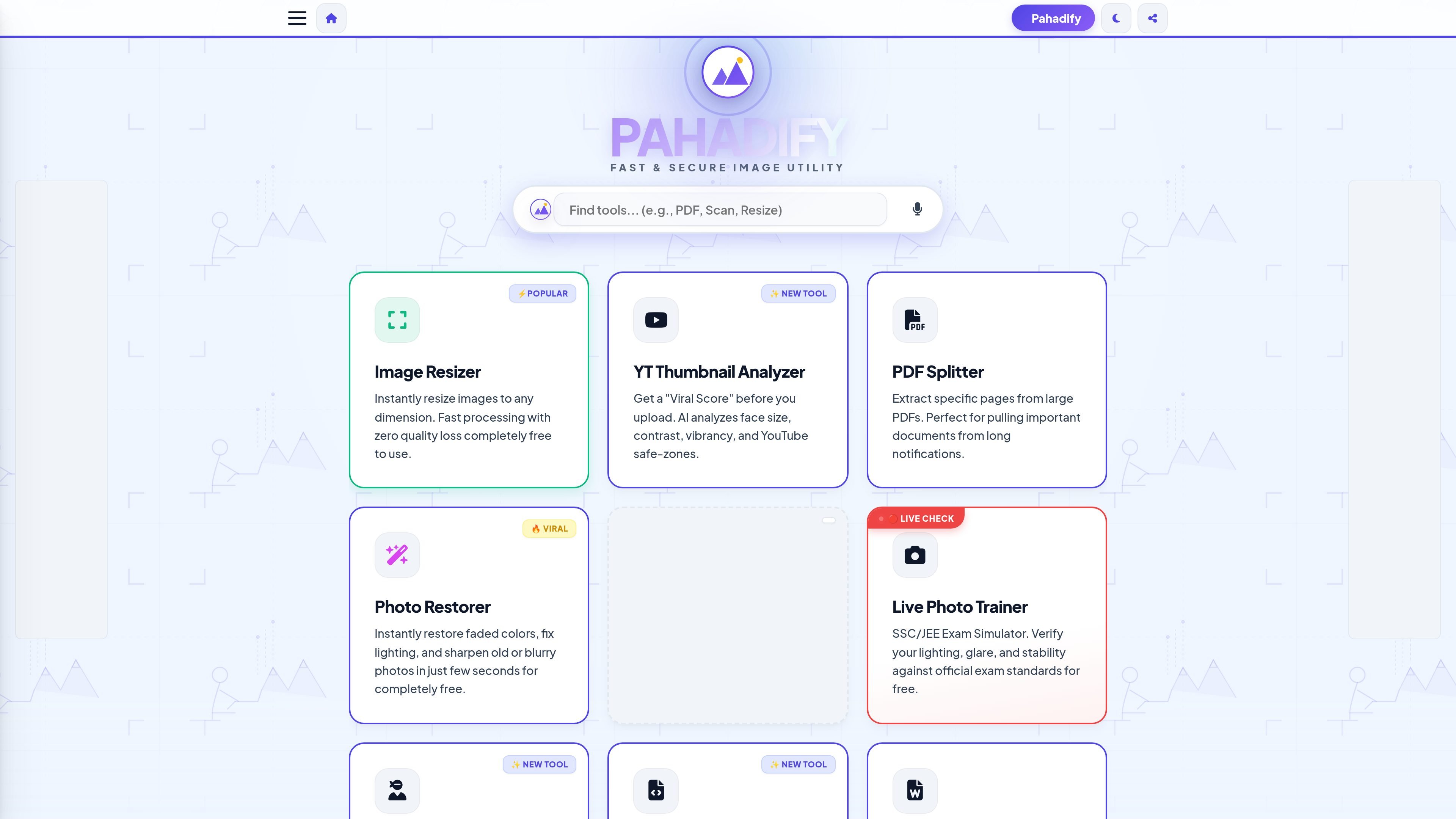
Pahadify is a browser-based image and document utility site focused on common student, exam, and sharing workflows. The homepage presents it as a “fast & secure image utility” with tools for resizing, compression, PDF handling, photo cleanup, and exam-form preparation.
Its core purpose is to help users complete these tasks quickly on the client side, so files are processed locally rather than uploaded as part of the normal workflow. The site emphasizes practical actions such as resizing photos to exact dimensions, reducing KB size for online forms, merging or splitting PDFs, and preparing print-ready or exam-ready documents.
Resize images to specific dimensions with fast processing and no quality loss, according to the homepage copy.
Compress images to a target KB size for form uploads while trying to preserve visible text and faces.
Handle bulk image work by resizing and compressing 50+ images in one batch.
Prepare images for common submission and sharing tasks such as PDFs, passport sheets, ID joins, watermarks, and social media sizes.
Work locally in the browser with a client-side architecture that keeps data on the device, as described on the site.
Use guided utilities such as OCR, face hiding, photo restoration, live photo checking, and studio enhancement for specific photo tasks.
Resize photos for SSC, UPSC, IBPS, or similar online forms when a specific pixel size is required.
Compress images to a target KB size before upload while trying to preserve enough clarity for face and text visibility.
Split PDFs, merge scans, or convert images to PDF when organizing school or application documents.
Check and adjust lighting, glare, and stability for live photo requirements in exam workflows.
Remove metadata, hide faces, or redact sensitive details before sharing images or documents online.
Use the Image Compressor tool and enter a target size such as 20 or 50 in the target size box. The FAQ text says the tool reduces file size iteratively while keeping the text and face visible.
The site says Pahadify uses a client-side compression engine that lowers file size while maintaining visual sharpness, rather than blurring the image.
Yes. The Batch Master tool is described as supporting 50+ images at once, with options to resize them to a width like 1000 px and compress them to a quality level like 80%.
Pahadify is built as a client-side tool, so the site states that your data never leaves your device.
The homepage and FAQ focus on image resizing, compression, photo cleanup, PDF conversion, and exam-related photo preparation. They do not show integrations with external apps or cloud storage services.
PDF Guru 是一款可在瀏覽器使用的 PDF 編輯與轉換工具,支援文字編輯、檔案轉換、文件簽署與常見 PDF 清理作業,無需安裝,並支援最高 100 MB 上傳。
ImageToPSD converts flat images into editable layered PSD files in the browser, with AI-assisted layer separation for backgrounds, subjects, text, and logos. It also supports exports from PSD to formats such as PNG, JPG, PDF, SVG, AI, and Figma.
DeepL is an AI language platform for translation, document translation, voice, writing, and API integration for business teams. It supports multilingual workflows across text, files, speech, and media formats.
Wordvice AI is a web-based AI writing assistant and text editor for proofreading, paraphrasing, translation, summarization, plagiarism checking, and AI detection. It also includes a document editor, ChatPDF, and team plan options.
TinyWow 是一款瀏覽器版免費線上工具,提供 PDF、圖片、影片、檔案轉換與 AI 寫作功能,免安裝軟體即可快速完成常見編輯與轉檔需求。
Afterpage is a document organizer for iPhone and iPad that helps you scan, import, search, and file paperwork. It uses on-device text recognition and pattern-based suggestions to make archived documents easier to find later.