Image resizing
Resize images to specific dimensions with fast processing and no quality loss, according to the homepage copy.
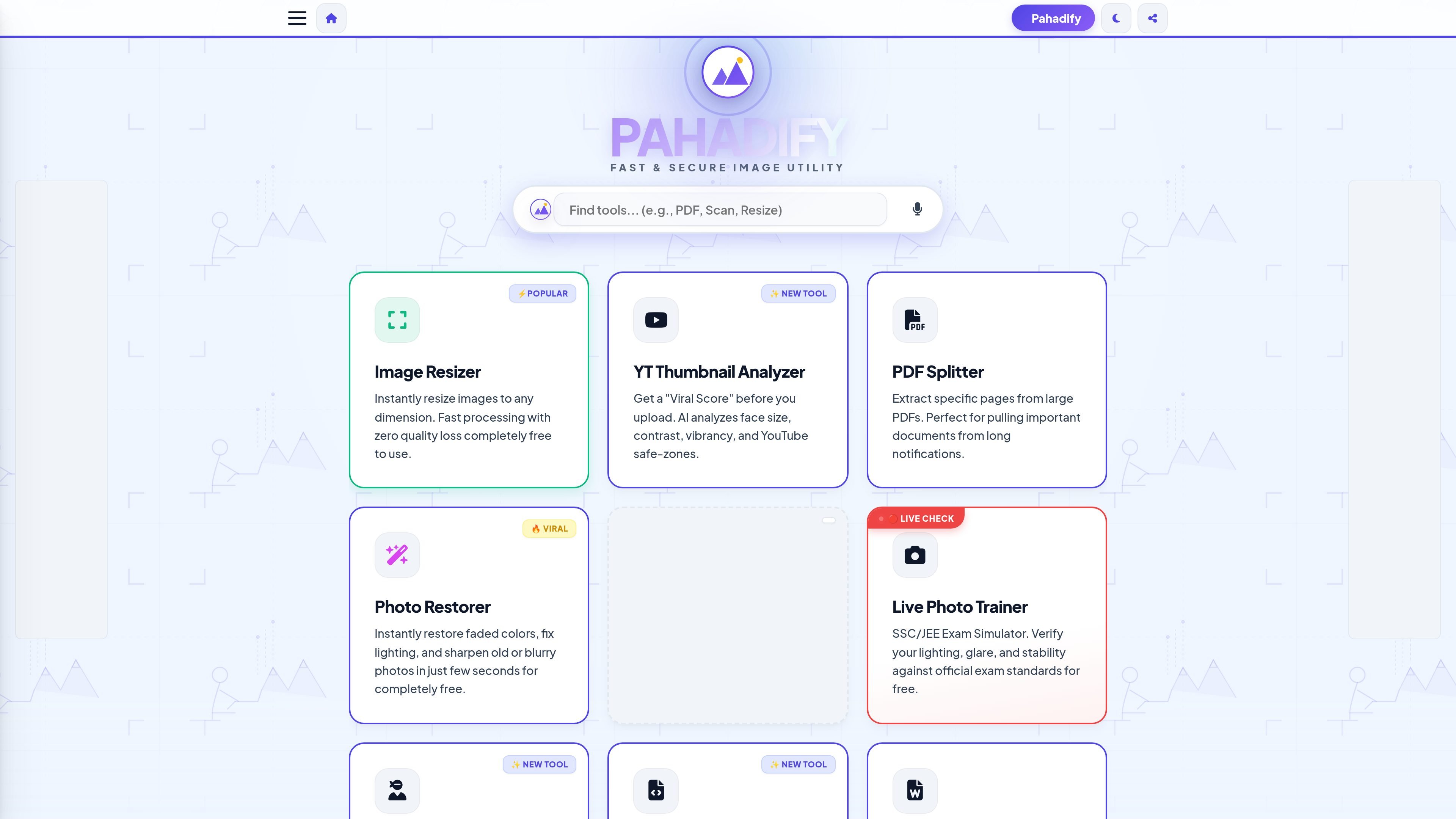
Pahadify is a browser-based image and document utility site focused on common student, exam, and sharing workflows. The homepage presents it as a “fast & secure image utility” with tools for resizing, compression, PDF handling, photo cleanup, and exam-form preparation.
Its core purpose is to help users complete these tasks quickly on the client side, so files are processed locally rather than uploaded as part of the normal workflow. The site emphasizes practical actions such as resizing photos to exact dimensions, reducing KB size for online forms, merging or splitting PDFs, and preparing print-ready or exam-ready documents.
Resize images to specific dimensions with fast processing and no quality loss, according to the homepage copy.
Compress images to a target KB size for form uploads while trying to preserve visible text and faces.
Handle bulk image work by resizing and compressing 50+ images in one batch.
Prepare images for common submission and sharing tasks such as PDFs, passport sheets, ID joins, watermarks, and social media sizes.
Work locally in the browser with a client-side architecture that keeps data on the device, as described on the site.
Use guided utilities such as OCR, face hiding, photo restoration, live photo checking, and studio enhancement for specific photo tasks.
Resize photos for SSC, UPSC, IBPS, or similar online forms when a specific pixel size is required.
Compress images to a target KB size before upload while trying to preserve enough clarity for face and text visibility.
Split PDFs, merge scans, or convert images to PDF when organizing school or application documents.
Check and adjust lighting, glare, and stability for live photo requirements in exam workflows.
Remove metadata, hide faces, or redact sensitive details before sharing images or documents online.
Use the Image Compressor tool and enter a target size such as 20 or 50 in the target size box. The FAQ text says the tool reduces file size iteratively while keeping the text and face visible.
The site says Pahadify uses a client-side compression engine that lowers file size while maintaining visual sharpness, rather than blurring the image.
Yes. The Batch Master tool is described as supporting 50+ images at once, with options to resize them to a width like 1000 px and compress them to a quality level like 80%.
Pahadify is built as a client-side tool, so the site states that your data never leaves your device.
The homepage and FAQ focus on image resizing, compression, photo cleanup, PDF conversion, and exam-related photo preparation. They do not show integrations with external apps or cloud storage services.
Afterpage is a document organizer for iPhone and iPad that helps you scan, import, search, and file paperwork. It uses on-device text recognition and pattern-based suggestions to make archived documents easier to find later.
PDF2Sheets.app converts PDF tables into editable Google Sheets files, with support for page selection, multi-page documents, and spreadsheet exports. It is aimed at people who need to move structured data from reports, statements, invoices, and similar PDFs into a working sheet.
PopStack is a macOS desktop utility that turns Desktop folders into instant popovers for faster browsing and drag-and-drop file access. It also includes optional Auto-sort rules and Smart Icons to help reduce Desktop clutter.
Claude 是 Anthropic 的 AI 助手,适用于网页、iOS、Android 和桌面端,支持写作、编码、研究与团队协作;提供免费和付费方案,满足个人与组织使用。
ChatGPT 是 OpenAI 推出的 AI 聊天产品,可通过对话式网页界面帮助你提问、撰写文案并迭代优化想法。
Claude Mythos 5 是 Anthropic 面向网络安全和生物研究的可信访问模型,在网络安全、生物研究与医疗健康基准中表现出色,定价另行公布,不包含在标准 Claude 套餐内。