
PDF editing and document handling
Open PDFs in the browser or app, then edit, convert, annotate, sign, organize, and merge files as part of a single workflow.

LightPDF is an AI-powered PDF editor, converter, and reader with cloud tools for editing, converting, signing, annotating, OCR, and managing PDFs. It offers free web access and paid Premium plans across web, desktop, and mobile.
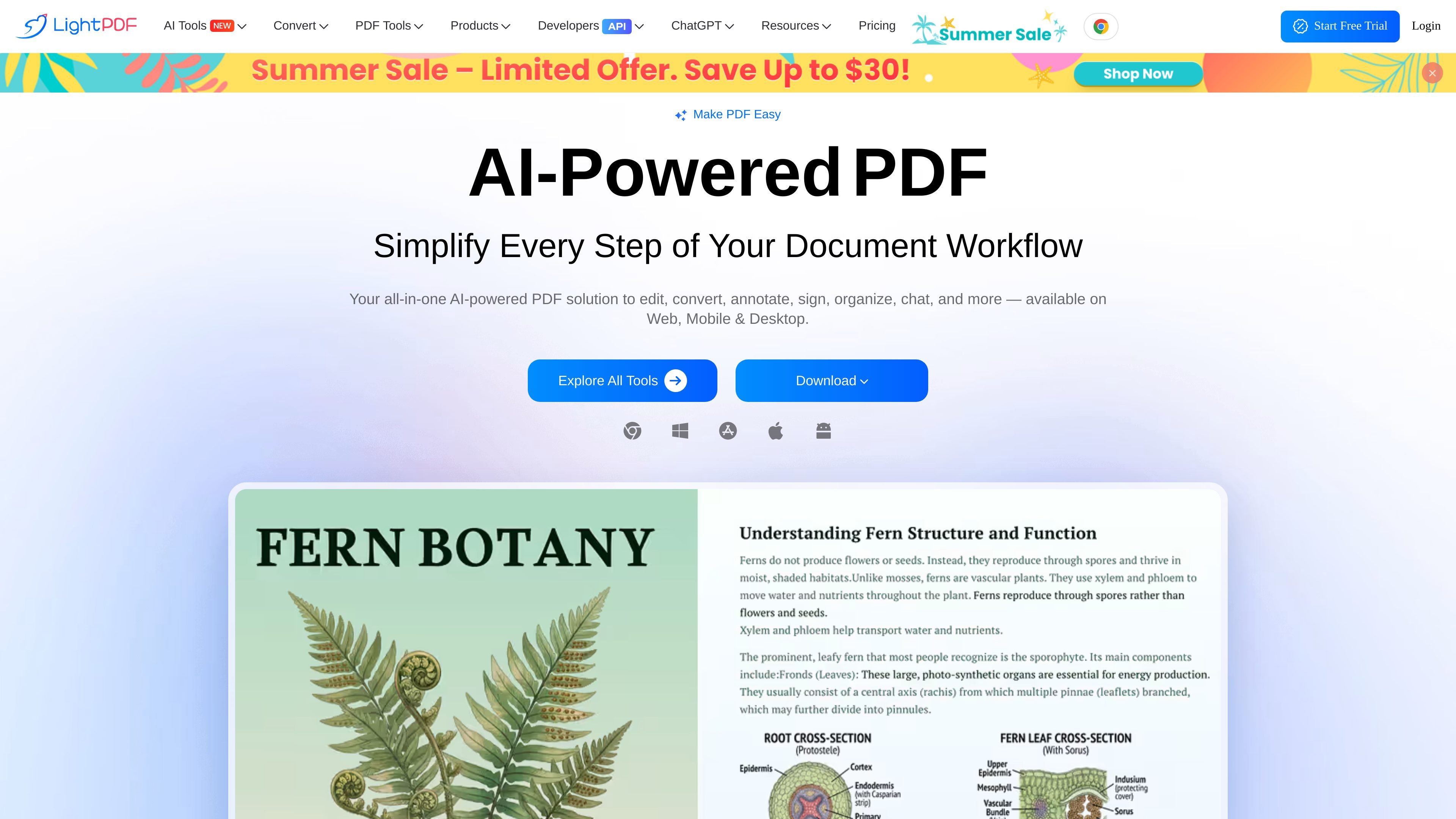
LightPDF is an AI-powered PDF editor, converter, and reader that offers cloud-based tools for working with PDFs in the browser, plus desktop and mobile apps. The site describes it as an all-in-one PDF solution for editing, converting, annotating, signing, organizing, chatting with documents, and more.
Its tool catalog covers a wide range of common document workflows, including OCR, format conversion, PDF creation, watermark removal, compression, merging, redaction, and translation. The pricing page also indicates that LightPDF offers free and paid access, with Premium available across web, Windows, Mac, Android, and iOS.
Open PDFs in the browser or app, then edit, convert, annotate, sign, organize, and merge files as part of a single workflow.
Use the tools catalog to convert between PDF and common office, image, and document formats such as Word, Excel, PowerPoint, TXT, JPG, PNG, HTML, EPUB, OFD, CAJ, and more.
Work with AI tools including ChatPDF, AI summarizer, AI analysis, AI Agent, AI PDF Generator, AI Presentation Maker, AI Invoice Generator, and PDF translation.
Apply OCR and image-processing tools such as JPG to Word, JPG to Excel, scanned PDF enhancement, handwritten notes enhancement, and image watermark removal.
Protect, unlock, redact, compress, flatten, split, rotate, crop, and compare PDFs from the same toolkit.
Use LightPDF to turn office files, images, and web content into PDF, or export PDFs into editable formats like Word, Excel, PowerPoint, and text.
Work through a document in the browser or on desktop to annotate, sign, merge, split, rotate, crop, compress, or redact files without switching products.
Use OCR and image tools to extract text from scanned pages, JPGs, and screenshots, or improve scanned documents for later editing.
Ask questions, summarize long files, translate content, or generate mind maps and presentations from documents with the AI toolkit.
Use the cross-platform Premium plan when you need the same account across web, desktop, and mobile devices.
LightPDF’s web app supports editing, converting, annotating, signing, merging, managing, and sharing PDF files, and the tools page also lists AI features such as ChatPDF, summarization, mind maps, translation, and PDF generation.
The pricing page says there is a free web app option, a free download option, and paid plans that include Premium access across platforms. It also mentions a 3-day free trial for the yearly plan.
The site says premium access works across Windows, Mac, Android, iOS, and web. The web app requires an internet connection, while the desktop apps can perform many PDF operations offline.
LightPDF says it accepts major credit cards, PayPal, and bank transfers for enterprise customers. The payment terms also say recurring subscriptions can renew automatically unless cancelled.
The pricing page states support is available through live chat or support ticket and that responses are provided within 24 hours. The contact page lists live chat service as 24/7.