
Visual low-code flow builder
Design GenAI apps and agent flows with a visual builder, then move between drag-and-drop and editable code when you need more control. The build page also highlights testing, debugging, and versioned flows.

Lamatic is a web platform for building, deploying, and optimizing agentic apps and GenAI workflows. It helps builders and teams move from visual flow design to production deployment with SDK, API, and observability support.
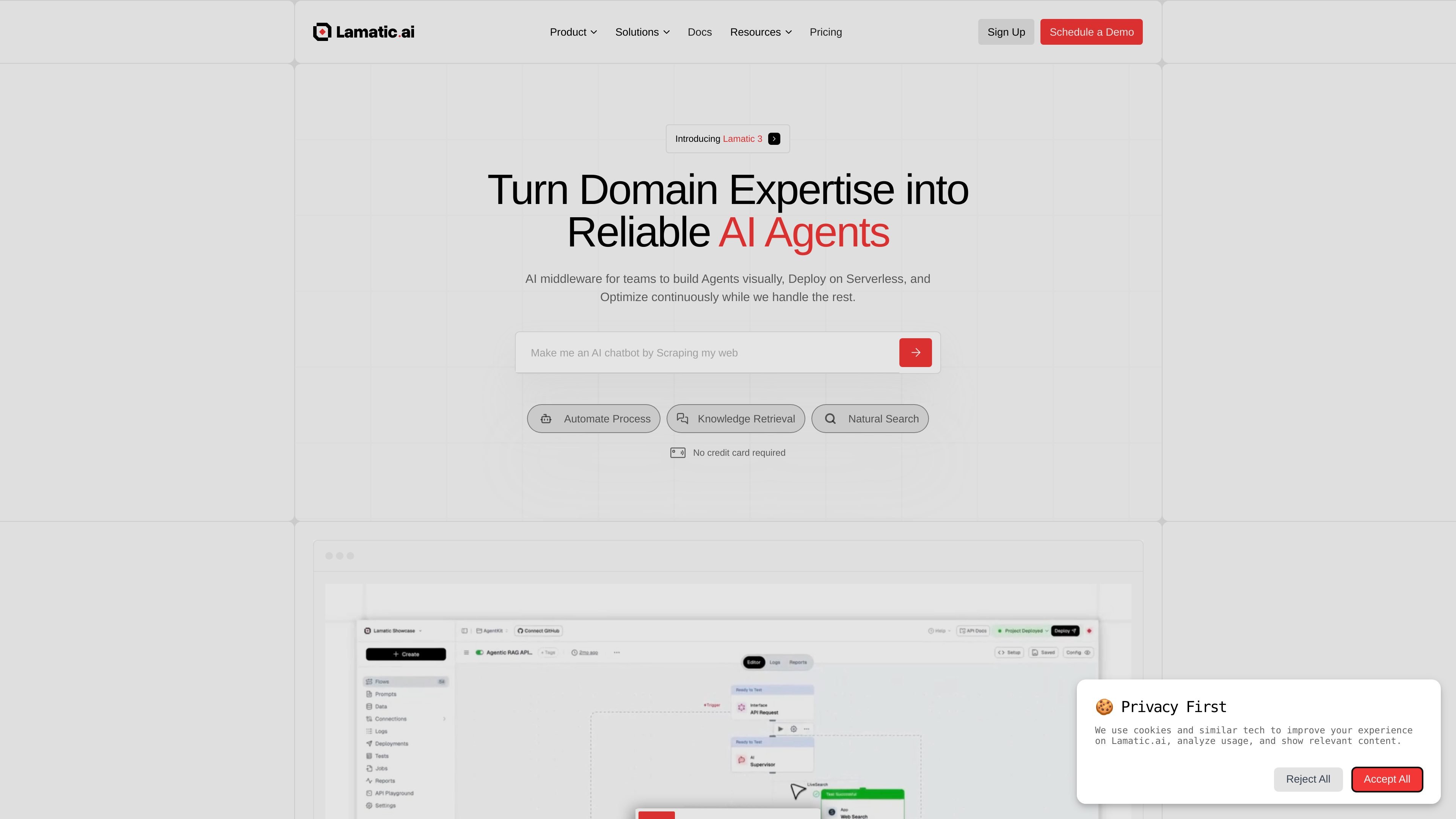
Lamatic is a platform for building, deploying, and optimizing agentic applications and GenAI workflows. Its homepage and product pages position it as an all-in-one stack for turning domain expertise into reliable AI apps with visual tooling, serverless infrastructure, and deployment controls.
The source materials show a workflow that starts with visual flow design, testing, and debugging, then moves into edge deployment, environment management, and runtime monitoring. Lamatic also exposes SDKs, GraphQL APIs, widgets, and webhooks so teams can embed flows into existing applications and systems.
Design GenAI apps and agent flows with a visual builder, then move between drag-and-drop and editable code when you need more control. The build page also highlights testing, debugging, and versioned flows.
Use pre-built templates, AI assistants, and flow tooling to move from idea to production faster. The homepage and pricing page both point to workflows for building, testing, and iterating on agentic apps.
Deploy apps on serverless edge infrastructure and separate dev, staging, and production environments. The deploy page also mentions one-click promotion between environments and rollback support.
Connect APIs, databases, cloud storage, webhooks, GraphQL, and widgets into a single workflow. The source also mentions ETL pipelines and a built-in vector store for RAG-style retrieval.
Monitor requests with real-time logs, node-level traces, search and filtering, reports, and performance tracking. The optimize page also mentions predictive insights, alerts, and cost tracking.
Run flows from code through SDKs and API interfaces in JavaScript, Next.js, Python, and curl. The deploy page also shows GraphQL execution and webhook-based access.
Create a chatbot that answers questions from documentation, a context database, or indexed files using RAG-style workflows and vector stores.
Build search experiences that retrieve relevant data from a vector database and present it through a custom widget or app interface.
Connect SaaS tools, databases, cloud storage, and webhooks into automated workflows that can run inside an app or middleware layer.
Deploy GenAI apps with separate development, staging, and production environments, then promote changes with control over releases and rollbacks.
Monitor request behavior, latency, token usage, and costs so teams can refine prompts, routing, and workflows after launch.
Lamatic is built to take a project from idea to deployed agentic app with a visual builder, deploy tooling, and optimization features. The source materials show support for flows, testing, debugging, edge deployment, logs, reports, and SDK-based execution.
The source shows a free Starter plan and paid Pro and Team plans, plus an Enterprise option with custom pricing. The pricing page also offers add-ons such as extra integrations, requests, records, and custom domains.
Lamatic supports team collaboration through shared flows, team members, guest users on Pro, and enterprise features such as SSO/SAML, onboarding, and training. The exact collaboration controls depend on the plan.
Yes. The product pages describe visual and low-code builders, editable versioned code, debugging tools, SDKs, GraphQL API, webhooks, widgets, and deployment workflows for moving from prototype to production.