
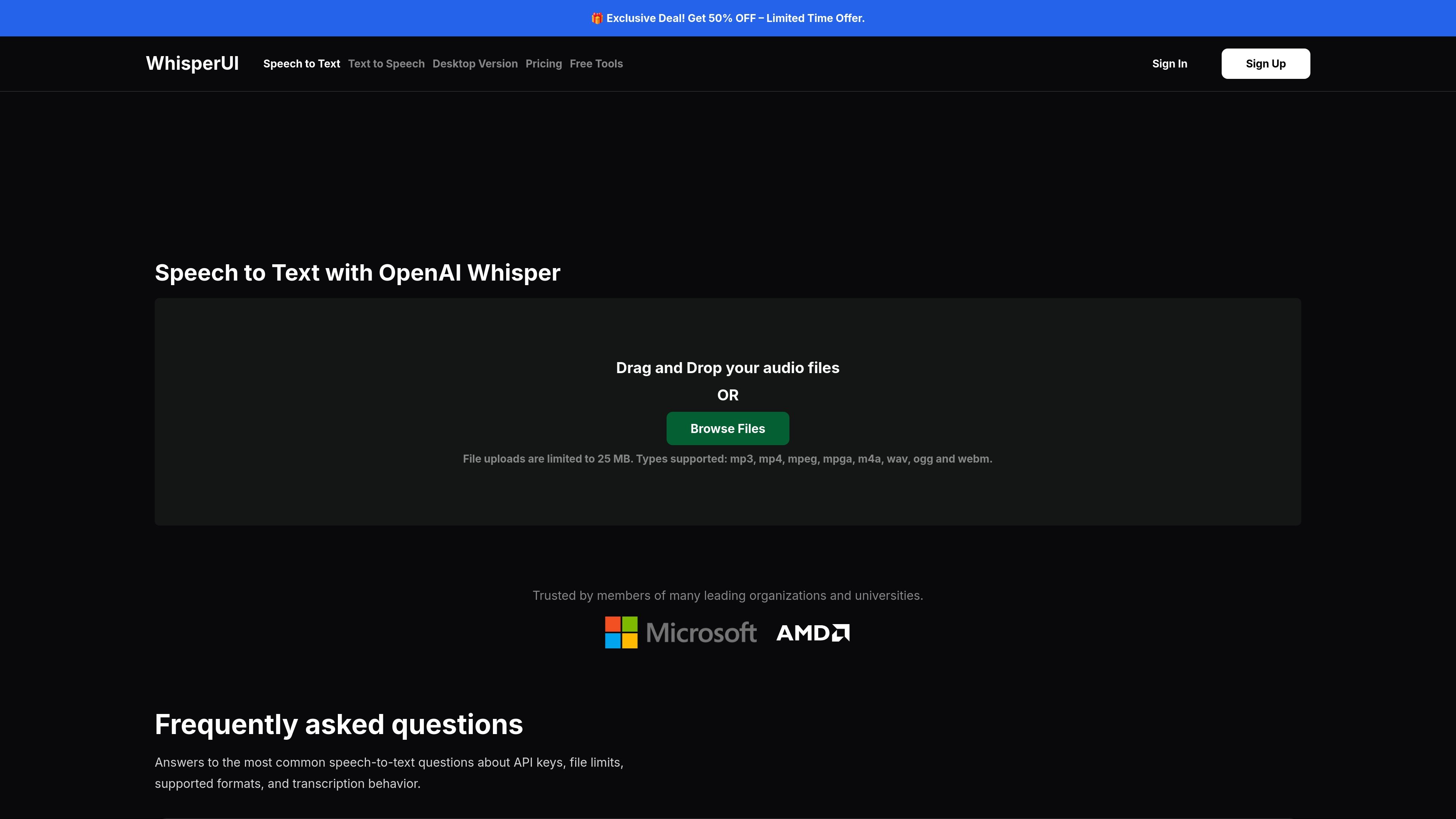
Web speech-to-text uploads
Upload audio through the web app by drag and drop or file browsing, then send it through OpenAI Whisper for transcription.

Web and desktop speech-to-text with OpenAI Whisper, TTS, subtitles, and free transcripts.
WhisperUI is a speech-to-text and text-to-speech product built around OpenAI models. Its core transcription flow lets you upload audio files in the browser, send them to OpenAI Whisper, and review the resulting text or subtitle output for download.
The product also includes a desktop app for local transcription on Windows and macOS, plus a set of free browser tools for converting transcript and subtitle formats, cleaning rough exports, and estimating transcript length. Pricing pages show both cloud and local workflows, with a paid subscription available for desktop access and cloud usage.
Upload audio through the web app by drag and drop or file browsing, then send it through OpenAI Whisper for transcription.
Export transcriptions as plain text and transform audio files into SRT subtitles from the speech-to-text workflow.
Use WhisperUI Desktop for local transcription with unlimited jobs, no file size limit, and no file duration limit.
Choose cloud transcription when you want browser-based processing, with limits that vary by plan.
Use the text-to-speech tool to generate speech from entered text with OpenAI voices and models.
Use the free browser tools to convert SRT, VTT, and TXT, clean rough transcripts, and estimate transcript length from audio duration.
Turn uploaded audio files into text for note-taking, review, or download through the browser-based WhisperUI transcription flow.
Convert transcripts into SRT subtitles or use the subtitle utilities to move between SRT, VTT, and TXT formats.
Run local transcription on a desktop machine when you want to keep processing on your own device and avoid browser-only constraints.
Use the desktop app for recurring long-form audio work such as podcasts, interviews, lectures, meetings, and large audio archives.
Generate speech from written text with the text-to-speech tool using OpenAI voices and supported audio outputs.
WhisperUI is free to use with some basic features, but you need a working OpenAI API key to use the app and pay OpenAI directly for usage tied to that key.
The premium features listed on the home page are multiple-file uploads, unlimited daily file uploads, and transforming audio files into SRT files.
WhisperUI stores your API key locally in your browser.
WhisperUI supports MP3, MP4, MPEG, MPGA, M4A, WAV, OGG, and WEBM for speech-to-text, and its text-to-speech tool supports MP3, AAC, and FLAC output.
WhisperUI Desktop is supported on Windows 10 and 11 and on macOS for both Intel and Apple Silicon, with a minimum of 4GB of RAM.
Traffic data is for reference only.

www.voicegecko.dev
VoiceGecko is a free, open-source desktop dictation app that runs speech recognition locally on your device, helping you transcribe speech without uploading transcripts to the cloud.

frigade.com
Yap is a free, open-source macOS dictation app that turns speech into text in any field you can type in, using on-device speech recognition and local transcript storage. No account, API key, telemetry, or network code.

spokenly.app
Spokenly is an AI dictation app for Mac, iPhone, and Windows that turns speech into text in any app. It supports free offline local models, cloud transcription through Pro or your own API keys, and more than 100 languages.

whisperai.nioleads.com
Whisper AI is a Chrome extension for speech-to-text and AI voice typing, helping you dictate, clean up, and format text for emails, notes, and translation.

happyscribe.com
HappyScribe turns audio and video into searchable text, subtitles, and translations in 150+ languages, with AI meeting notes and human-made workflows.

trans.xinpianchang.com
场辞 is a speech-to-text subtitle tool for creating, editing, styling, and exporting video captions.