
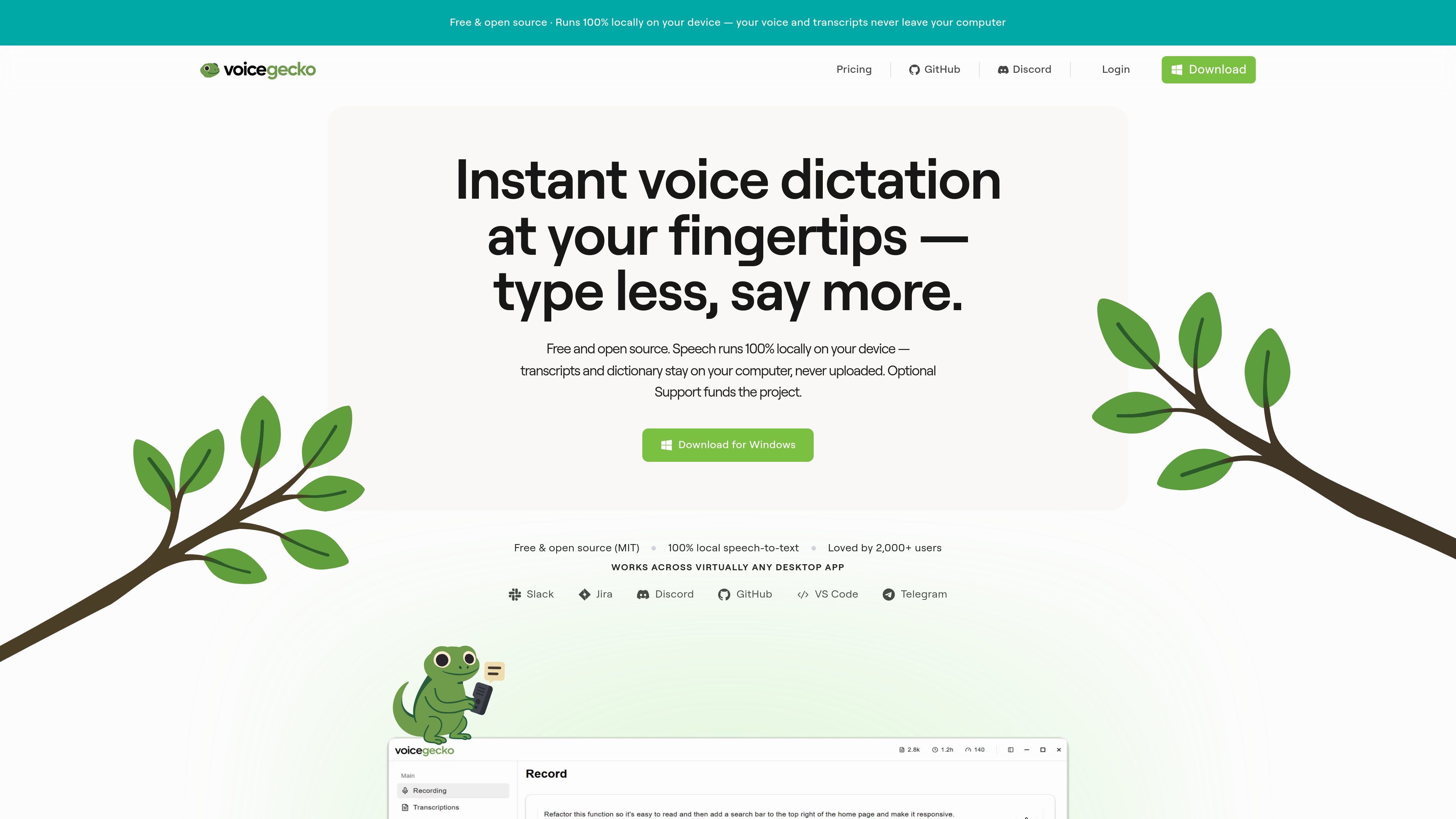
100% local speech recognition
Speech processing runs on your device rather than being uploaded to VoiceGecko servers. The site says transcripts stay local and audio is never uploaded.

VoiceGecko is a free, open-source desktop dictation app that runs speech recognition locally on your device, helping you transcribe speech without uploading transcripts to the cloud.
VoiceGecko is a free and open source desktop dictation product that converts speech to text locally on your device. The site describes it as a way to press a shortcut, speak, and get accurate text on your clipboard.
Its core purpose is to make dictation faster and more private than cloud-based speech tools. VoiceGecko says transcripts stay on your device, audio is processed locally, and no account is required to dictate.
Speech processing runs on your device rather than being uploaded to VoiceGecko servers. The site says transcripts stay local and audio is never uploaded.
The homepage says you can speak, stop processing, and get text ready on your clipboard or pasted directly where you are working.
VoiceGecko includes global keyboard shortcuts so you can start and stop dictation without switching away from the app you are using.
You can add your own words, names, or jargon so they are transcribed the way you want, and the dictionary stays on your machine.
Dictation history is saved in a searchable local SQLite database, which the site describes as staying on the device rather than syncing to the cloud.
The product is free and open source, with an optional $5.99 per month support plan that funds ongoing development but does not change the product itself.
Use the shortcut-driven workflow to turn speech into text in common desktop tools such as Slack, Discord, GitHub, Jira, and Telegram.
The site positions VoiceGecko for developers who want to speak detailed plans, edge cases, or architecture notes without typing them from scratch.
VoiceGecko is presented as a way to speak natural-language prompts for AI systems instead of spending time typing and revising them.
The custom dictionary is meant for names, product terms, SQL terms, and other vocabulary that users want transcribed consistently.
Yes. The pricing page says the full product is free and open source under the MIT license, with no word limits or locked features.
The support plan includes the same product as the free version. The site says it is an optional way to fund ongoing development.
Yes. The pricing FAQ says you can cancel anytime from your account billing settings and keep full access either way.
No. The site says speech recognition runs locally on your device and that audio and transcripts are not uploaded.
The download page clearly offers Windows, and it lists web, Android, Linux, macOS, and iOS as future platforms that users can vote for.
Traffic data is for reference only.

frigade.com
Yap is a free, open-source macOS dictation app that turns speech into text in any field you can type in, using on-device speech recognition and local transcript storage. No account, API key, telemetry, or network code.

whisperstream.io
Whisperstream is a Windows dictation app that transcribes speech locally and inserts the resulting text into compatible apps. It is designed for people who want push-to-talk voice input without sending microphone audio to a cloud transcription service.
spokenly.app
Spokenly is an AI dictation app for Mac, iPhone, and Windows that turns speech into text in any app. It supports free offline local models, cloud transcription through Pro or your own API keys, and more than 100 languages.

megaphone.kuber.studio
Megaphone is a Mac dictation app that combines live transcription, cleanup, and inline rewriting at the cursor. Free, private, and open source, it adds context-aware writing tools to the apps you already use.

whisperui.com
Web and desktop speech-to-text with OpenAI Whisper, TTS, subtitles, and free transcripts.

dictro.com
Dictro is a private AI dictation app for Mac that transcribes speech into polished text in any standard Mac text field. Keep the default workflow on-device, with optional cloud Fast Mode and local transcript history.