
On-device speech recognition
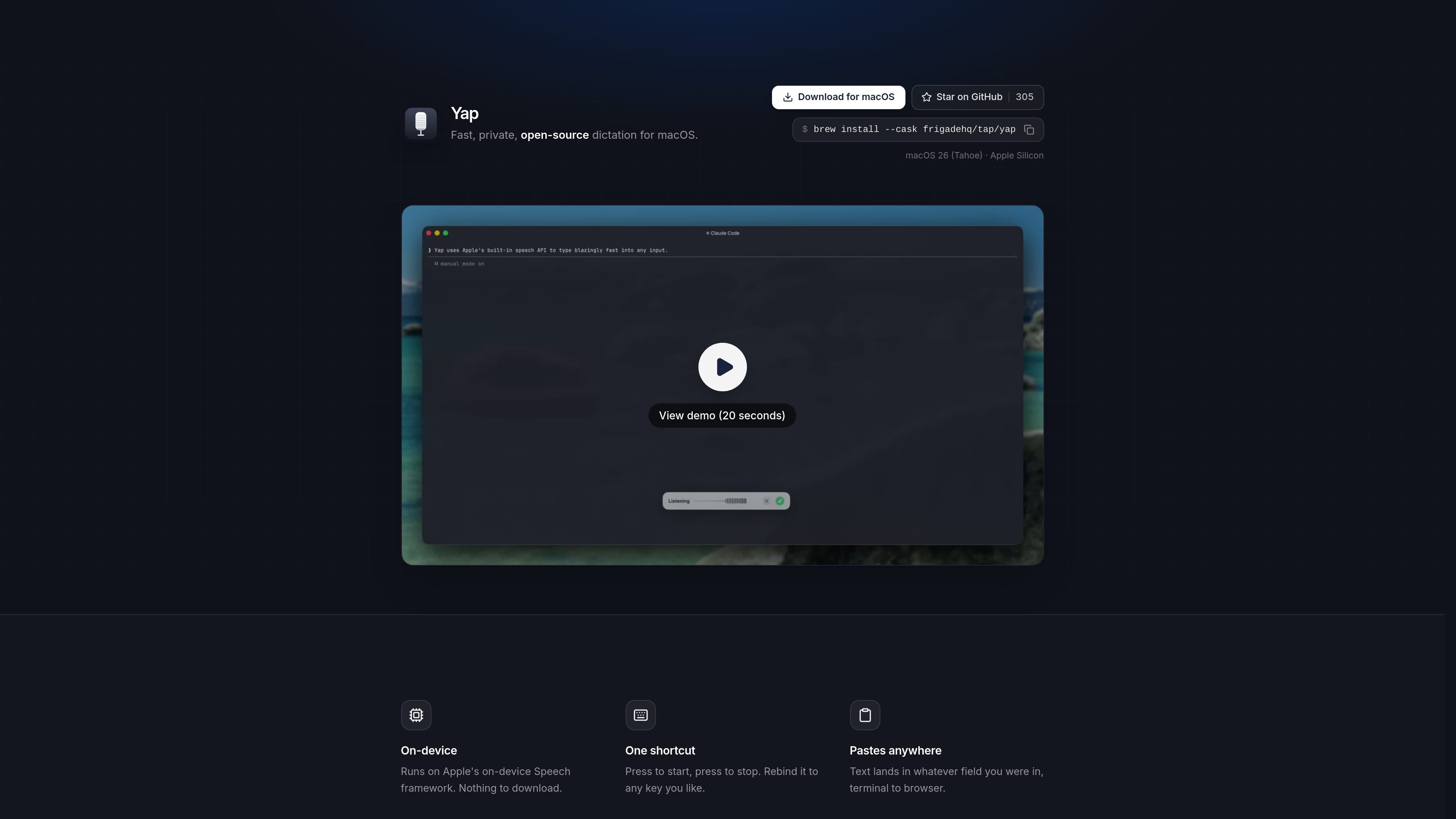
Yap uses Apple’s on-device Speech framework so dictation is processed locally on your Mac instead of sending audio to a server.

Yap is a free, open-source macOS dictation app that turns speech into text in any field you can type in, using on-device speech recognition and local transcript storage. No account, API key, telemetry, or network code.
Yap is a macOS voice dictation app that turns speech into text wherever you can type. It is built for people who want fast dictation without sending audio off their machine.
The product page describes Yap as private, free, and open source. It uses Apple’s on-device Speech framework, works offline, and pastes text directly into the field you were already using, from browser windows to terminal sessions.
The homepage emphasizes local control: there is no account, no API key, no telemetry, and no network code. Yap also saves transcripts on the Mac so past dictation remains searchable and reusable.
Frigade says it built Yap for its own daily use, including prompting coding agents, writing emails, and sending Slack messages, then open sourced it for others who want the same workflow on macOS.
Yap uses Apple’s on-device Speech framework so dictation is processed locally on your Mac instead of sending audio to a server.
Start recording and stop recording with a single hotkey. The shortcut can be rebound to a different key if needed.
The dictated text is pasted into the app or field you were already using, whether that is a browser, editor, terminal, or another text field.
Yap does not require an account or API key, and the page states that it has no telemetry and no network code.
Each transcript is stored locally on the Mac, making past dictation searchable and available for reuse.
Because it has no network code, Yap is designed to work offline as well as online.
Use Yap when you want to dictate faster than typing, but still keep the text inside the app you are already working in.
The page specifically mentions prompting coding agents and using a terminal, so Yap fits voice input for development workflows where you want local text insertion.
Frigade says it uses Yap for writing emails and firing off Slack messages, which makes it useful for short written communication on a Mac.
Because dictation is processed on-device and works offline, Yap is suitable when you want speech-to-text without network dependence, including travel or low-connectivity situations.
Saved local transcripts make Yap useful when you want to reuse previous dictated text instead of starting from scratch.
Yap uses Apple’s on-device Speech framework and runs entirely on your Mac. The page says there is no account, no API key, no telemetry, and no network code involved.
The page says Yap can paste text into whatever field you are in, from terminal to browser. It is designed to work anywhere you can type on macOS.
Yap starts and stops with one shortcut, and the shortcut can be rebound to any key you like.
Yes. Yap saves each transcript locally on your Mac, and the page says the history is searchable and ready to reuse.
The homepage describes Yap as free and open source. It also shows installation options for macOS, including a download button, GitHub, and Homebrew.
Traffic data is for reference only.

dictro.com
Dictro is a private AI dictation app for Mac that transcribes speech into polished text in any standard Mac text field. Keep the default workflow on-device, with optional cloud Fast Mode and local transcript history.

www.voicegecko.dev
VoiceGecko is a free, open-source desktop dictation app that runs speech recognition locally on your device, helping you transcribe speech without uploading transcripts to the cloud.
spokenly.app
Spokenly is an AI dictation app for Mac, iPhone, and Windows that turns speech into text in any app. It supports free offline local models, cloud transcription through Pro or your own API keys, and more than 100 languages.

www.epilude.com
Epilude is a Mac voice productivity suite that turns speech into formatted text in any app. It includes dictation cleanup, tone matching, custom vocabulary, shortcuts, and a local mode that keeps audio and text on your Mac.

wisprflow.ai
Wispr Flow is a cross-platform voice dictation tool that turns speech into polished text across Mac, Windows, iPhone, and Android apps, with workflows for individuals and team and admin features for business.

megaphone.kuber.studio
Megaphone is a Mac dictation app that combines live transcription, cleanup, and inline rewriting at the cursor. Free, private, and open source, it adds context-aware writing tools to the apps you already use.