
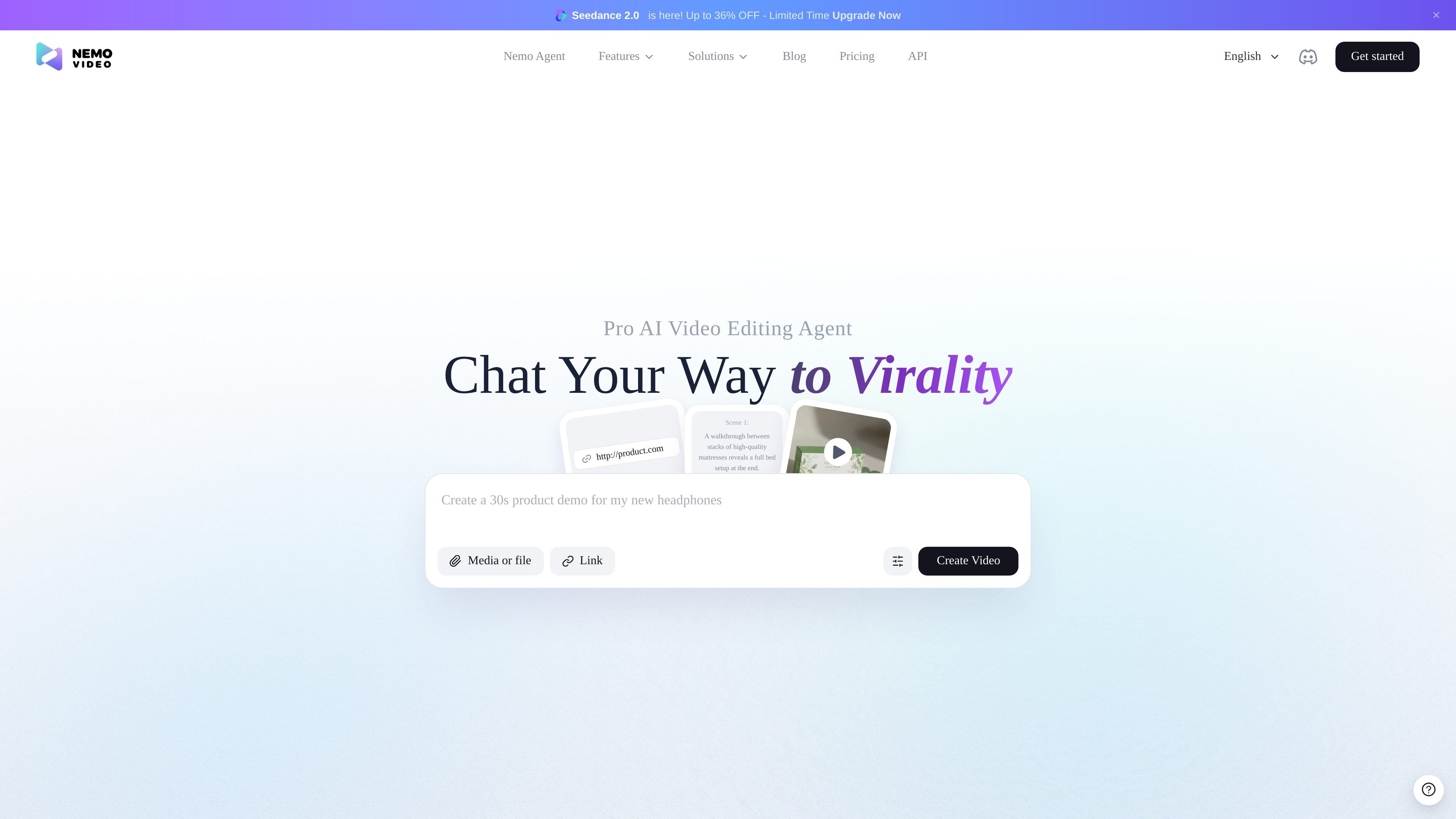
Chat-based editing workflow
Describe the edit you want in plain language and the agent is positioned to handle the workflow end to end, rather than requiring manual timeline work.

NemoVideo is an AI video editing agent for plain-language edits, scripting, trend analysis, and video generation, with free and credit-based paid plans.
NemoVideo is an AI video editing agent that turns natural-language prompts into editing and generation tasks. Across the homepage, pricing page, and workspace, the product is presented as a chat-driven assistant for creators who want to produce videos without working directly in complex editing software.
The core workflow is simple: describe the change you want, let the agent handle the editing steps, and use the product to search for viral inspiration, write scripts, generate or refine clips, and prepare content for publication. The source pages position it around short-form and social video creation, with examples ranging from talking-head edits to product showcases and stylized scene prompts.
Describe the edit you want in plain language and the agent is positioned to handle the workflow end to end, rather than requiring manual timeline work.
The homepage says the agent can hunt viral videos, analyze trends, and recreate winning patterns for inspiration and planning.
The product supports writing scripts from prompts, including a dedicated example for generating a viral script.
The source pages show examples for cutting silence, removing filler words, adding captions, inserting b-roll, applying transitions, and checking the video for remaining issues.
The pricing page says Free and paid plans can produce at least two video outputs and support multi-language compatibility.
The workspace page shows prompt starters for editing product showcases and talking-head videos, which suggests a guided setup for common creator workflows.
Use NemoVideo when you want to turn a rough idea into an edited video by telling the agent what to cut, add, or refine in plain language.
Use the trend-search and analysis workflow when you need inspiration from viral content before creating a new piece of short-form video.
Use the scripting workflow when you need a faster starting point for social content and want the agent to generate or refine a script before production.
Use the prompt starters for product showcases or talking-head videos when you already know the format and want a guided path into the edit.
Use the generation and post-production workflow when you need multiple outputs, language variation, or a quicker path from prompt to publishable content.
NemoVideo is an AI video editing agent that lets you describe edits in plain language and have the system carry out the workflow for you. The homepage and workspace pages show examples such as cutting silence, removing filler words, adding captions, generating scripts, and editing talking-head or product videos.
The pricing page shows a Free plan and paid Starter and Pro plans. The Free plan includes 100 credits, while Starter and Pro add more monthly credits and features such as export without watermark and pay-as-you-go options.
The source pages show chat-driven editing, viral video search and analysis, scripting, and video generation. They do not provide detailed integration documentation, so any external platform support should be checked directly on the site before relying on it.
The workspace page presents prompt-based starting points for tasks like editing a product showcase, generating a viral script, linking a script, and editing a talking-head video. That suggests it is designed for both solo creators and anyone producing short-form content who wants a conversational workflow.
The pricing page includes an FAQ area that references credits, failed generations, adding credits separately, credit validity, cancellation and refunds, legacy subscriber migration, and confirmation prompts from the AI agent. The exact policy details are not included in the rendered text, so they should be verified on the pricing page or with support.
Traffic data is for reference only.

cybercut.ai
CyberCut is an AI-powered web video editor that turns footage or scripts into polished videos with less manual work, supporting natural-language editing, long-to-short conversion, and script-to-video workflows.

diffusion.studio
Diffusion Studio is a browser-based video editor with an infinite canvas, timeline editing, AI-assisted workflows, and 4K exports. Its free plan offers unlimited projects, no watermark, and commercial use.

www.supercut.cc
Supercut is a private AI video editor that runs in a browser or desktop app, letting creators describe edits such as trimming, reframing, captioning, color grading, and audio cleanup in plain English. It also includes a multitrack timeline and screen recorder for local video workflows.

openchatcut.com
OpenChatCut is a free, open-source, local-first video editor for conversational, AI-assisted editing on a real multitrack timeline. Turn prompts into editable cuts while keeping projects, exports, and timeline changes under your control.

usenarrative.ai
Narrative is an AI-first video editor that turns plain-language edit requests and uploaded footage into a timeline draft. It is designed for creators and production teams who want to find shots, assemble cuts, and continue refining the result in an editor.

www.arsaze.com
Arsaze is a multi-track video editor for manual editing and AI-assisted workflows. Users can connect Claude, ChatGPT, or Grok over MCP so an AI agent can operate the same timeline, while exports are available through the cloud or the Windows app.