
AI inbox organization
Use the AI Assistant to organize your inbox, identify important messages and action items, and sweep away lower-priority mail.

Shortwave is an AI email app for organizing, writing, searching, scheduling, and automating inbox work, with desktop and mobile apps and a 14-day free trial.
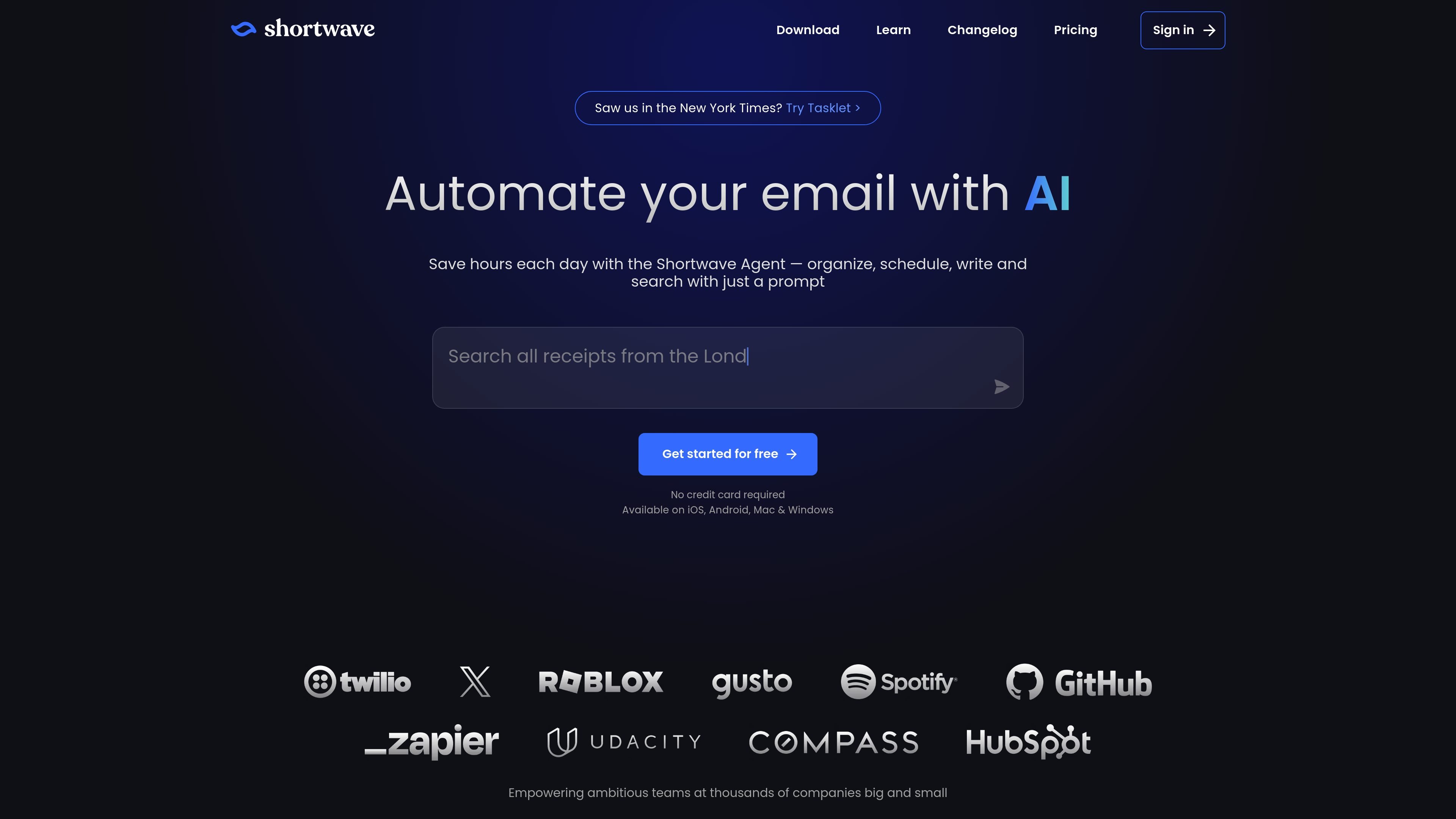
Shortwave is an AI email app designed to help individuals and teams organize, write, search, schedule, and automate email workflows from a single inbox. The product centers on a prompt-driven assistant that can handle common inbox tasks and surface information from messages, attachments, and team email history.
The site positions Shortwave as a productivity-focused replacement for a more manual inbox workflow, with features for splitting inboxes into tabs, bundling lower-priority mail, creating todos from messages, and collaborating through shared threads and labels. It is available on iOS, Android, Mac, and Windows, and the pricing page shows Business, Premier, and Max plans with a 14-day free trial.
Use the AI Assistant to organize your inbox, identify important messages and action items, and sweep away lower-priority mail.
Ask the assistant to draft replies, improve writing, and learn your style from the emails you send so messages sound like you.
Search by natural-language prompt or Gmail-style filters, then use the assistant to analyze email history and attachments for answers.
Set up custom AI filters and triggers to label, archive, delete, star, or draft replies based on plain-English instructions.
See your schedule, accept or reject invites, create calendar events, and send scheduling emails without leaving the inbox.
Share threads, comments, labels, snippets, and prompts with teammates for real-time collaboration on the same inbox work.
Use the assistant to sort incoming mail, surface action items, and apply custom AI filters so routine inbox maintenance takes less manual work.
Draft replies, improve wording, and keep a consistent tone by letting the assistant learn from your sent mail and write in your style.
Search across emails and attachments to find specific facts, answer questions, or analyze team email history without manually opening every thread.
Coordinate schedules by asking the assistant to check availability, create calendar events, and draft scheduling emails.
Work on the same threads with teammates by sharing conversations, adding private comments, assigning owners, and maintaining shared labels or prompts.
Shortwave is a desktop and mobile email app available on iOS, Android, Mac, and Windows. The site also offers a downloadable app and supports multiple Gmail accounts.
Shortwave’s AI Assistant can organize inboxes, summarize messages, search mail and attachments, draft or enhance replies, and help schedule meetings and emails from a prompt.
The pricing page shows Business, Premier, and Max plans, plus a 14-day free trial. The site also says you can start for free and upgrade when you are ready.
Shortwave supports team workflows with shared threads, private comments, assignees, shared labels, and shared prompts or templates.
Shortwave says customer data is stored in Google Cloud, encrypted at rest and in transit, and that its security program includes CASA Tier 2 compliance and annual audits.