
Messaging channels
Build in-app messaging with private 1:1 chat, group chat, large-group chat, and public group chat options.

Sendbird is an AI customer experience platform for enterprises, with chat messaging, in-app support, moderation, and AI-assisted customer interactions.
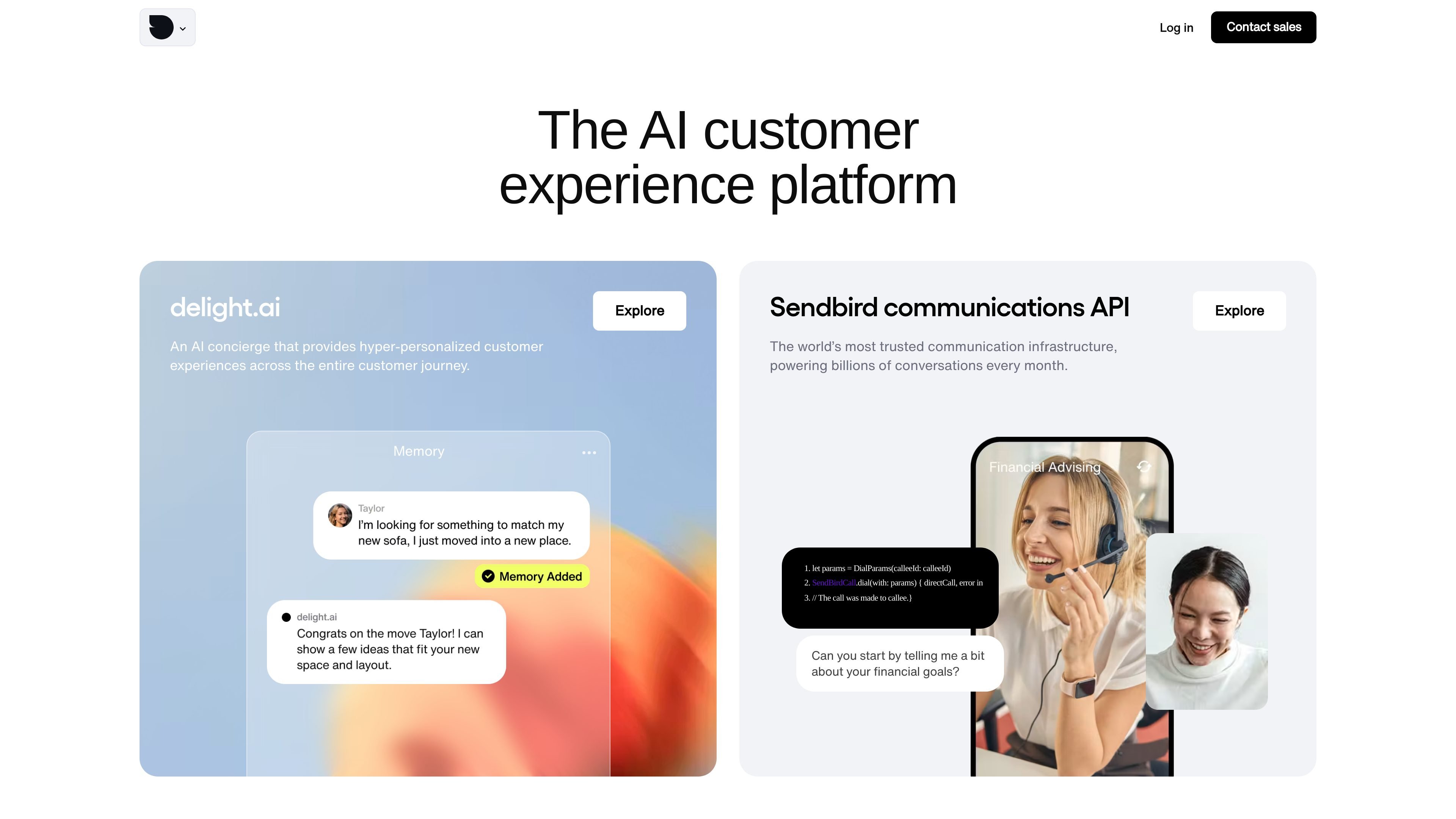
Sendbird is an AI customer experience platform for enterprises, with products for chat messaging, customer support, content moderation, and AI concierge use cases. The site positions it as infrastructure and software that teams integrate into apps, websites, and support workflows rather than a standalone end-user app.
The chat product is described as a chat API with SDKs and UI kits for building custom messaging apps and deploying AI agents. The support product adds in-app customer support chat, agent tooling, and AI-assisted replies, while the moderation product focuses on managing chat safety and community content.
Build in-app messaging with private 1:1 chat, group chat, large-group chat, and public group chat options.
Support richer conversation flows with typing indicators, read receipts, delivery receipts, reactions, mentions, pinned messages, and unread counts.
Add media and engagement options such as audio, video, images, GIFs, files, structured message templates, scheduled messages, polls, and translation.
Moderate conversations with a dashboard, auto image moderation, profanity and domain filters, user reporting, blocking, bans, mutes, throttling, spam flood protection, and channel controls.
Track usage and retrieve message data through analytics dashboards, advanced analytics, data export, and a message retrieval API.
Use developer tools and UI kits to build faster across web and mobile frameworks, including React, React Native, Flutter, Swift, SwiftUI, Kotlin, and Jetpack Compose.
Teams building custom messaging experiences can use Sendbird Chat to add private conversations, group chat, media sharing, delivery/read signals, and translation while keeping control over the app experience.
Support teams can use Sendbird Desk to route tickets, manage conversations in an agent dashboard, and use AI responses, summarization, and tone adjustment to handle customer inquiries more efficiently.
Community operators can use the moderation tools to manage user-generated chat with filters, reporting, user controls, spam protection, and moderation logs.
Product teams that need richer conversation features can use engagement tools like polls, announcements, pinned messages, and scheduled messages to support collaboration and retention.
Organizations exploring AI-assisted customer experiences can use the platform’s AI concierge and AI support features as part of broader customer communication workflows.
Sendbird’s chat product is built for custom messaging apps and websites, with SDKs and UI kits for React, React Native, Flutter, Swift, SwiftUI, Kotlin, and Jetpack Compose.
The customer support product combines an in-app support chat API, an agent dashboard, and AI support-agent features for customer service teams.
The moderation product is designed for chat moderation in online communities, combining moderation tools with rule-based workflows and logs.
The pricing page was not fully rendered in the collected source, so the evidence only confirms a pricing page exists; it does not show plan names, pricing levels, or limits.
The source highlights developer docs, chat demos, tutorials, server status, and UI kits, suggesting the products are intended to be integrated into apps rather than used as standalone consumer tools.