
Multiple input methods
Upload files, drag and drop them into the converter, or paste an image URL to start OCR from the browser.

Image to Text is a free web OCR tool that converts images and PDFs into editable text with upload, drag-and-drop, URL input, batch processing, and formatted text mode.
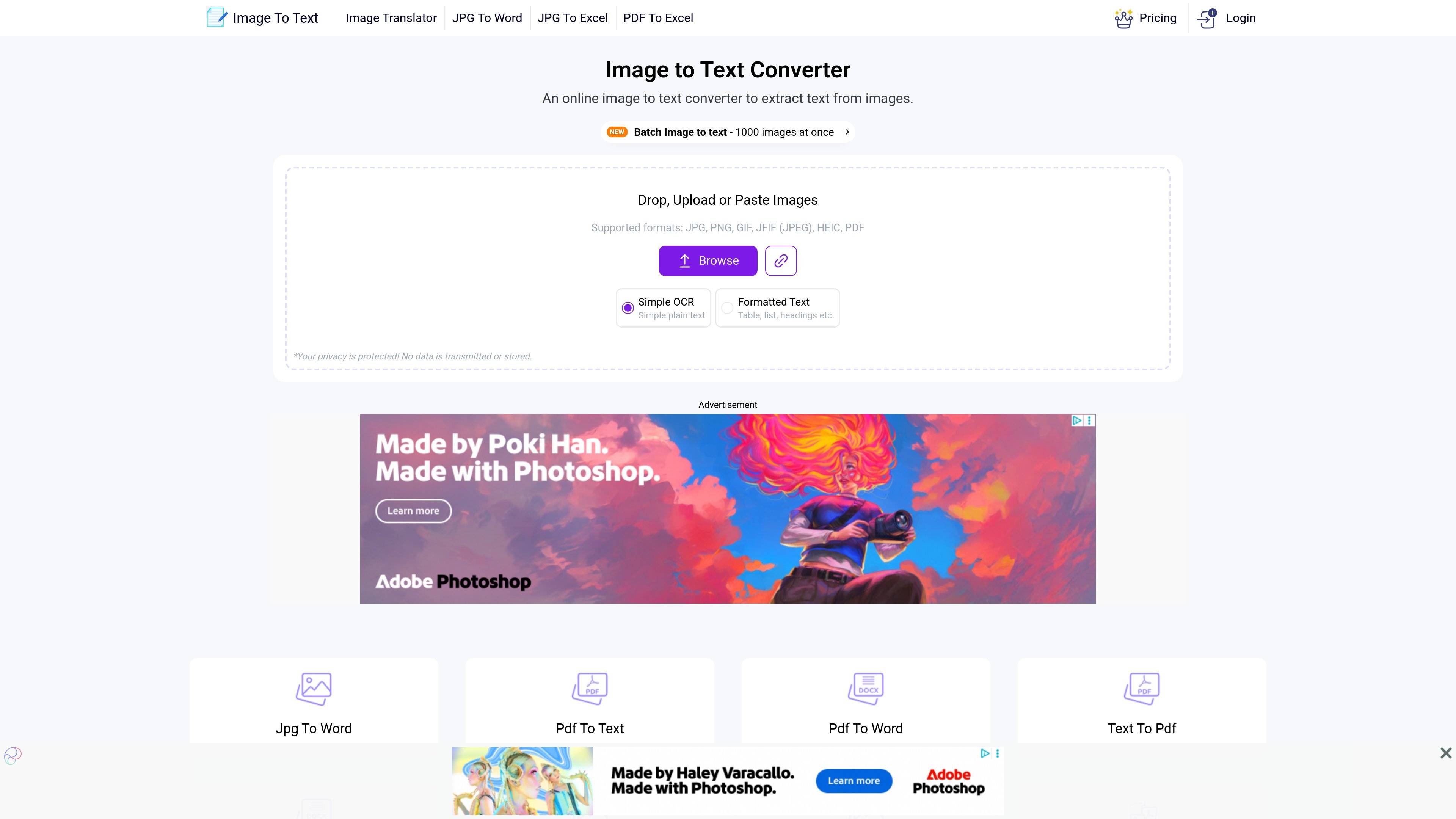
Image to Text is an online OCR tool for extracting text from images and other uploaded files directly in the browser. The home page presents it as a free service that can handle single images, batch image uploads, and image-to-text conversion from pasted inputs or URLs.
The core workflow is simple: upload a file, paste an image link, or drag and drop content, then run OCR and copy or download the extracted text. The site also offers a formatted-text mode alongside a simple plain-text mode, so it can be used for quick text capture as well as layout-aware extraction from documents, notes, screenshots, and similar files.
The product site also includes related converters such as PDF to Text and batch image-to-text tools, plus premium plans for higher-volume usage. Those paid plans add larger submission limits, faster processing tiers, and broader workflow options for users who need more than the free browser tool provides.
Upload files, drag and drop them into the converter, or paste an image URL to start OCR from the browser.
Convert a single image or use the batch workflow for large sets of files, with a home-page claim of up to 1,000 images at once.
Choose between simple OCR plain text and a formatted text mode that aims to preserve layout elements such as tables, lists, and headings.
The site says the service is powered by Tesseract OCR and supports multiple languages, including English, Spanish, French, German, Japanese, Chinese, and Arabic.
After conversion, the site provides options to copy the result to the clipboard or download it as a text file, with additional format options shown on supported pages.
The home page states that uploads are not transmitted or stored, indicating a privacy-focused workflow.
Turn screenshots, photos of signs, or camera captures into editable text when you need a fast copy-ready result.
Convert class notes, scanned handwriting, or paper documents into digital text for later editing and sharing.
Process many files in one session when you need to handle a larger OCR job instead of converting images one by one.
Use the formatted-text mode when the source contains tables, headings, or list-like structure that should be kept more readable.
Work with related OCR tools on the site, such as PDF to Text, when the source material is a PDF rather than a standalone image.
Yes. The site describes Image to Text as a free online OCR tool, and the home page says you can upload, drag and drop, or paste an image to extract text without registration.
The home page says the tool supports JPG, PNG, GIF, JFIF (JPEG), HEIC, PDF, and also mentions TIFF and other common image formats in its copy.
The tool offers a plain text mode and a formatted text mode. The rendered pages also show download options such as text file output, HTML, and Markdown on supported workflows.
Yes. The home page says batch image to text supports up to 1,000 images at once, while the premium page shows paid plans with higher submission and batch limits.
The home page says privacy is protected and that no data is transmitted or stored. The PDF-to-text page repeats the same claim for that workflow.