
Multiple input methods
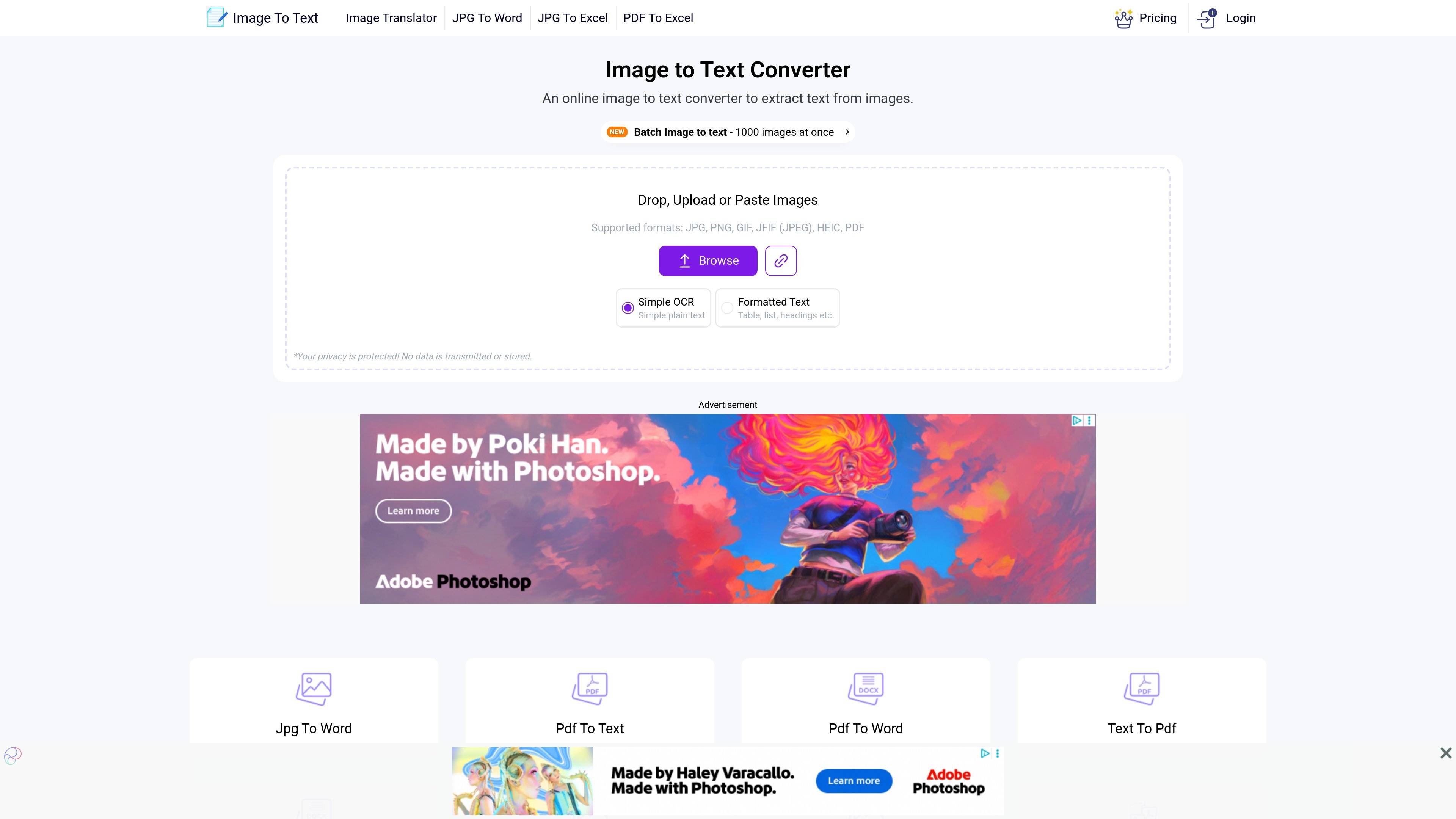
Upload files, drag and drop them into the converter, or paste an image URL to start OCR from the browser.

Image to Text is a free web-based OCR tool that converts images and PDFs into editable text with upload, drag-and-drop, URL, batch, and formatted-text support.
Image to Text is an online OCR tool for extracting text from images and other uploaded files directly in the browser. The home page presents it as a free service that can handle single images, batch image uploads, and image-to-text conversion from pasted inputs or URLs.
The core workflow is simple: upload a file, paste an image link, or drag and drop content, then run OCR and copy or download the extracted text. The site also offers a formatted-text mode alongside a simple plain-text mode, so it can be used for quick text capture as well as layout-aware extraction from documents, notes, screenshots, and similar files.
The product site also includes related converters such as PDF to Text and batch image-to-text tools, plus premium plans for higher-volume usage. Those paid plans add larger submission limits, faster processing tiers, and broader workflow options for users who need more than the free browser tool provides.
Upload files, drag and drop them into the converter, or paste an image URL to start OCR from the browser.
Convert a single image or use the batch workflow for large sets of files, with a home-page claim of up to 1,000 images at once.
Choose between simple OCR plain text and a formatted text mode that aims to preserve layout elements such as tables, lists, and headings.
The site says the service is powered by Tesseract OCR and supports multiple languages, including English, Spanish, French, German, Japanese, Chinese, and Arabic.
After conversion, the site provides options to copy the result to the clipboard or download it as a text file, with additional format options shown on supported pages.
The home page states that uploads are not transmitted or stored, indicating a privacy-focused workflow.
Turn screenshots, photos of signs, or camera captures into editable text when you need a fast copy-ready result.
Convert class notes, scanned handwriting, or paper documents into digital text for later editing and sharing.
Process many files in one session when you need to handle a larger OCR job instead of converting images one by one.
Use the formatted-text mode when the source contains tables, headings, or list-like structure that should be kept more readable.
Work with related OCR tools on the site, such as PDF to Text, when the source material is a PDF rather than a standalone image.
Yes. The site describes Image to Text as a free online OCR tool, and the home page says you can upload, drag and drop, or paste an image to extract text without registration.
The home page says the tool supports JPG, PNG, GIF, JFIF (JPEG), HEIC, PDF, and also mentions TIFF and other common image formats in its copy.
The tool offers a plain text mode and a formatted text mode. The rendered pages also show download options such as text file output, HTML, and Markdown on supported workflows.
Yes. The home page says batch image to text supports up to 1,000 images at once, while the premium page shows paid plans with higher submission and batch limits.
The home page says privacy is protected and that no data is transmitted or stored. The PDF-to-text page repeats the same claim for that workflow.
Traffic data is for reference only.

www.browseract.com
BrowserAct is a no-code AI web scraping and browser automation platform that builds reusable Bots from plain-language data requests. It helps teams collect structured, refreshed web data in the cloud or give local AI agents a browser layer for web tasks.

starterbuild.com
Page to Markdown is a free Chrome extension that converts webpages or selected content into clean, usable Markdown. It is designed for notes, documentation, research, AI tools, and coding workflows.

microsoft.github.io
GraphRAG is a research project and data pipeline for extracting structured information from unstructured text with language models, then using graph-based context to support question answering over private data.

www.llamaindex.ai
LlamaParse is an AI document parsing platform that converts complex PDFs, office files, spreadsheets, images, and other documents into structured, AI-ready data. It is designed for developers and enterprise teams building retrieval, extraction, and document automation workflows.

python.useinstructor.com
Instructor is a developer library for extracting structured, validated data from large language models. It uses Pydantic schemas, automatic retries, streaming, and a consistent interface across cloud, local, and routed LLM providers.

upstage.ai
Upstage AI offers document processing and large language models for converting complex files, extracting structured data, and automating workflows via API, Studio, AWS Marketplace, or on-prem deployment.