
Core photo editing tools
Make common edits in the browser, including brightness, contrast, exposure, color adjustments, and crop/resize tools.

Fotor is an online photo editor and design platform that combines manual editing tools with AI features for enhancement, background removal, image generation, and collage creation. It supports browser-based editing and offers free and paid plans.
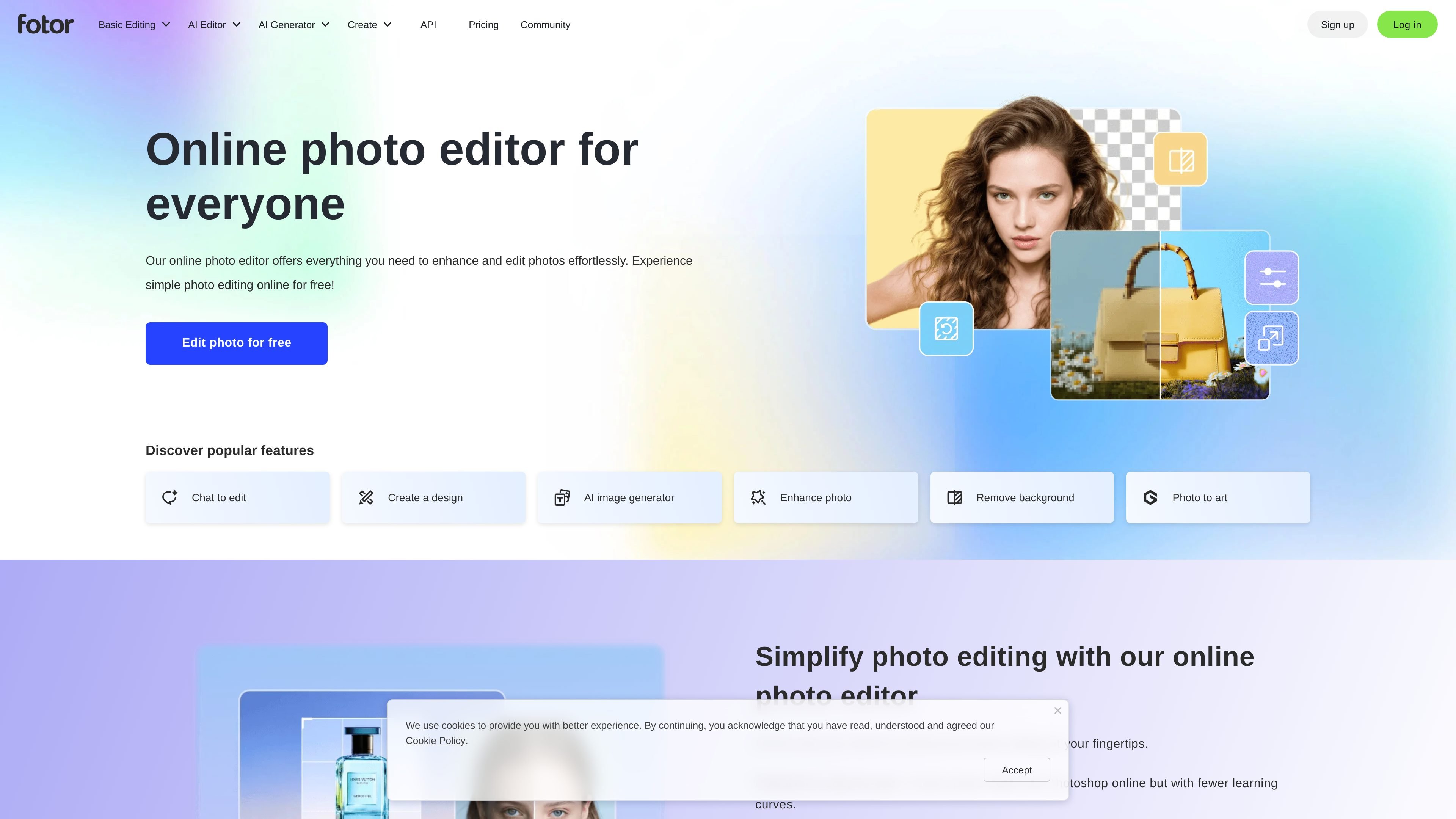
Fotor is an online photo editor and image design platform from fotor.com. It combines standard photo editing controls with AI tools for enhancement, background removal, object removal, image generation, and other image transformations.
The product is positioned for people who want to edit photos quickly in a browser, use templates or collage layouts, and optionally move into paid plans for higher limits, watermark-free exports, more storage, and additional AI usage. The site also presents the service as available on web, desktop, and mobile app surfaces.
Make common edits in the browser, including brightness, contrast, exposure, color adjustments, and crop/resize tools.
Improve image quality with one-click enhancement, unblur, upscale, and retouch-related AI tools.
Remove or replace backgrounds and unwanted objects, including background removal, object removal, and cutout tools.
Generate or transform visuals with text to image, AI replace, AI expand, and AI avatar tools.
Build layouts with templates, stock photos, stickers, icons, fonts, and collage grids.
Process multiple files at once with batch editing for bulk image updates.
Quickly crop, adjust, add text, and apply effects to photos for social posts, presentations, or general publishing.
Remove backgrounds, erase unwanted objects, and refine portraits using AI tools when a photo needs a cleaner finish.
Create posters, collages, or social graphics using templates, stock assets, stickers, icons, and fonts.
Edit multiple photos in one session with batch tools when the same changes need to be applied across a set of images.
Generate new imagery or transform existing photos with text-to-image, AI replace, and AI expand workflows.
Yes. The site says Fotor offers a free plan and lets users edit photos online without signing up first in the browser-based editor flow, with additional features available on paid plans.
You can upload a photo, make adjustments such as lighting, color, effects, text, stickers, and frames, then download the result in JPG, PNG, or PDF formats.
Fotor supports a mix of manual tools and AI features, including photo enhancement, background removal, object removal, image generation, AI replacement, and image expansion.
The source shows Fotor for web and mentions desktop and mobile app support, plus cloud storage and device sync on paid plans.
The pricing page shows separate offerings for Fotor Basic, Pro, and Pro+, along with AI headshot and API plan sections, but the public evidence here does not fully describe team workflows or every plan limit.