

Core photo editing tools
Make common edits in the browser, including brightness, contrast, exposure, color adjustments, and crop/resize tools.
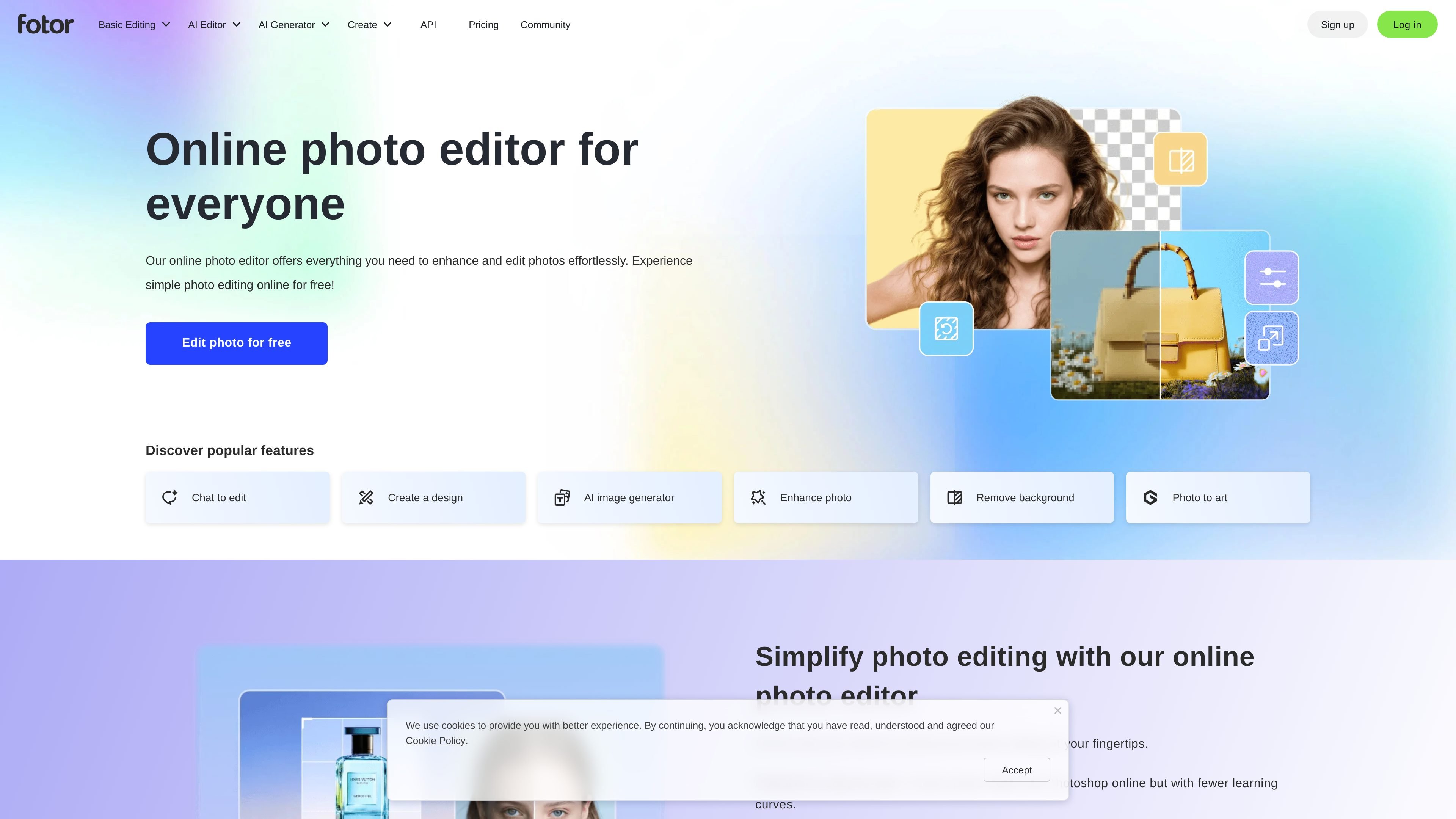
Fotor is an online photo editor and image design platform from fotor.com. It combines standard photo editing controls with AI tools for enhancement, background removal, object removal, image generation, and other image transformations.
The product is positioned for people who want to edit photos quickly in a browser, use templates or collage layouts, and optionally move into paid plans for higher limits, watermark-free exports, more storage, and additional AI usage. The site also presents the service as available on web, desktop, and mobile app surfaces.
Make common edits in the browser, including brightness, contrast, exposure, color adjustments, and crop/resize tools.
Improve image quality with one-click enhancement, unblur, upscale, and retouch-related AI tools.
Remove or replace backgrounds and unwanted objects, including background removal, object removal, and cutout tools.
Generate or transform visuals with text to image, AI replace, AI expand, and AI avatar tools.
Build layouts with templates, stock photos, stickers, icons, fonts, and collage grids.
Process multiple files at once with batch editing for bulk image updates.
Quickly crop, adjust, add text, and apply effects to photos for social posts, presentations, or general publishing.
Remove backgrounds, erase unwanted objects, and refine portraits using AI tools when a photo needs a cleaner finish.
Create posters, collages, or social graphics using templates, stock assets, stickers, icons, and fonts.
Edit multiple photos in one session with batch tools when the same changes need to be applied across a set of images.
Generate new imagery or transform existing photos with text-to-image, AI replace, and AI expand workflows.
Yes. The site says Fotor offers a free plan and lets users edit photos online without signing up first in the browser-based editor flow, with additional features available on paid plans.
You can upload a photo, make adjustments such as lighting, color, effects, text, stickers, and frames, then download the result in JPG, PNG, or PDF formats.
Fotor supports a mix of manual tools and AI features, including photo enhancement, background removal, object removal, image generation, AI replacement, and image expansion.
The source shows Fotor for web and mentions desktop and mobile app support, plus cloud storage and device sync on paid plans.
The pricing page shows separate offerings for Fotor Basic, Pro, and Pro+, along with AI headshot and API plan sections, but the public evidence here does not fully describe team workflows or every plan limit.
トラフィックデータは参考情報としてご利用ください。

upsampler.com
Upsamplerは、1つのワークスペースで画像や動画の生成・編集・高解像度化を行えるオンラインAIプラットフォームです。クレジット従量課金で、全プランに完全なAPIアクセスと商用利用ライセンスが含まれます。

photoeraser.app
背景除去、不要な物体の消去、写真補正に対応するWebベースのAI写真編集ツール

ifoto.ai
背景除去、補正、クリーンアップ、復元、商品撮影に対応するWebベースのAI写真編集ツール。

pfpmaker.com
PFPMakerは、セルフィーからプロフェッショナルまたはクリエイティブなプロフィール写真を作成するWebベースのAIツールです。背景削除やスタイリング、プレミアム編集にも対応します。

playyy.ai
Playyyは、テキストからビジュアルを作成できるAI画像エディター兼画像生成ツールです。自由に編集できるキャンバスでの編集、背景の削除、ブランドイメージに沿ったマーケティング素材の作成に対応します。画像の生成から修正までを一つのワークフローで行いたいクリエイター、マーケター、ECチーム向けです。

deeparteffects.com
Deep Art AIは、AIで画像を生成・変換・高品質化できるWeb、デスクトップ、モバイルツールを提供し、ローカル実行とAPI/SDK連携にも対応します。